 TryOn

Let the movement finish
Fifteen seconds is long enough to complete a camera move. A camera still travelling on the last frame looks cut off the moment the clip loops, which is the most common flaw in long Wan takes.
1 free try-on, 1 free video and 1 free image every day — no sign-up neededSee what's free
Wan is Alibaba’s video family and the one that made long takes normal: 3.0 and 3.0 Prime render up to fifteen seconds, 2.6 is the pro-level middle route, and 2.6 Flash is the budget option for image to video. Every one of them carries synchronized audio.
Log in to create and keep your videos.
The same model runs in both video studios: start from a photo here, or switch to the text studio and write the shot instead. Text to video
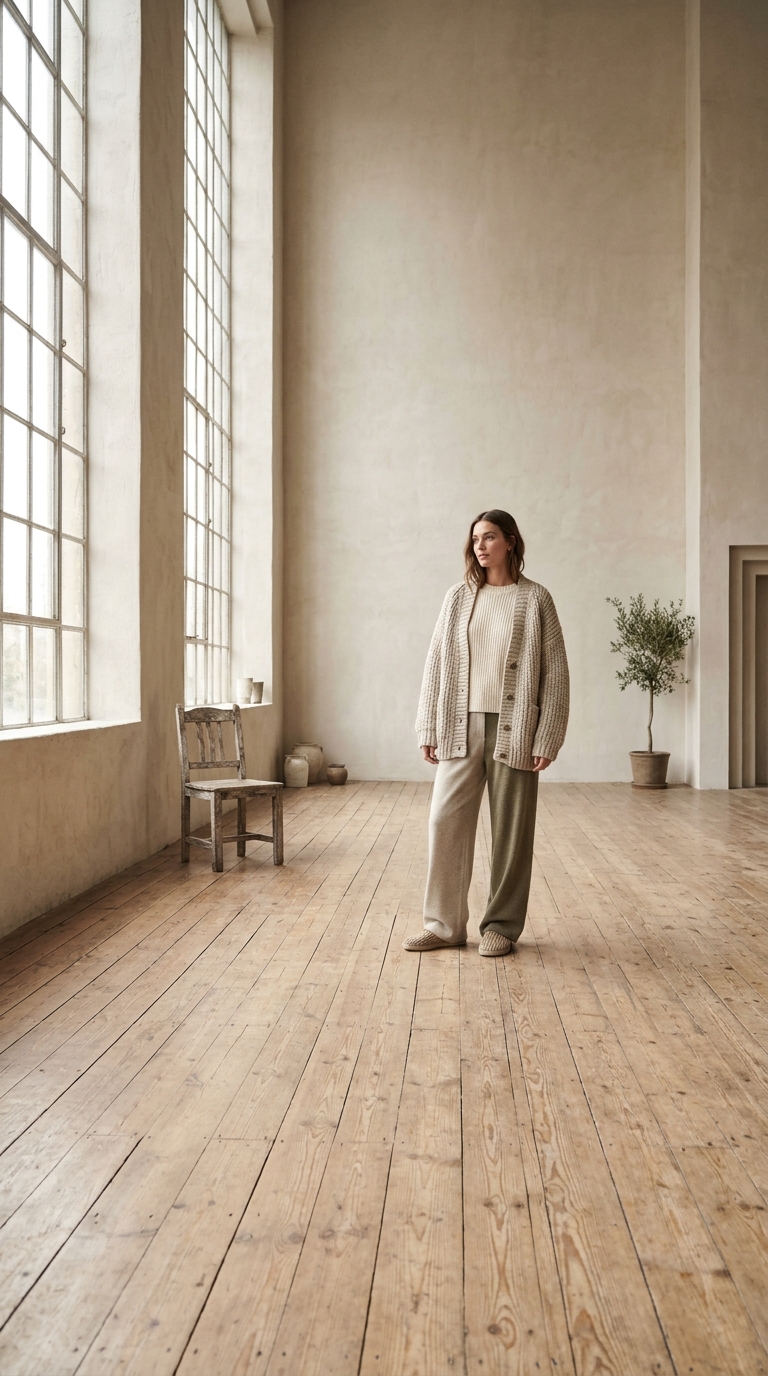
Wan runs up to fifteen seconds, so the first frame needs room for the camera to keep moving. Wide framing with visible foreground and background is what makes a long take feel like footage instead of a loop.
Fifteen seconds holds a beginning, a turn and a settle. Wan 3.0 follows a written beat sheet, so use the length: describe what happens at second one, second six and second fourteen instead of one static action.
Wan 3.0 and 3.0 Prime for the finished take, 2.6 when the budget is tighter, 2.6 Flash for iteration on image to video only. Every route generates synchronized audio with the picture.
Wan is the long-take model: fifteen seconds, sound included, and a brief that can span more than one action without losing the plot.
 Headroom, floor and a horizon.
Leave headroom above the subject and floor beneath it. A long take travels, and a photo cropped tight at the shoulders has nowhere to go once the camera starts moving at second three.
 Beat one, beat two, settle.
Open with what is in frame, put the turn at second six, end with where the camera settles. Wan 3.0 keeps that structure together, which is the whole reason to write a longer prompt here.
A fifteen second take with sound covers dialogue beats, product reveals and walk-throughs that the six second models cut off halfway.
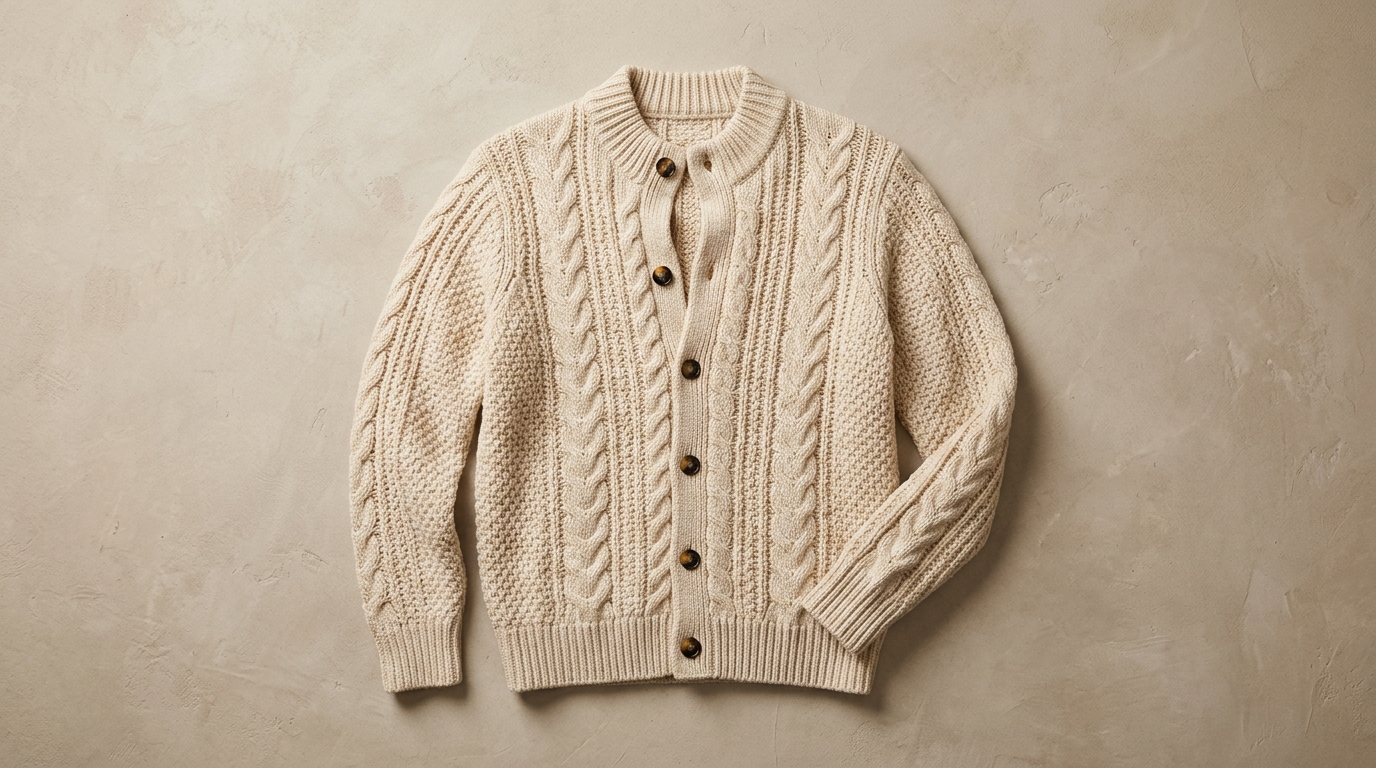
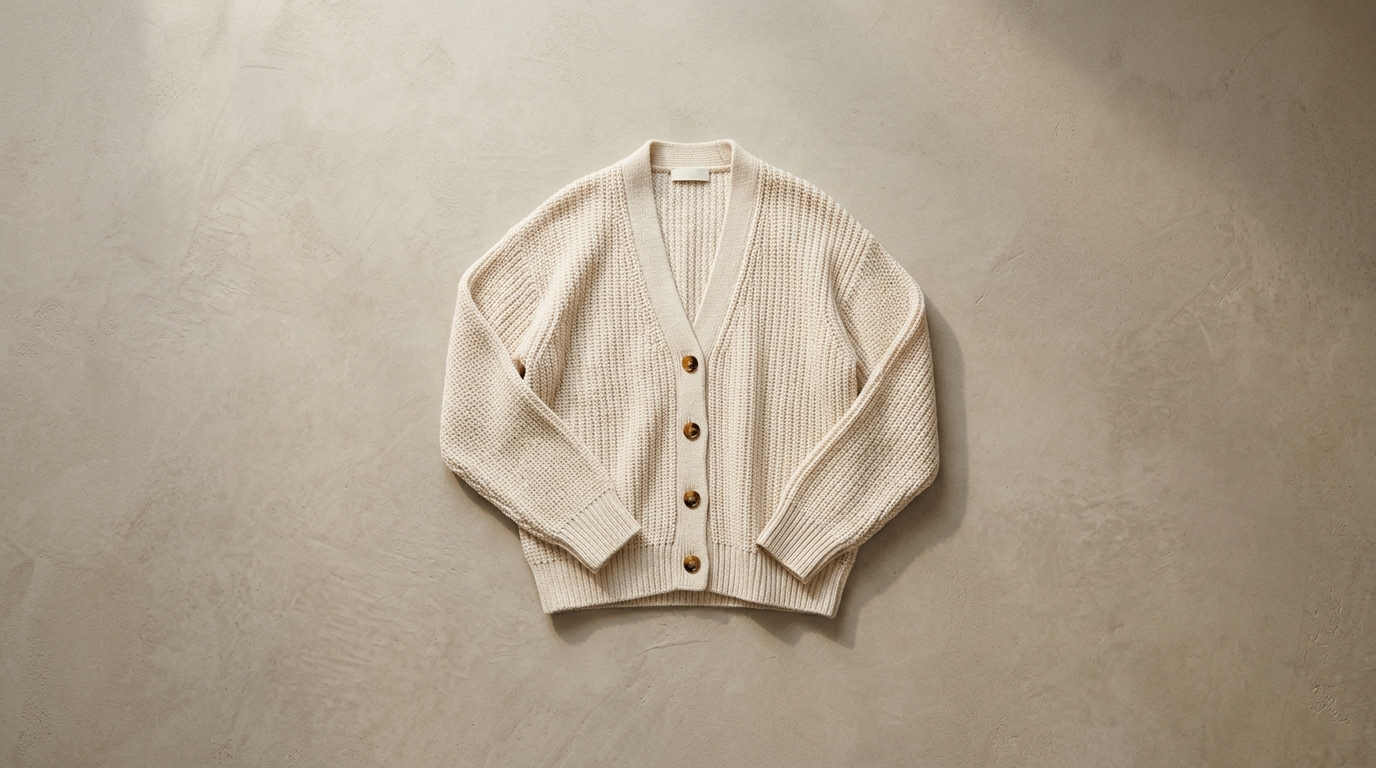
A product can be opened, turned and set down inside one Wan take, with the audio landing on the last beat. A looping ad needs a cut; a reveal needs the length, and that is the trade.
Notes from sellers, editors and designers who render stills instead of booking another shoot.
“I run ads from photos I already own. One product shot now gives me three versions to test, and a failed render comes back as credits instead of a lost afternoon.”
“The prompt is the whole job. Once I wrote "slow push in, soft window light" instead of "make it cinematic", the takes stopped needing five attempts.”
“The first frame decides everything. A clean frame with room around the product renders in one pass; a tight crop always comes back jittery.”
“I animate illustrations for a newsletter. Line work and palette stay put, which is more than most generators I tried managed.”
“The free daily render is what got me in. I tried a shot without paying, liked it, and bought credits the same week.”
“A 9:16 render at 1080p drops straight into the timeline. I use it for B-roll between the shots we actually filmed.”
“I run ads from photos I already own. One product shot now gives me three versions to test, and a failed render comes back as credits instead of a lost afternoon.”
“The prompt is the whole job. Once I wrote "slow push in, soft window light" instead of "make it cinematic", the takes stopped needing five attempts.”
“The first frame decides everything. A clean frame with room around the product renders in one pass; a tight crop always comes back jittery.”
“I animate illustrations for a newsletter. Line work and palette stay put, which is more than most generators I tried managed.”
“The free daily render is what got me in. I tried a shot without paying, liked it, and bought credits the same week.”
“A 9:16 render at 1080p drops straight into the timeline. I use it for B-roll between the shots we actually filmed.”
Long takes behave differently from short ones: four habits that keep a fifteen second clip usable.
Fifteen seconds is long enough to complete a camera move. A camera still travelling on the last frame looks cut off the moment the clip loops, which is the most common flaw in long Wan takes.

Wan 3.0 and 3.0 Prime go up to 1080p. Set the resolution before rendering: a 480p take cannot be upscaled into a published one, and re-rendering costs the full take again.
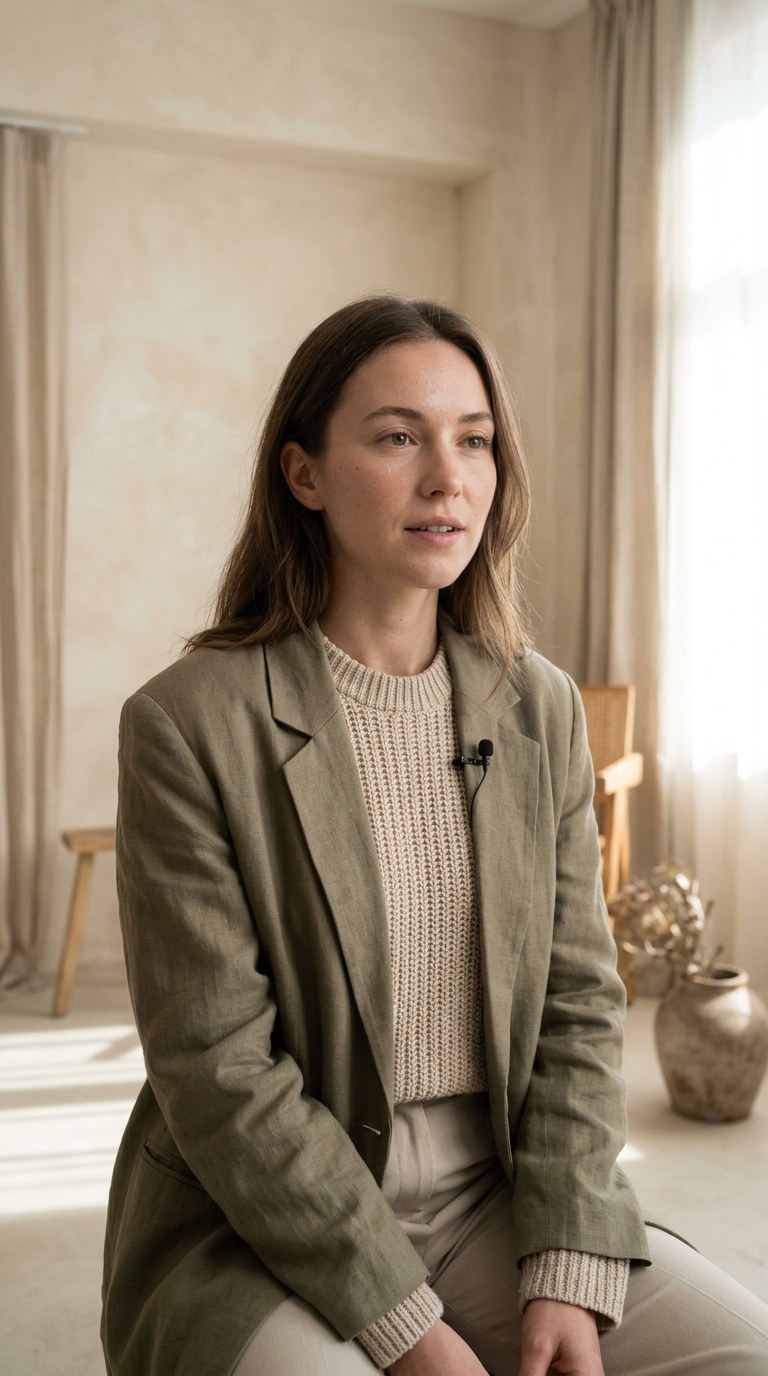
Audio is generated with the picture and cannot be re-cued afterwards. Write the line or the room tone into the prompt instead of planning a voiceover, because the two will not line up.
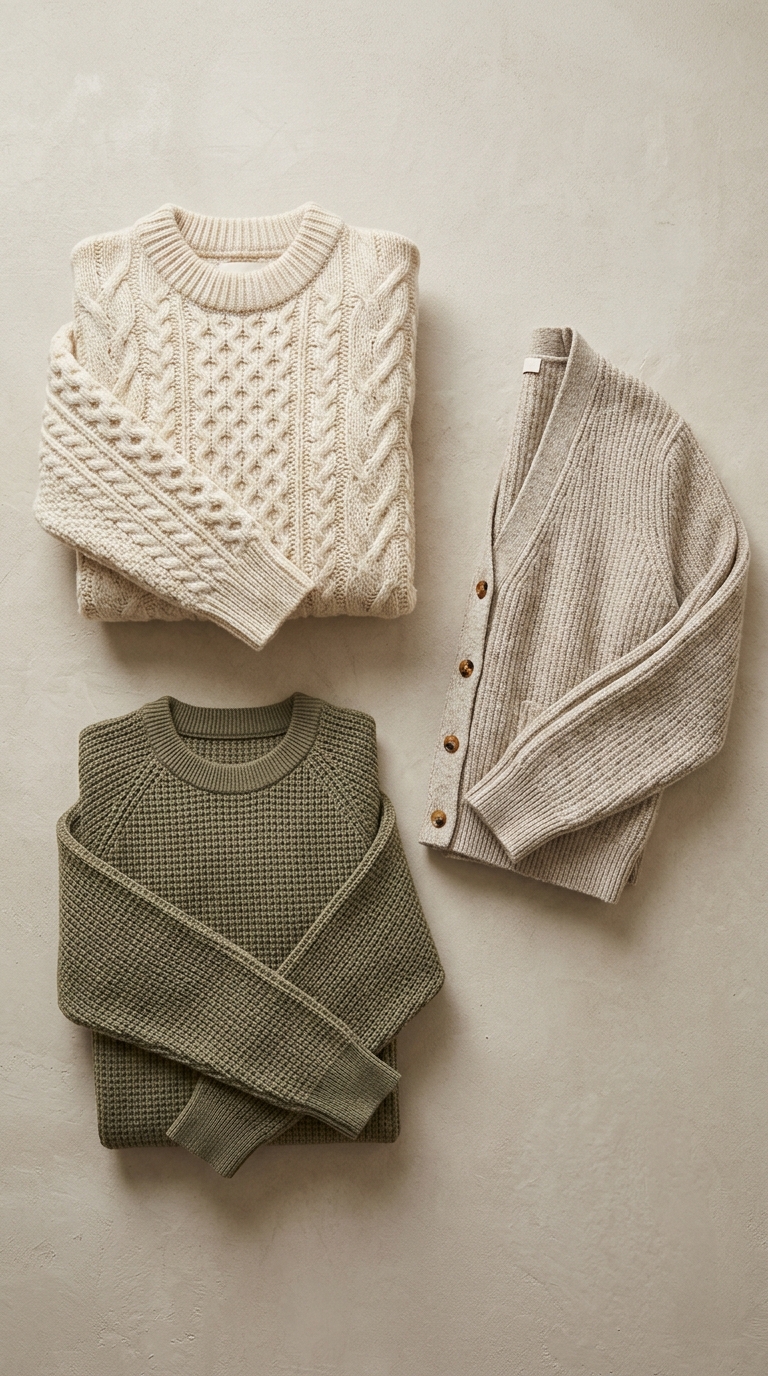
Flash and 2.6 are the cheap iteration tiers. Move the winning prompt up to 3.0 or Prime for the shot you keep, and expect the length to change how the movement reads.
Wan 3.0 against 2.6, the fifteen second limit, and what a long take with audio costs.
Wan 3.0, 3.0 Prime, 2.6 and 2.6 Flash. 3.0 and 2.6 run in both studios at 480p to 1080p for 5, 10 or 15 seconds; 2.6 Flash is image-to-video only, which is why it does not appear on the text studio. All four generate audio alongside the picture.
Not on the daily free render — that one covers the cheapest model in the catalogue. You can still see the exact credit cost of any Wan combination before submitting, and a free account is all you need to top up and render. Failed renders are refunded.
Long takes with sound. Fifteen seconds is enough for a spoken line, a product reveal or a slow walk-through, which is where most eight second models cut off. Use Prime when the take has to come back faster, and 2.6 Flash while you are still searching for the right prompt.