 TryOn
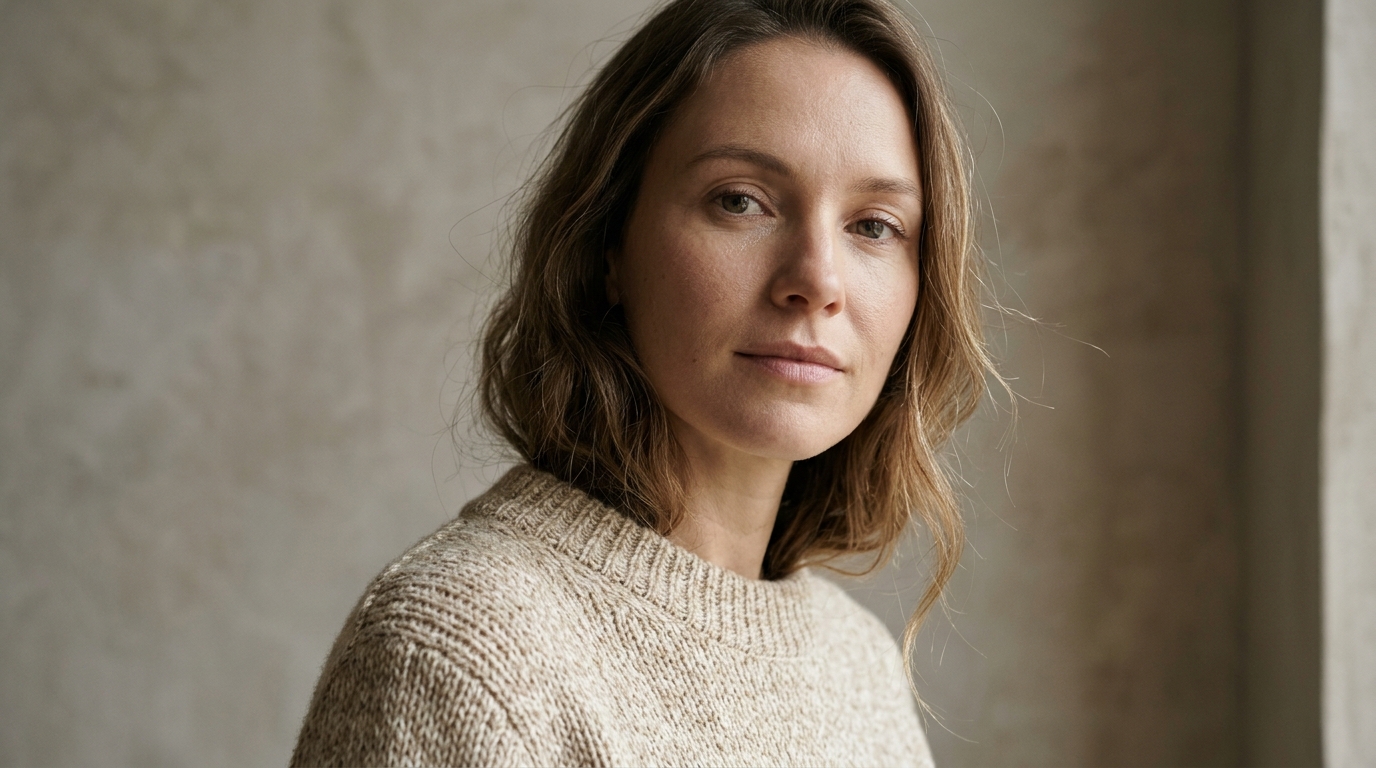

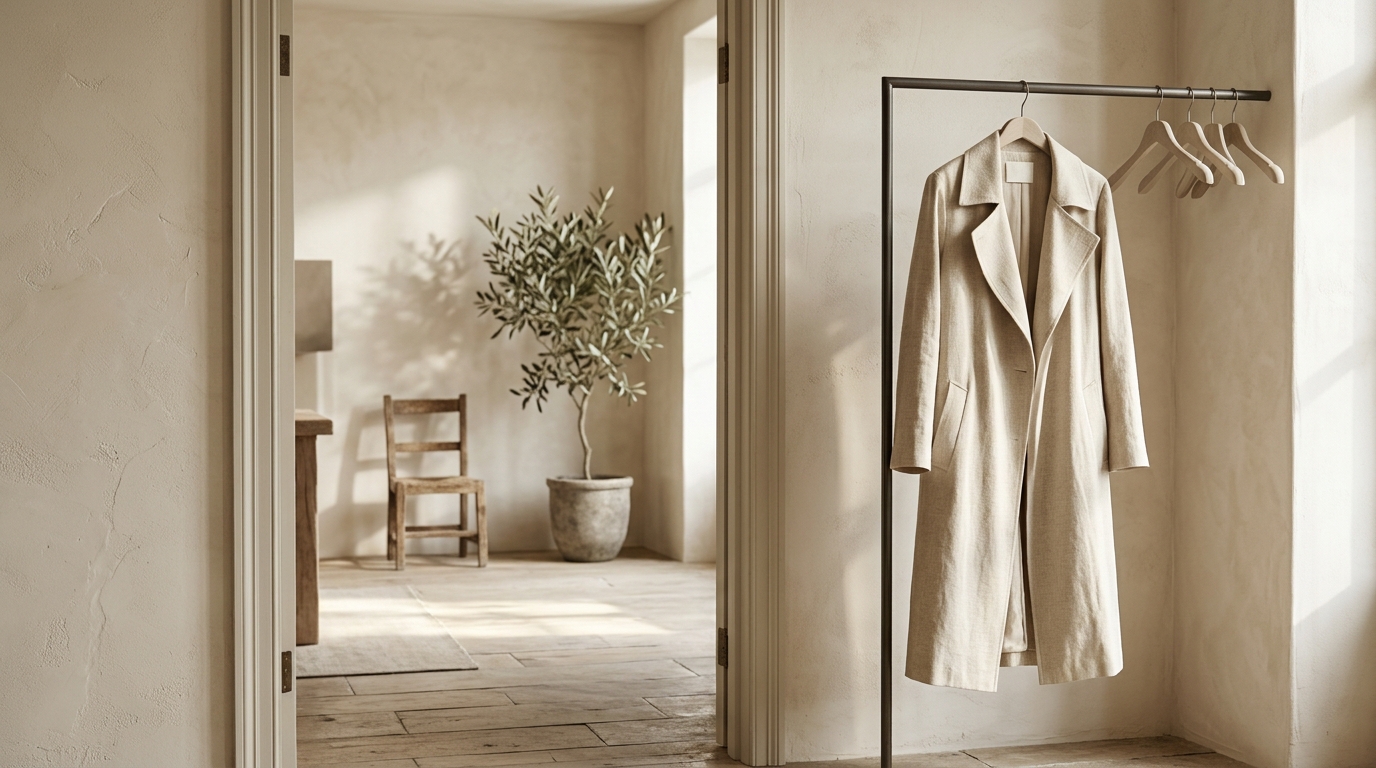
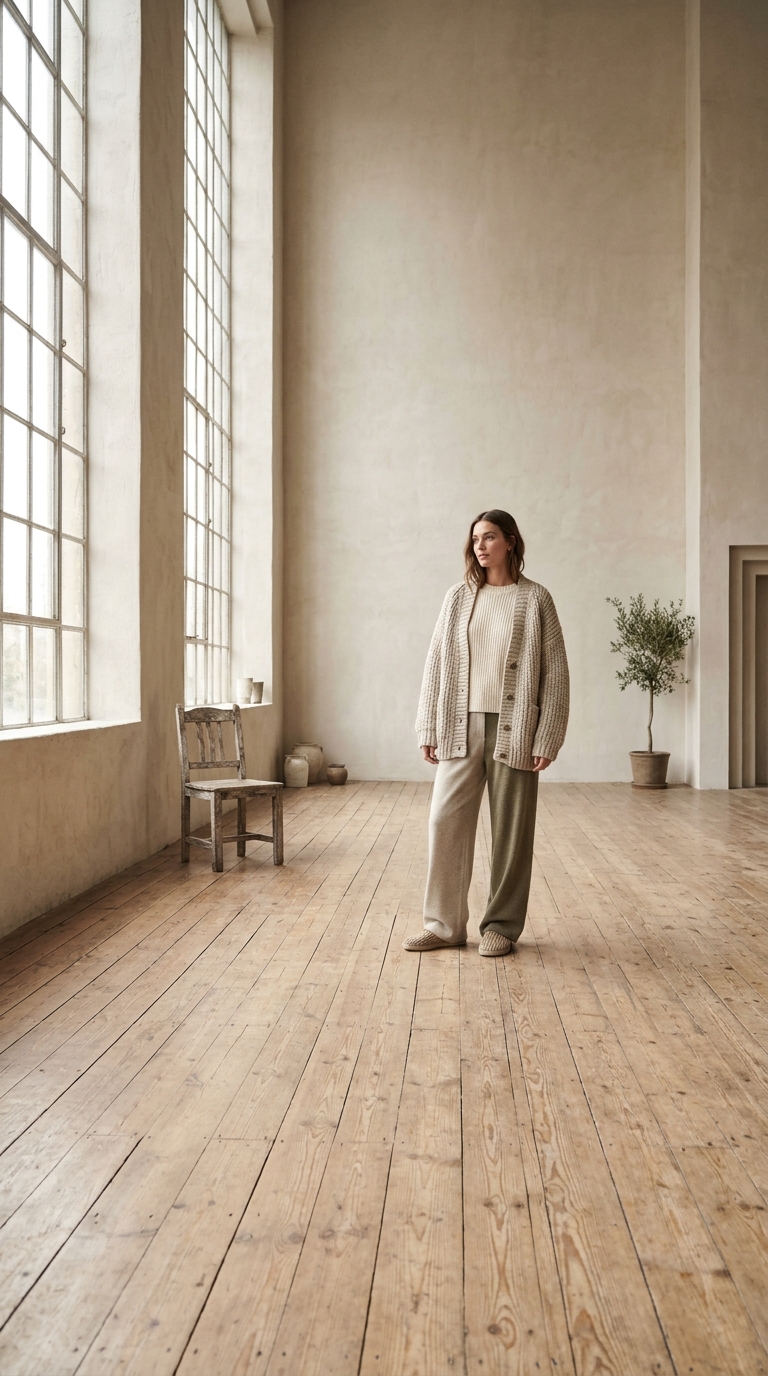
Short takes reward small moves
Four to eight seconds is a single gesture: a dolly, a tilt, a turn. A sequence needs two renders, and trying to fit it into eight seconds is how a Veo clip ends up looking rushed.
1 free try-on, 1 free video and 1 free image every day — no sign-up neededSee what's free
Google’s Veo 3.1 in three tiers — Lite, Fast and Quality — with four, six or eight second takes and native audio on all of them. Fast and Quality reach 4K, which makes Veo the one to use when the clip is going somewhere bigger than a feed.
Log in to create and keep your videos.
The same model runs in both video studios: start from a photo here, or switch to the text studio and write the shot instead. Text to video
Veo takes 4, 6 or 8 second clips, so the frame only has to carry one movement. A clean subject with visible surroundings is enough: Veo is doing the lighting and the lens work for you.
Veo 3.1 generates native audio, so name the ambience or the line in the prompt. Fast and Quality render up to 4K, which changes how much detail the sentence can usefully carry.
Lite is the 720p scene test, Fast the working tier at 1080p and 4K, Quality the published one. The same prompt moves up the ladder unchanged, so nothing has to be rewritten.
Google’s model behaves like a small camera department: it wants a shot description, a lens, a light direction and a sound plan.
 One light direction, visible.
Veo reads a light direction from the first frame and keeps it for the whole take. Side light with a visible shadow line gives the render a mood; flat on-camera flash gives it nothing to maintain.
 Shot. Lens. Light. Sound.
Four items in one paragraph: what the camera does, how wide it is, where the light comes from, what the scene sounds like. Veo 3.1 answers all four, which is why it rewards a longer brief than the budget models.
4K output and native sound make Veo the route for anything that leaves the feed: a website hero, a pre-roll, a client deliverable.

A short orbit or a light sweep on Veo 3.1 Fast at 4K survives a website hero and a 1080p edit. Render the eight second version and cut into it rather than looping a four second take.
Notes from sellers, editors and designers who render stills instead of booking another shoot.
“I run ads from photos I already own. One product shot now gives me three versions to test, and a failed render comes back as credits instead of a lost afternoon.”
“The prompt is the whole job. Once I wrote "slow push in, soft window light" instead of "make it cinematic", the takes stopped needing five attempts.”
“The first frame decides everything. A clean frame with room around the product renders in one pass; a tight crop always comes back jittery.”
“I animate illustrations for a newsletter. Line work and palette stay put, which is more than most generators I tried managed.”
“The free daily render is what got me in. I tried a shot without paying, liked it, and bought credits the same week.”
“A 9:16 render at 1080p drops straight into the timeline. I use it for B-roll between the shots we actually filmed.”
“I run ads from photos I already own. One product shot now gives me three versions to test, and a failed render comes back as credits instead of a lost afternoon.”
“The prompt is the whole job. Once I wrote "slow push in, soft window light" instead of "make it cinematic", the takes stopped needing five attempts.”
“The first frame decides everything. A clean frame with room around the product renders in one pass; a tight crop always comes back jittery.”
“I animate illustrations for a newsletter. Line work and palette stay put, which is more than most generators I tried managed.”
“The free daily render is what got me in. I tried a shot without paying, liked it, and bought credits the same week.”
“A 9:16 render at 1080p drops straight into the timeline. I use it for B-roll between the shots we actually filmed.”
Three tiers, one prompt, and a hard eight second ceiling: four things to plan around.
Four to eight seconds is a single gesture: a dolly, a tilt, a turn. A sequence needs two renders, and trying to fit it into eight seconds is how a Veo clip ends up looking rushed.

720p on Lite for tests, 1080p and 4K on Fast and Quality. The resolution is fixed before rendering and nothing is upscaled afterwards, so decide by where the clip is going to live.
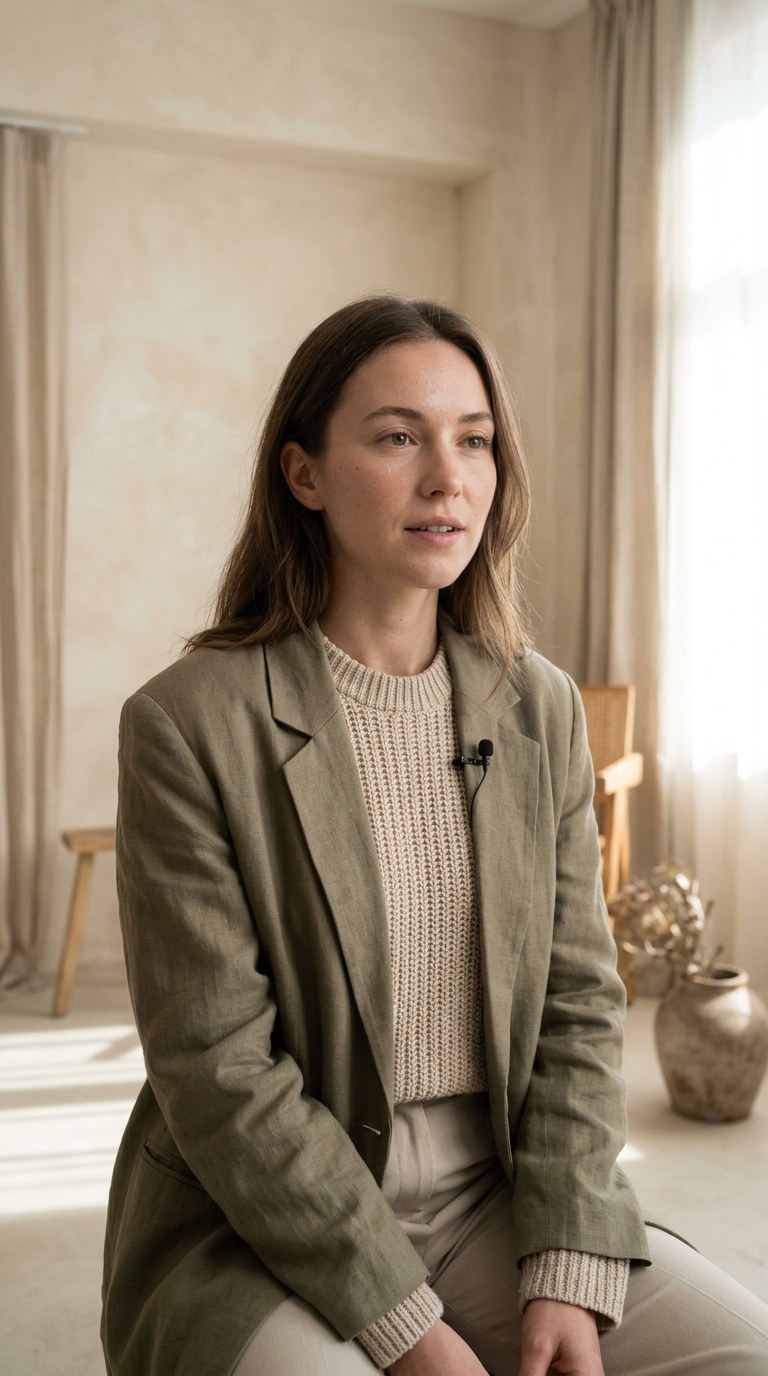
Veo generates ambience and speech with the clip. Write the sound into the prompt and keep dialogue short: eight seconds is a line, not a monologue, and the model paces to the clip length.
Render the same sentence on Lite and on Fast, then compare at phone size. If they match, you were about to overpay for the take that only you would notice.
Lite, Fast and Quality compared, plus what native audio and 4K actually change.
Veo 3.1 is Google’s video model, sold as three routes with the same family behind them: Lite for cheap 720p tests, Fast for quick 1080p and 4K output, Quality for the highest fidelity at 4K. Every take is 4, 6 or 8 seconds and includes generated sound.
The daily free render covers the cheapest model in the catalogue, so Veo is paid from credits. Nothing is charged until you press Generate, the price for the exact resolution and duration is shown first, and a failed render is refunded automatically.
Lite is the scene test: 720p, cheapest per second, good enough to check whether the idea works. Fast is the working tier — 1080p or 4K, still quick. Quality is the hero shot you publish. A prompt that works on Lite will translate to the other two unchanged.