 TryOn
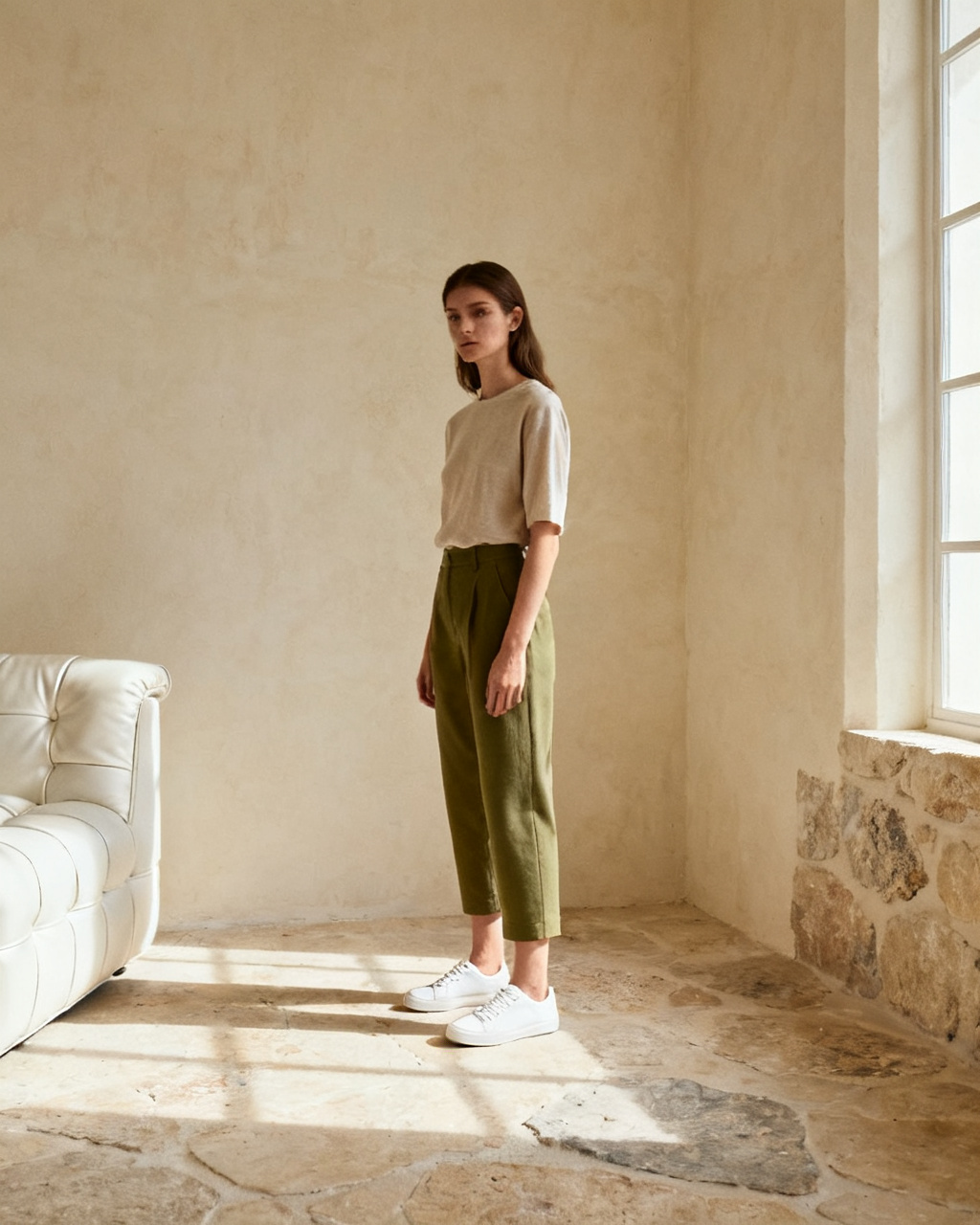
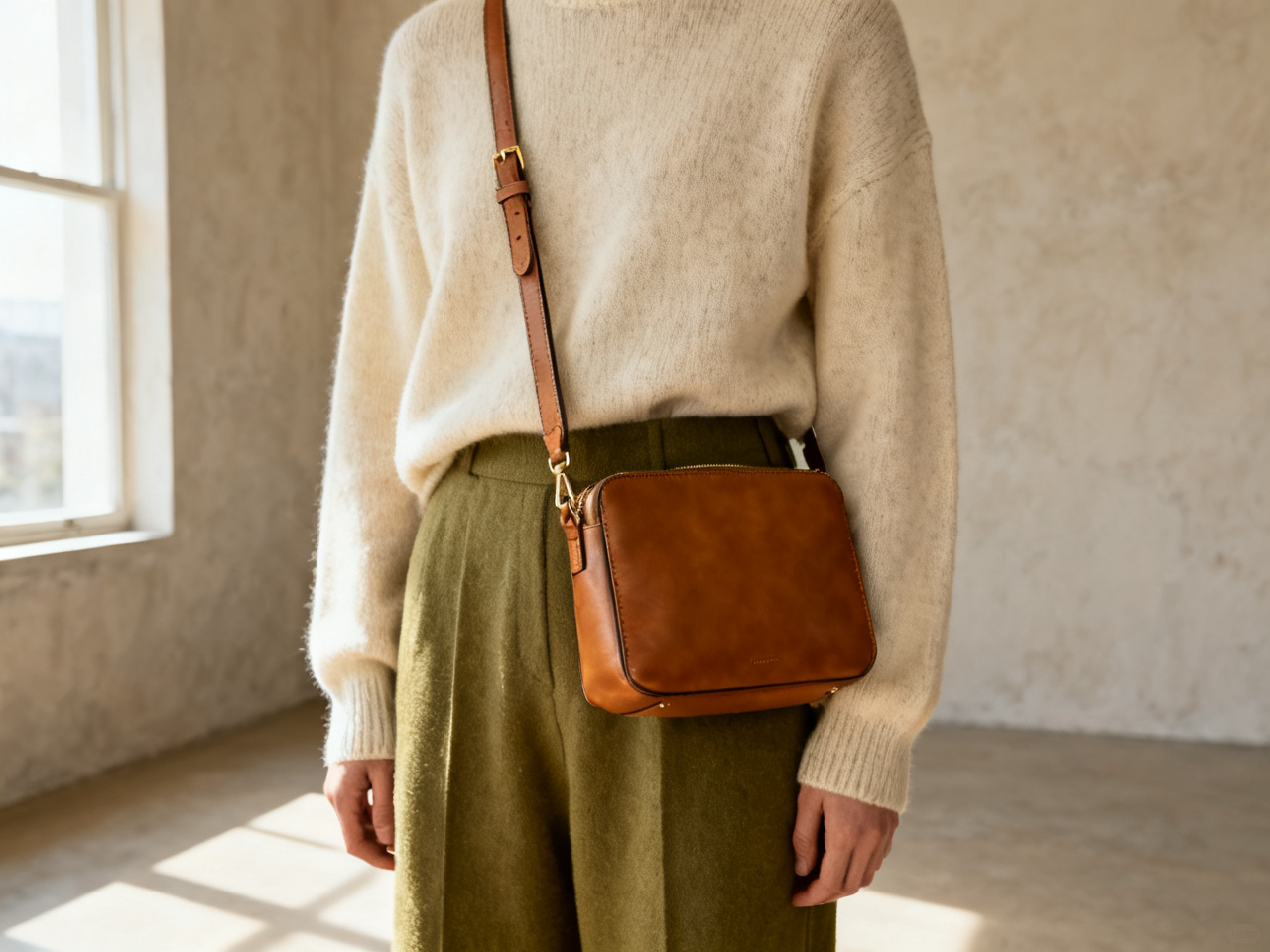
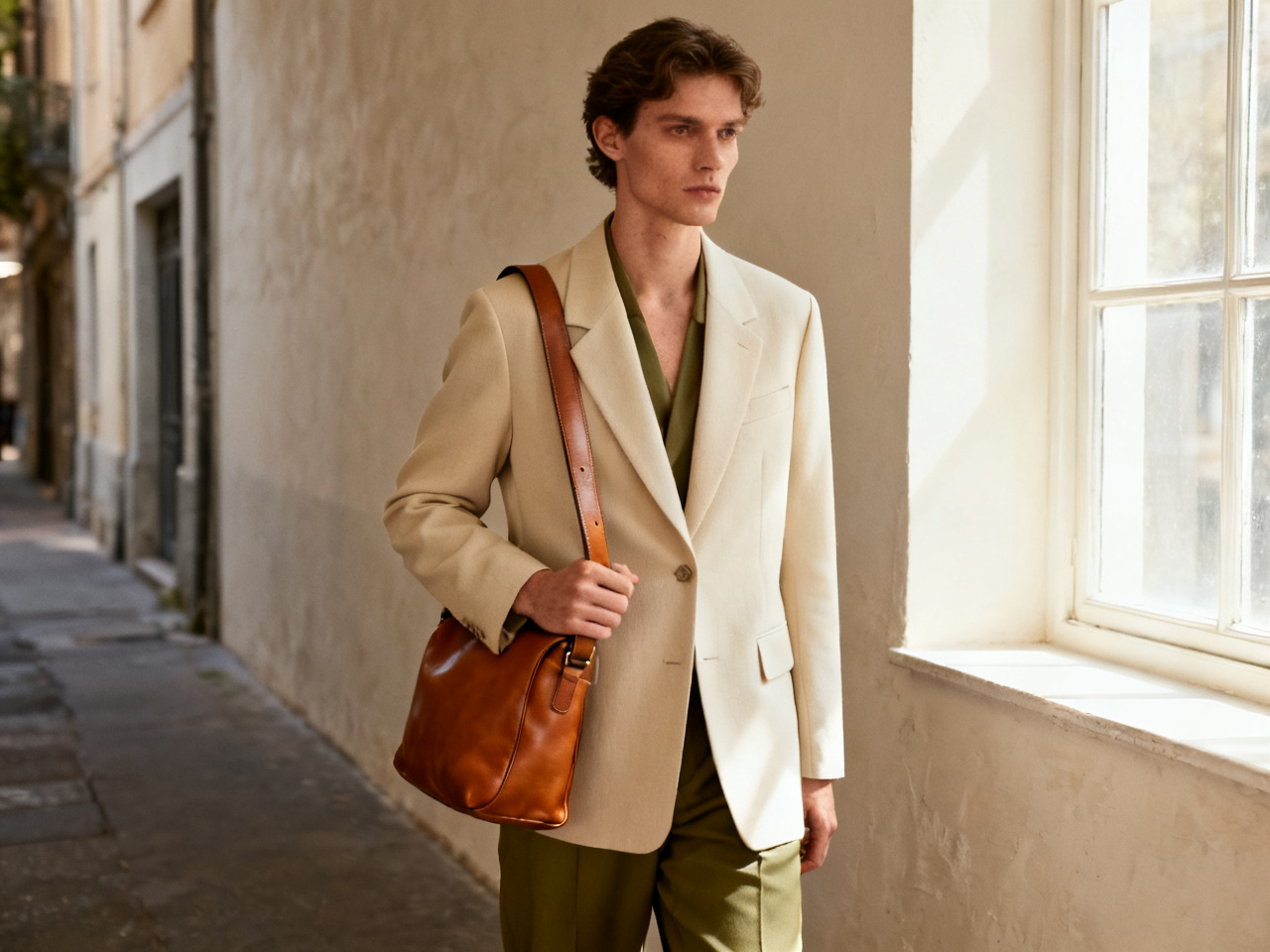
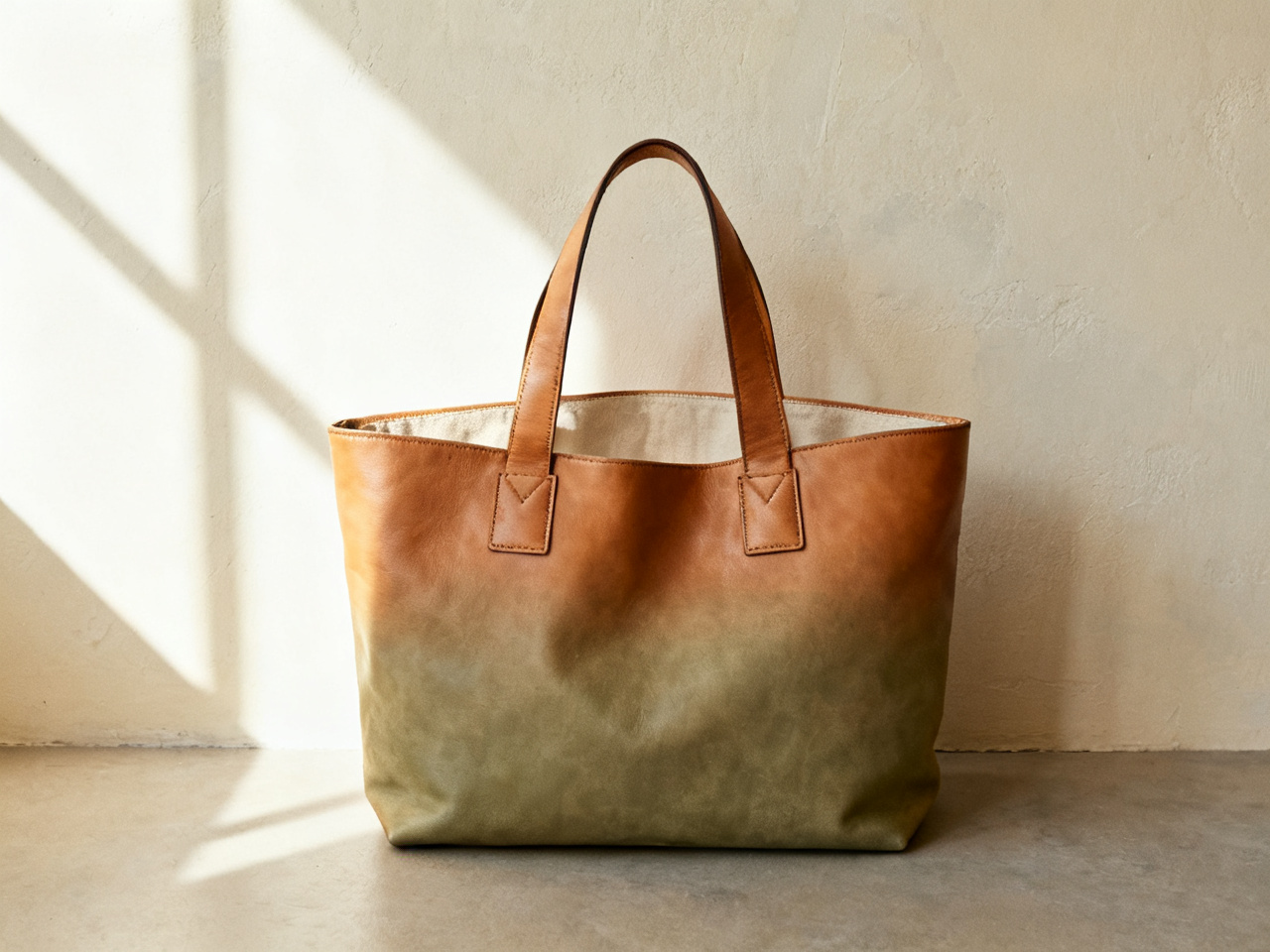
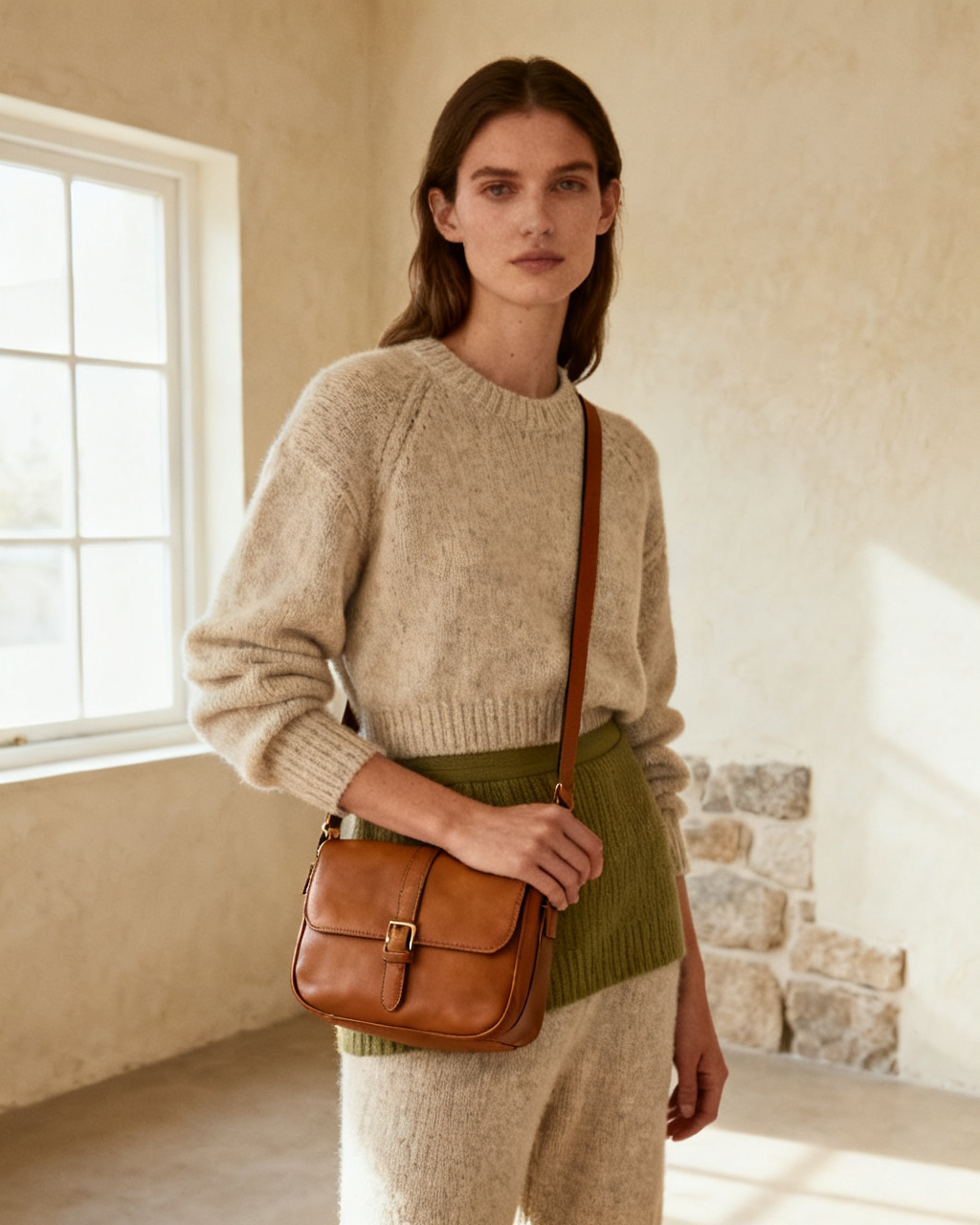
Compare a tote with a cross-body
Put both shapes on the same photo and see which one fits the way you actually move through a day.
1 free try-on, 1 free video and 1 free image every day — no sign-up neededSee what's free
Upload a photo showing your shoulder and hip, plus a product shot of the bag. A tote, cross-body or backpack lands on your own frame in seconds, free.
Two images. One new perspective.
Private by default · Delete any result at any time
A first look at what’s possible
Start from a bag instead of a blank upload. Pick an image below to load it as a sample, then swap in your own photo and the bag you have in mind. Samples are free, so the first size check costs nothing.
The studio opens whether or not you are signed in, and a fresh set of previews appears every day. The first bag is never gated, and no card is asked for at any point.
Each day brings a new run of previews for a tote, a shoulder bag or the backpack you keep comparing. The allowance renews on its own, which suits a purchase that usually waits for a second opinion.
Unlimited mode lifts the daily cap, so you can put a black tote next to a tan one, or a small cross-body next to a large carry-all, in one sitting. Size is the question a product photo cannot answer, and the one a preview answers first.
No card, no countdown, no email wall before the first preview. An account only matters for keeping a look in your history across devices, and for holding credits if you ever want more than the daily allowance.
The daily allowance covers every tool on this page, not just bags.
A bag is one studio in a set. The same photo also carries clothes, a hairstyle, frames, a watch or shoes, so the whole look can be checked without uploading again. Bags are the accessory people most often buy twice, once in the wrong size.
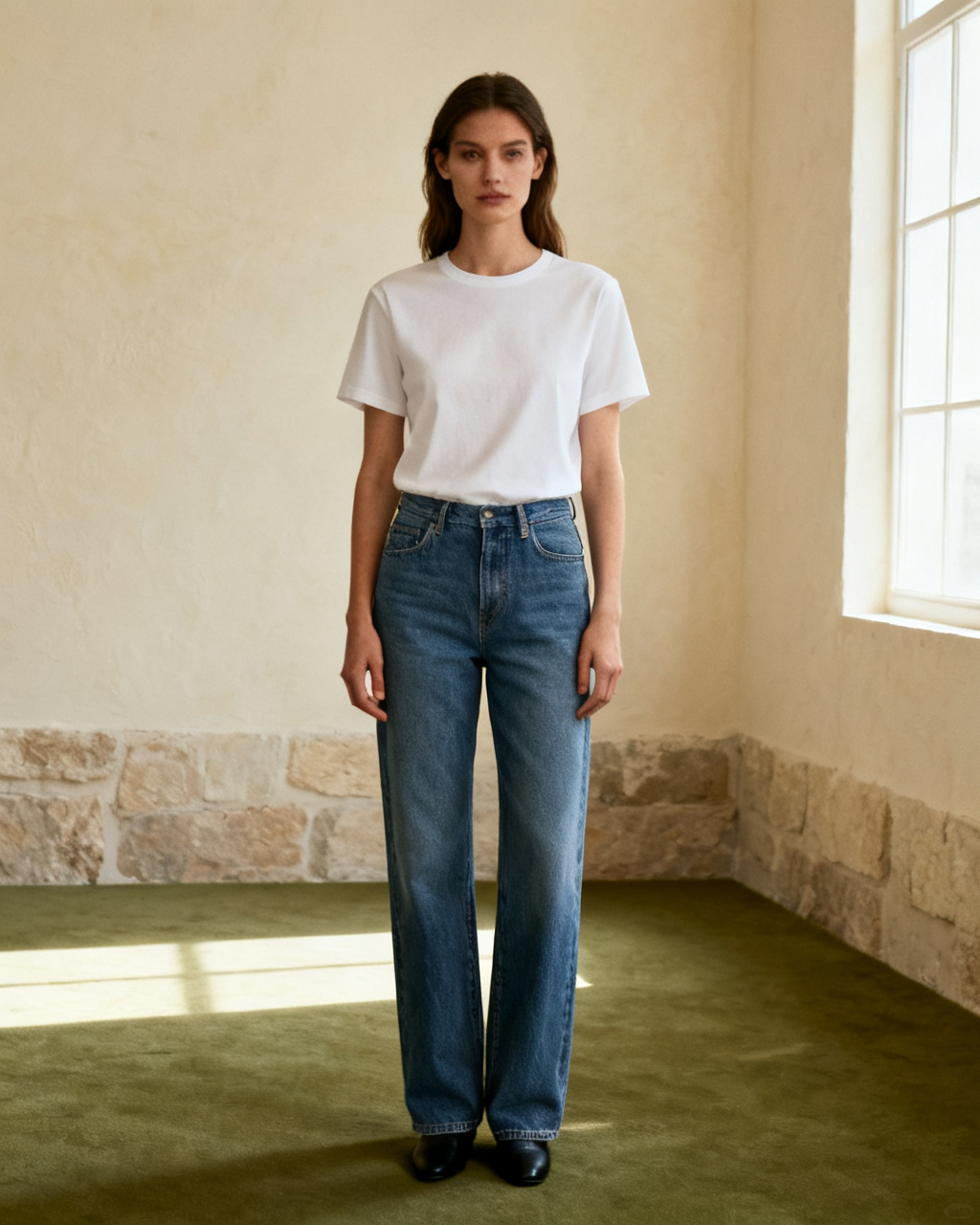
Upload your photo and the item you have in mind, then see it on your own body instead of a stock model. The steps stay the same for a garment, a pair of frames or a watch: one photo of you, one photo of the piece, one preview. Start here when you are not sure which fitting tool you need.
Start fittingA waist-up or full-body shot works, as long as the shoulder and the hip are both visible. Keep your arm relaxed and away from your side, because that is where a shoulder strap has to land. A photo taken straight on shows strap drop honestly.
A product photo straight from the store works best. Keep the whole bag in frame, strap included, and avoid collages or shots where a hand covers the handle. A shot on a model shows how the bag hangs; a flat shot shows the true shape.
Check the strap drop against your torso and the size against your frame, then compare a second color. Capacity, leather and hardware still decide the purchase; the preview tells you whether the shape suits you. Hold the two best images side by side before you choose.
Every preview is built from two images: your photo and the bag. Both decide how much the result can show, so a minute spent on them is worth more than a second attempt. The strap is the part that goes wrong, and a clear shoulder line is what lets the preview place it honestly.
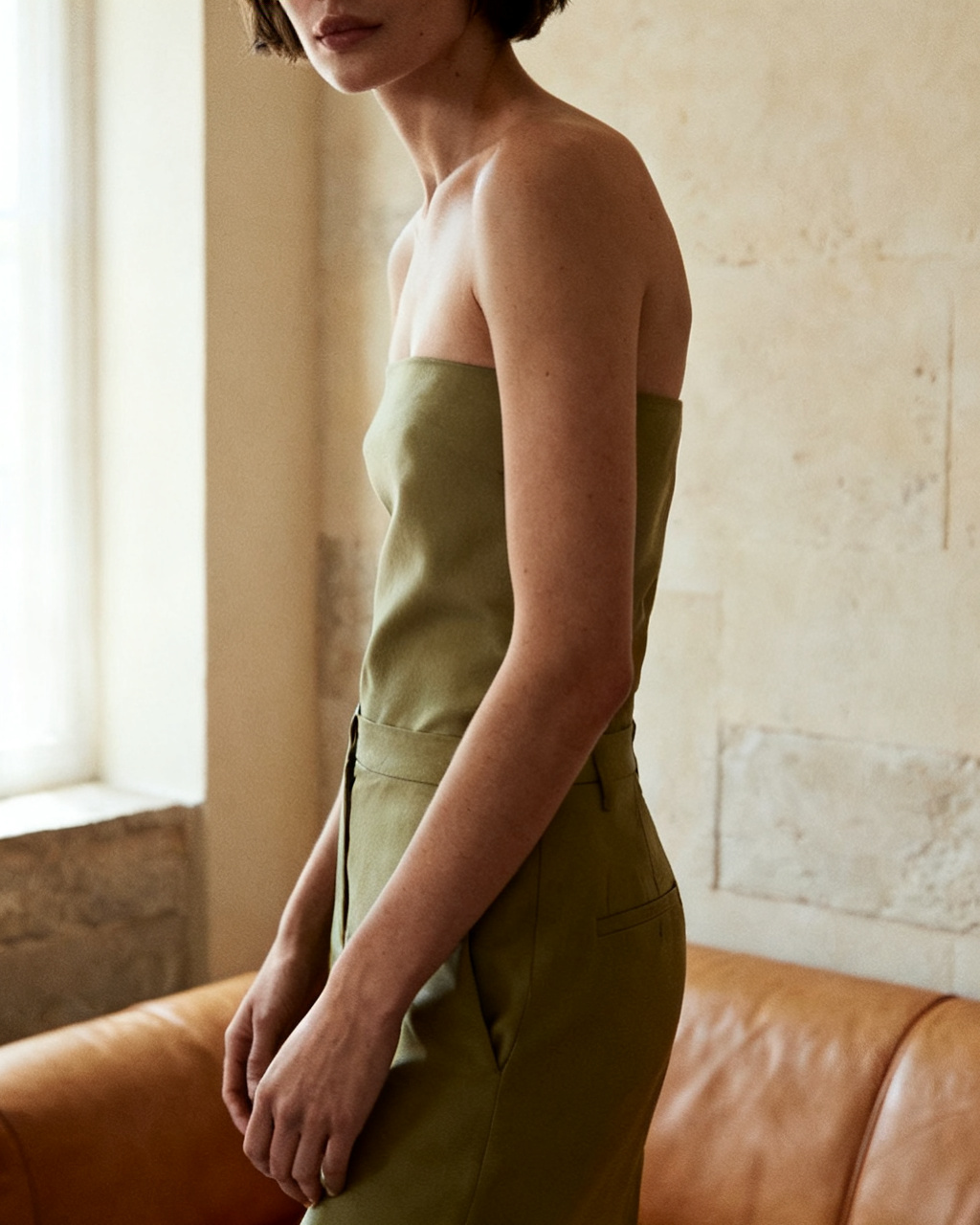 Shoulder, hip, and a relaxed arm.
Face the camera with your shoulder and hip in frame. Arms folded across the body, a coat covering the shoulder or a bag already hanging there all hide the spot the new one has to sit on. A simple top makes the strap easier to read.
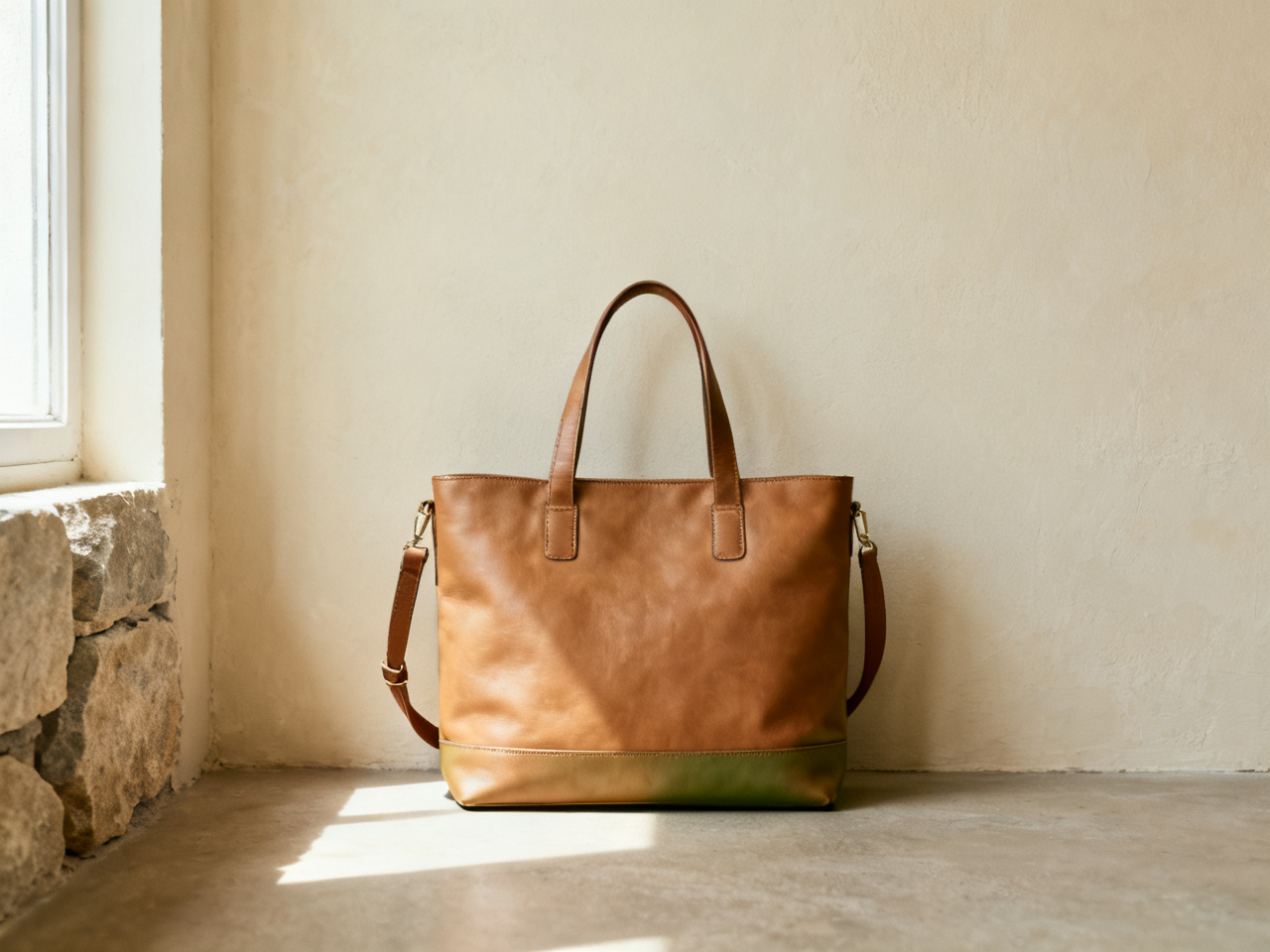 Handle, strap, full silhouette.
The reference should make the shape easy to read. Cropped screenshots, a bag folded flat and photos where a model grips the handle leave the preview guessing at size and strap length. If the listing has a measurement chart, read it alongside the preview.
The bag is photographed on its own, with the handle and base visible.
The bag stands or lies without another item covering the front panel.
The strap is shown in use, so the drop is easy to judge.
One preview can answer a sizing question, fill a listing or settle a gift. Pick a scenario to see what it changes, and how much of a decision it can carry on its own.
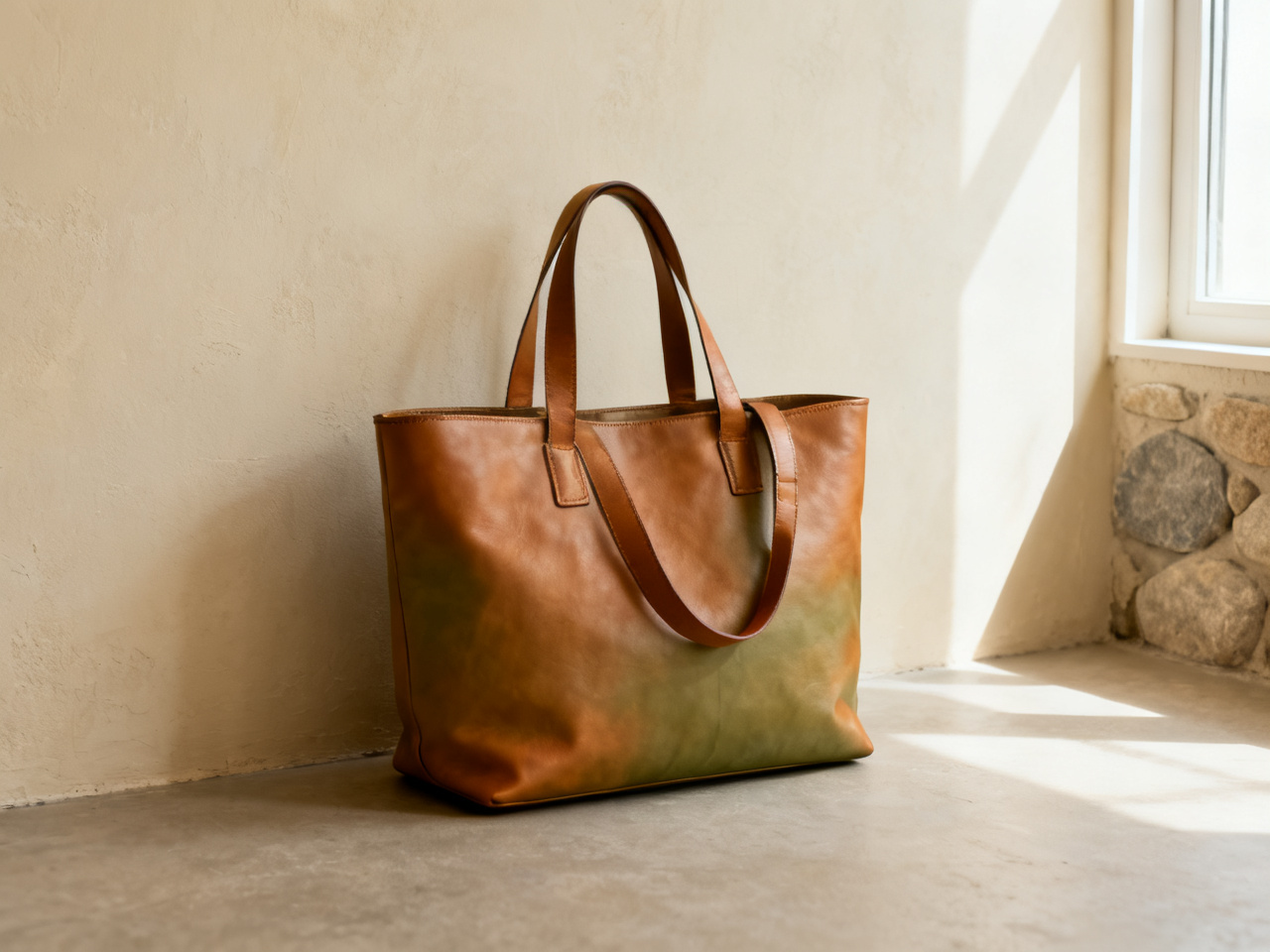
Set a preview beside a product photo so shoppers see where the strap lands on a body instead of a white background. Dimensions and the return policy still decide the order. Strap drop and overall size cause most bag returns, and both are visible in one image.
Notes from shoppers, resellers and shop owners who check a bag before they order.
“The strap drop was the thing I could never judge online. One preview settled it and I stopped ordering two sizes.”
“I preview a bag against a client outfit before a fitting, so we spend the appointment on the pieces that actually made the shortlist.”
“Listing photos never show how a tote sits on a shoulder. Adding a preview to the listing cut the size questions down.”
“Customers ask whether a bag is too large for them. Two previews answer that faster than measurements.”
“I bought a bag for my sister without knowing her taste well. Previewing it on her photo first was the safe way in.”
“Five bags in one evening, one outfit, and a clear idea of which shape made the video.”
“The strap drop was the thing I could never judge online. One preview settled it and I stopped ordering two sizes.”
“I preview a bag against a client outfit before a fitting, so we spend the appointment on the pieces that actually made the shortlist.”
“Listing photos never show how a tote sits on a shoulder. Adding a preview to the listing cut the size questions down.”
“Customers ask whether a bag is too large for them. Two previews answer that faster than measurements.”
“I bought a bag for my sister without knowing her taste well. Previewing it on her photo first was the safe way in.”
“Five bags in one evening, one outfit, and a clear idea of which shape made the video.”
Start from a question rather than a product: a size you are unsure about, a color you never carry, or a bag that keeps sitting in a cart.
Put both shapes on the same photo and see which one fits the way you actually move through a day.
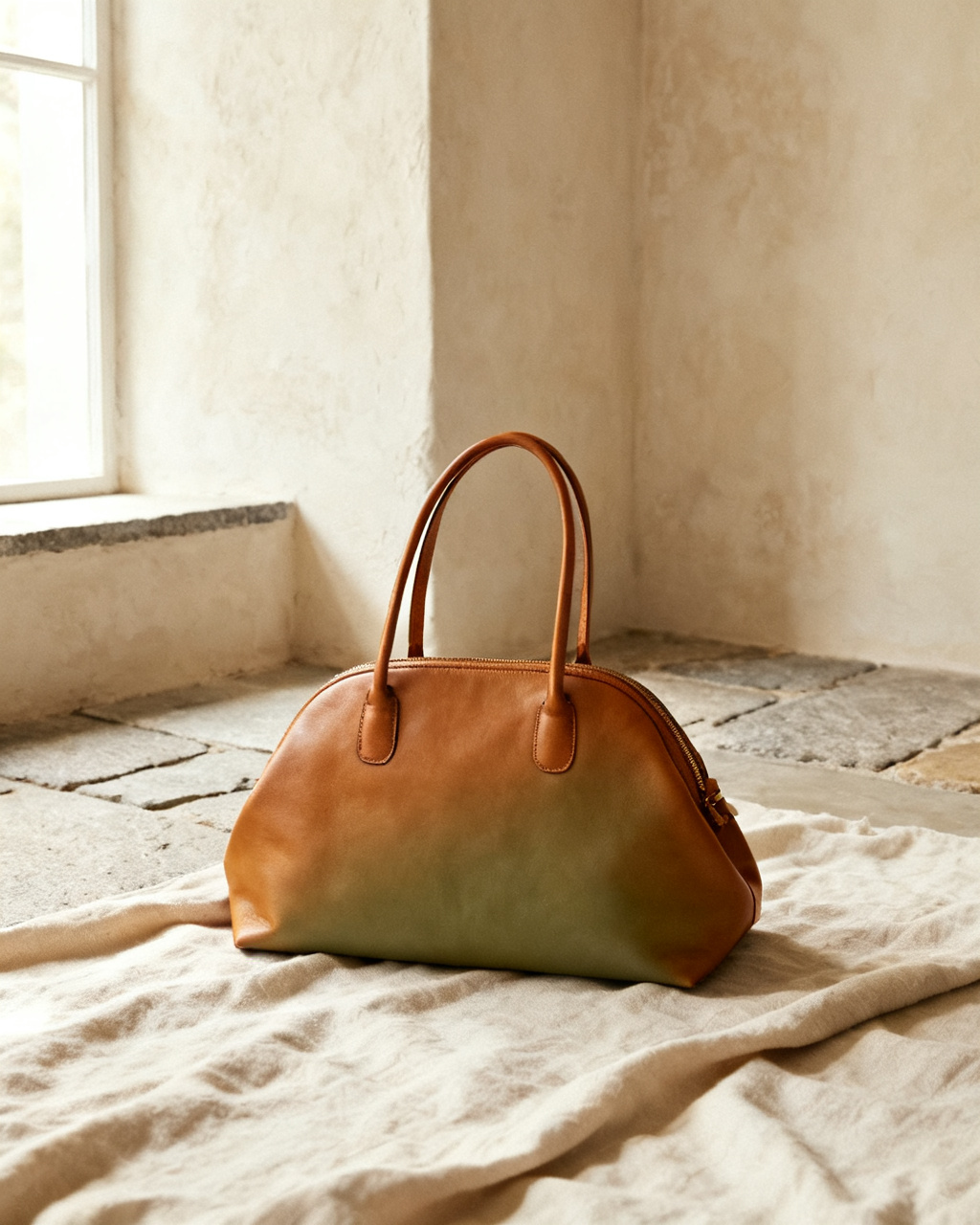
Drop a tan, black or burgundy bag onto the outfit you wear most and check whether it still works in daylight.
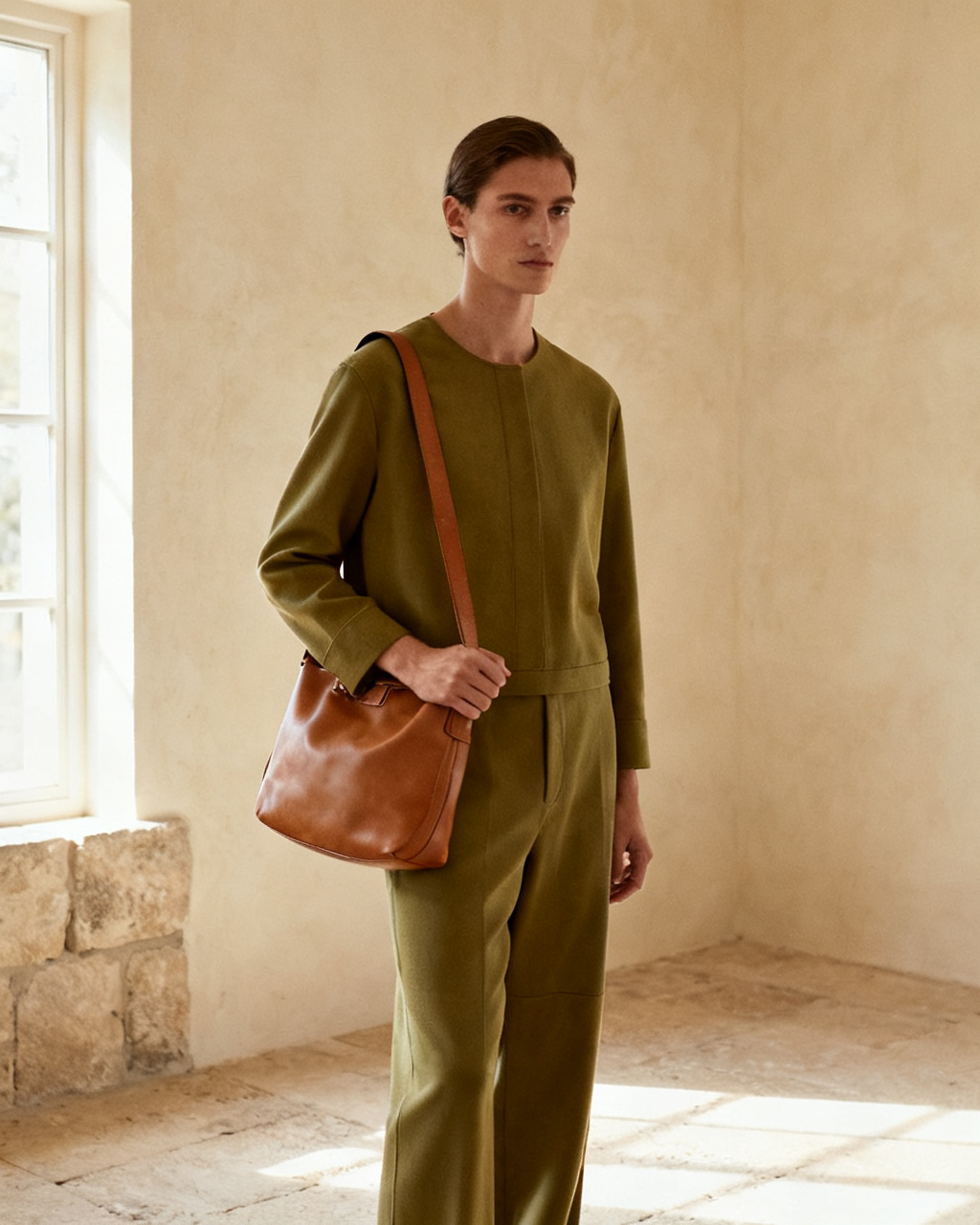
A bag changes the line of a look as much as the shoes do. Preview both on one photo instead of one item at a time.
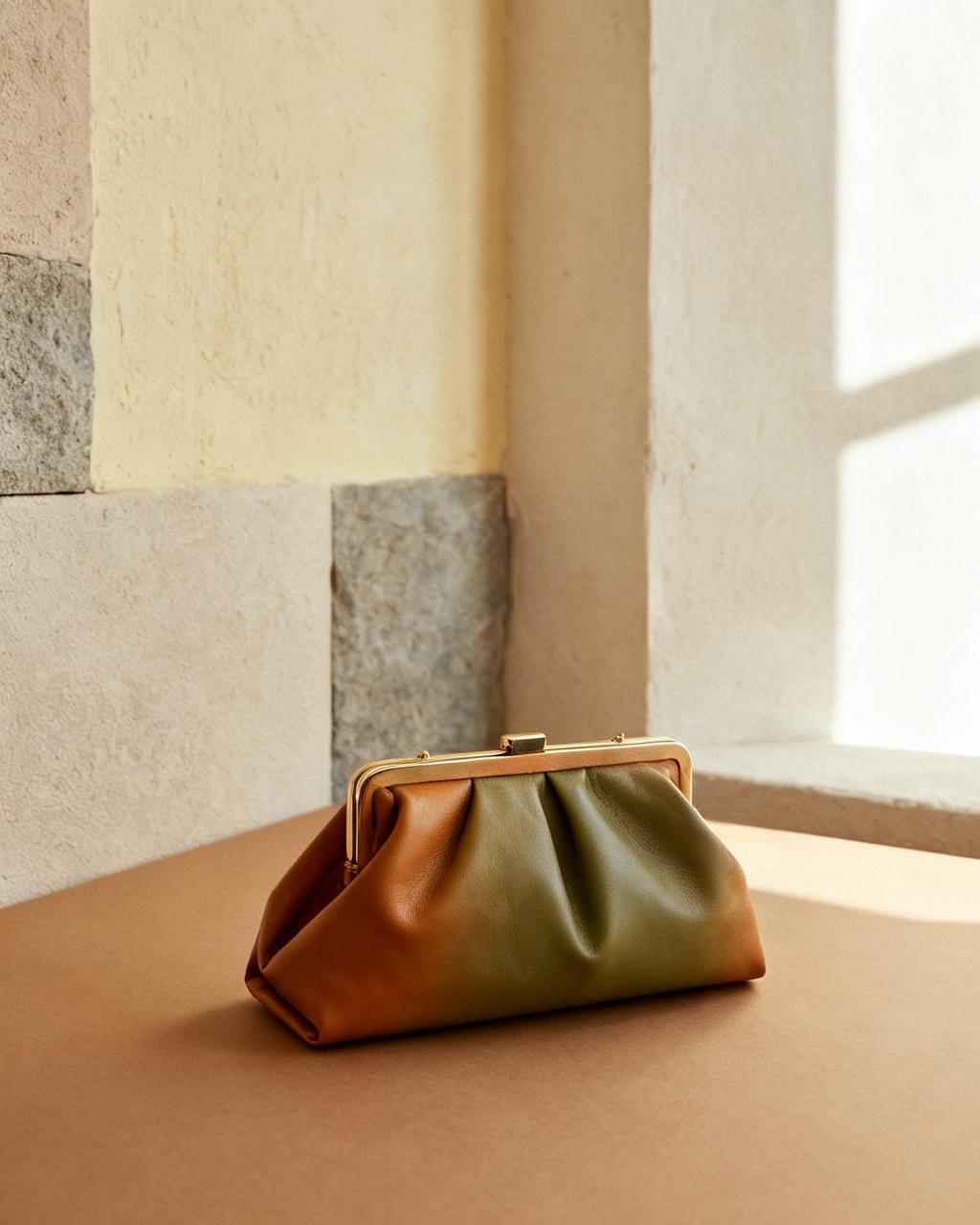
Try the small evening bag with the dress you have chosen, so the size is settled before the night.
Short answers about seeing a bag on your own photo, online and for free.
It runs in the browser rather than as a download. Upload a photo of yourself and a product shot of the bag, and the preview appears in seconds on a phone, tablet or laptop. Nothing is installed and the first bag needs no account.
Yes. The preview places the bag on your own photo, so you see the strap drop and the size against your body before you order. It is a visual check, not a measurement: centimeters still come from the listing.
A waist-up or full-body shot with the shoulder and hip visible, taken in even light. Keep the arm relaxed and take off the bag you are already carrying, since a second strap confuses the placement.
Starting is free. You get free previews every day without an account, and the sample photos and sample bags are free to use too. Unlimited mode takes the daily cap off when you want to compare several shapes at once.
The model reads your pose and shoulder line, then renders the bag at the right scale and angle for your body. A clean photo and a clean product shot matter more than the number of previews, and a straight-on photo keeps the scale believable.
A clear product photo, flat-lay or model shot works as a reference. Use images you have permission to upload, with the whole bag and strap visible. Screenshots are fine once the price tag and the site bar are cropped away.
No. The preview shows proportion, not centimeters. Check the listed width, height and strap drop against a bag you already own before you order. That combination, a photo and a tape measure, is what settles a size question.
Use a clear photo of the person with their permission, preview the bag on it, and treat the result as a shortlist. Weight and hardware feel still need a visit to the shop, or a good return policy.
Uploads are re-encoded and stored privately. Results appear only in your own history and are served only to your account, and you can delete any of them at any time.
A tote reads as too big when its height passes your waist or its width passes your ribcage. Put the product shot on a waist-up photo and look at where the base lands. If it hangs below the elbow with a shoulder carry, it will feel heavy by the end of a day.
Yes, and it is the most useful thing this preview does. Use a full-body photo with the hip in frame, then look at where the bag sits: on the hip reads casual, above it reads formal. Strap length is listed on most product pages, so compare the two.
Partly. A backpack needs a photo from the side or the back to show how it sits on the shoulders, and most selfies are frontal. Front-on previews still work for color and overall bulk, which is usually the question with a work backpack.
Any bag you have a product photo of, as long as you have the right to upload that image. This studio is not affiliated with any brand, so the preview shows how the shape and the color read on you rather than acting as an official store render.
Only if you have a product photo for each version. A detachable strap changes the drop enough to be worth a second preview, and many listings show the bag on a model with the strap at its shortest and longest setting.
No. Capacity is a volume question and a picture cannot answer it. A quick test is to compare the listed liters, or the internal dimensions, with a bag you already carry daily. The preview covers how it looks, not what fits inside.
Only for size on the body, not for the laptop itself. Check the listed internal dimensions against your machine, then use the preview to see whether that bulk looks right on your frame. A 15 inch laptop turns a slim tote into a heavy bag, and the picture shows the weight before you carry it.
Yes, and scale is the point. A carry-on tote needs a full-body photo rather than a waist-up one, because the bag hangs to the hip. Use a photo taken straight on, with your arms clear, and compare it against a bag you already travel with.
Close, not exact. The render follows the shade in the reference, which is affected by studio lighting and by your screen. Tan and burgundy shift most, black and white least. If the color is the whole decision, compare two product shots taken in daylight before ordering.