 TryOn
One camera move per take
Two moves in one prompt split the model’s attention and the second usually collapses halfway. Render the dolly, then render the tilt, and cut them in the edit.
1 free try-on, 1 free video and 1 free image every day — no sign-up neededSee what's free
Kling is the model most people name first when they talk about AI video, and this studio runs five routes of it: 3.0, 3.0 Omni, 3.0 Turbo, 2.6 and O1. Five to fifteen seconds at 720p — 1080p on Turbo — from a photo or a written prompt, with synchronized sound on 3.0 and 3.0 Omni.
Log in to create and keep your videos.
The same model runs in both video studios: start from a photo here, or switch to the text studio and write the shot instead. Text to video
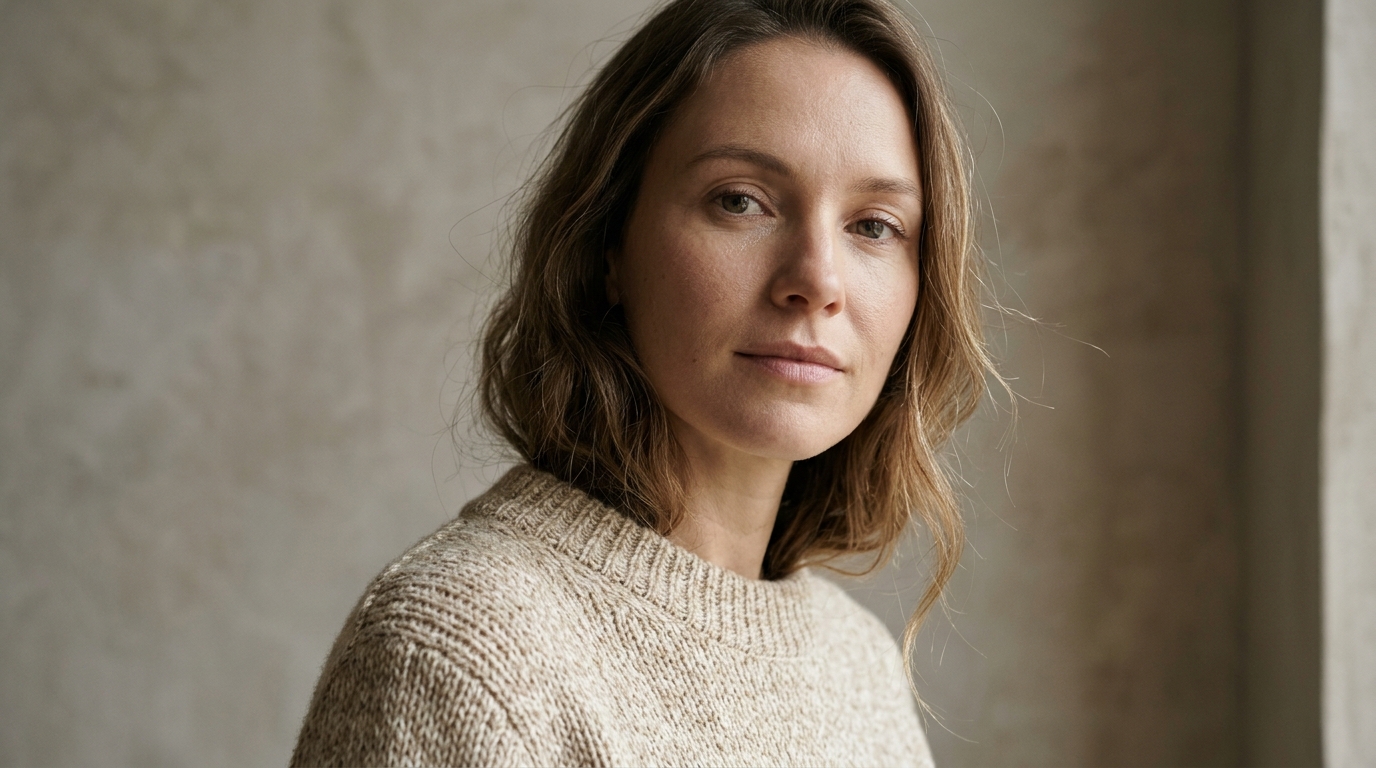
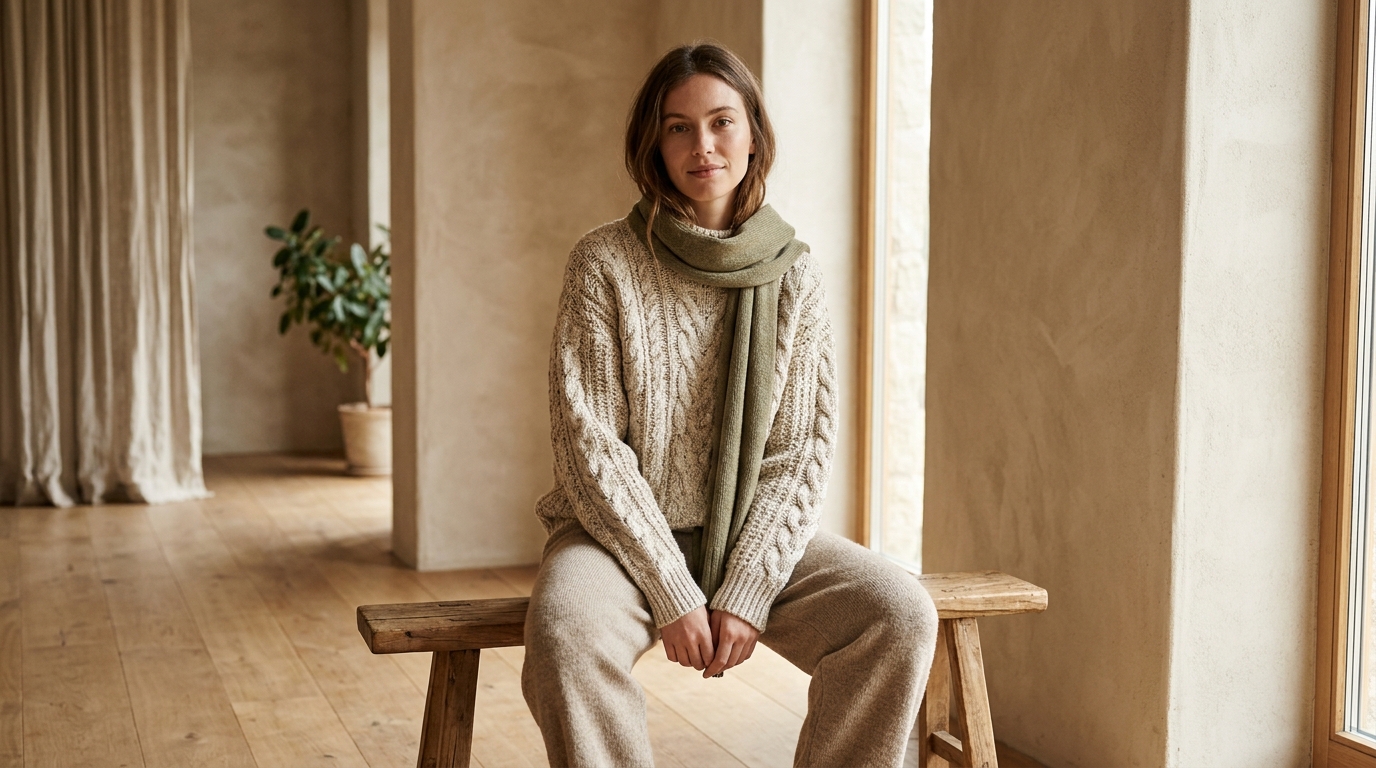
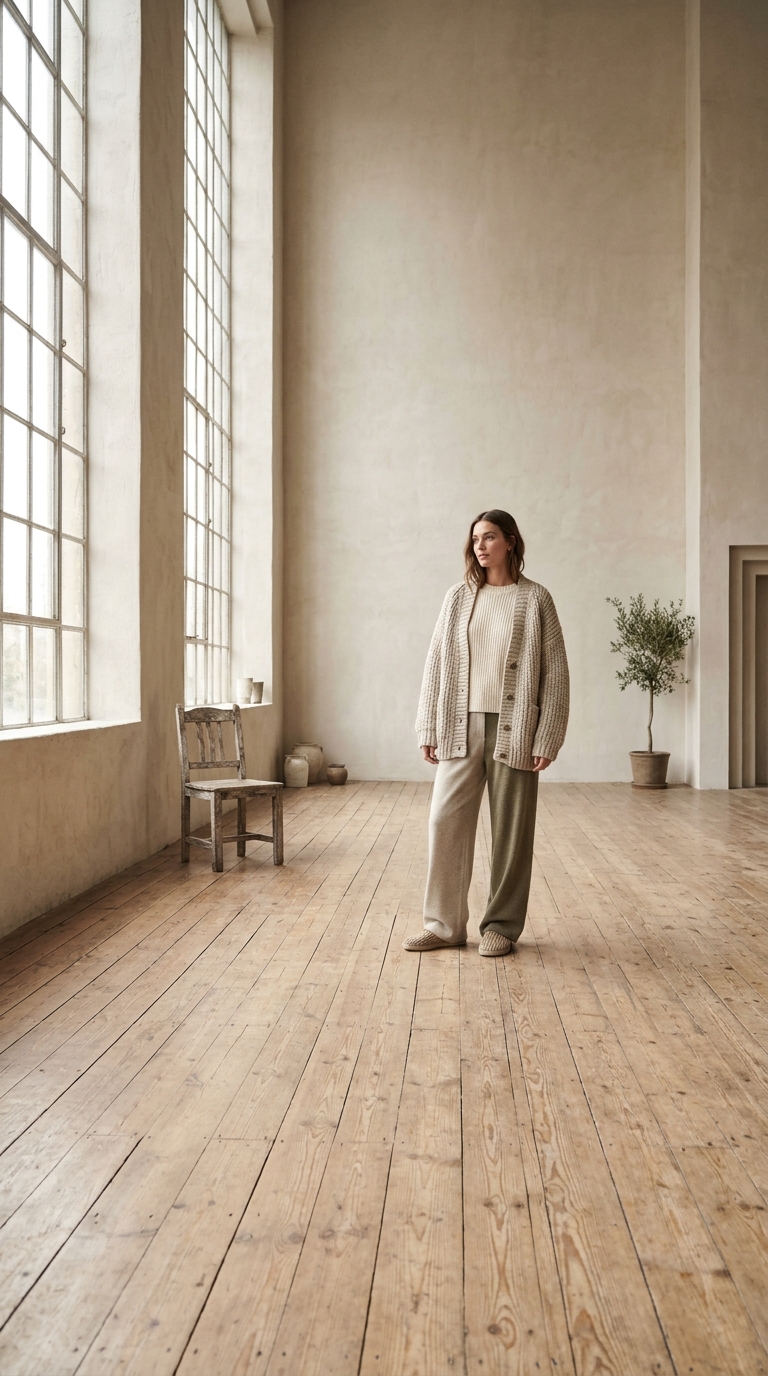
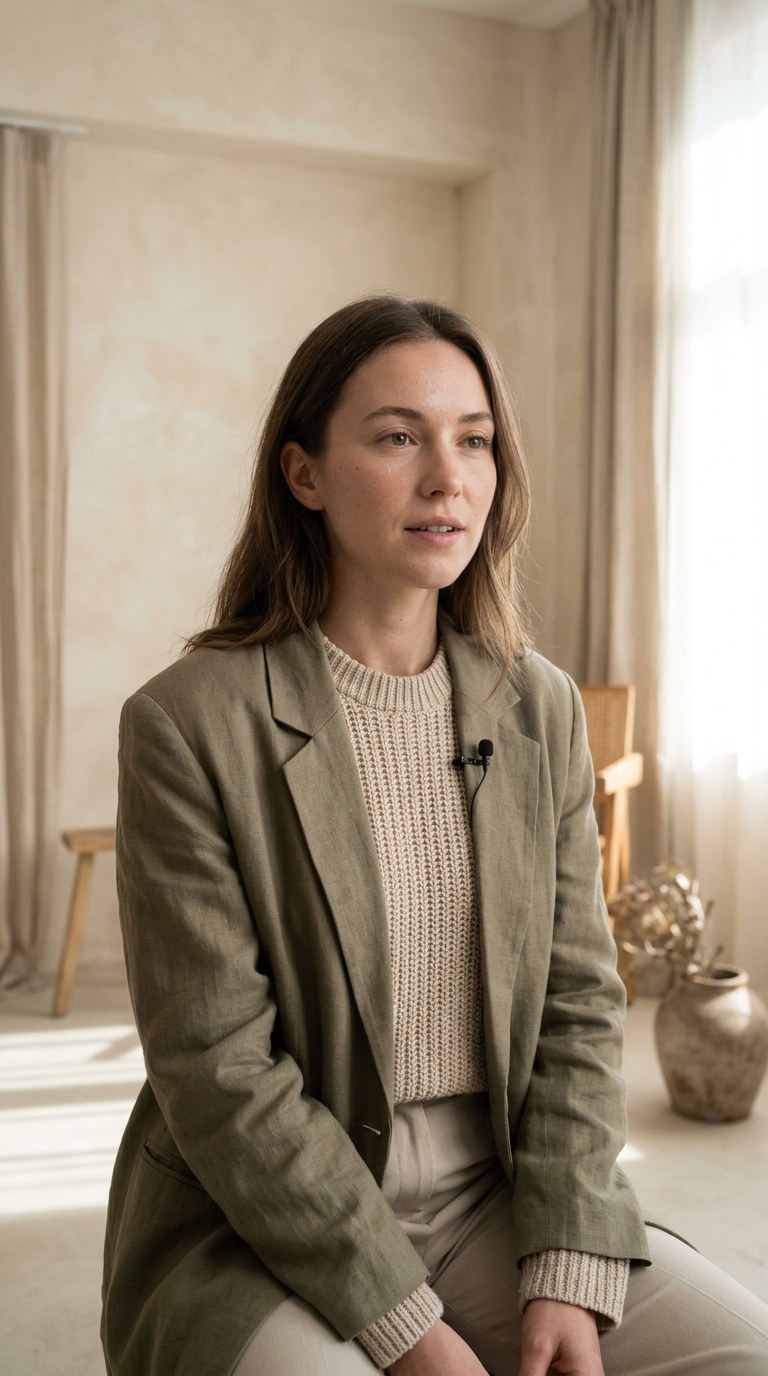
Kling 3.0 reconstructs the space around a subject, so a full-length frame with visible floor and background animates better than a headshot. Tight crops and cut-off limbs are where Kling motion falls apart first.
Name what moves, then how the camera follows it. On 3.0 and 3.0 Omni you can also switch audio on, which means the line or the ambience belongs in the prompt rather than in a separate pass afterwards.
Render the same prompt on 3.0 and on 3.0 Turbo, or drop to 2.6 for a cheaper comparison. Fifteen second takes are long enough to judge continuity, and continuity is where the cheaper tiers show their seams.
Kling is the model the others get compared to, and it holds up when the prompt describes a performance rather than a picture.
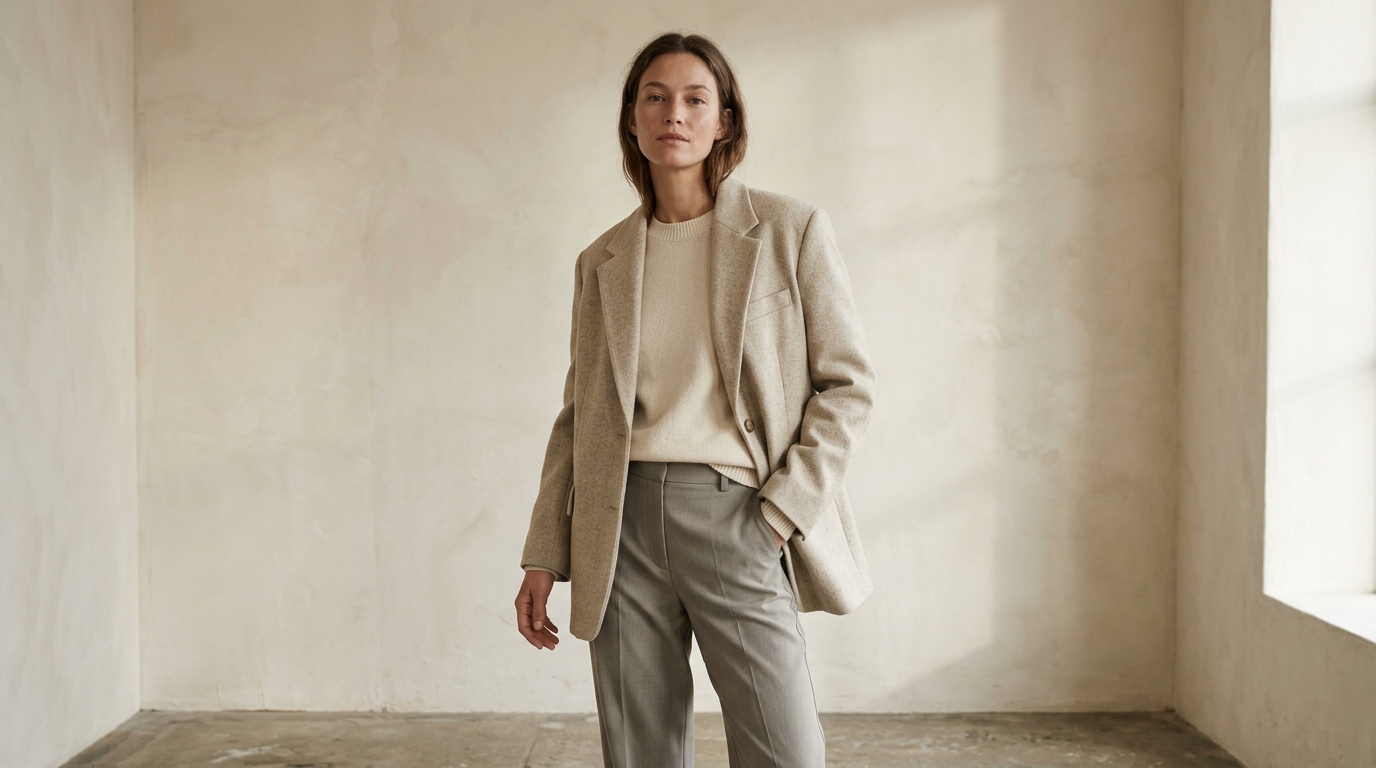 Full body. Visible floor. One light.
Kling reads room shape from the first frame. A doorway, a window or a horizon line gives it a depth cue it can push through, and even light with one direction keeps the geometry stable while the camera moves.
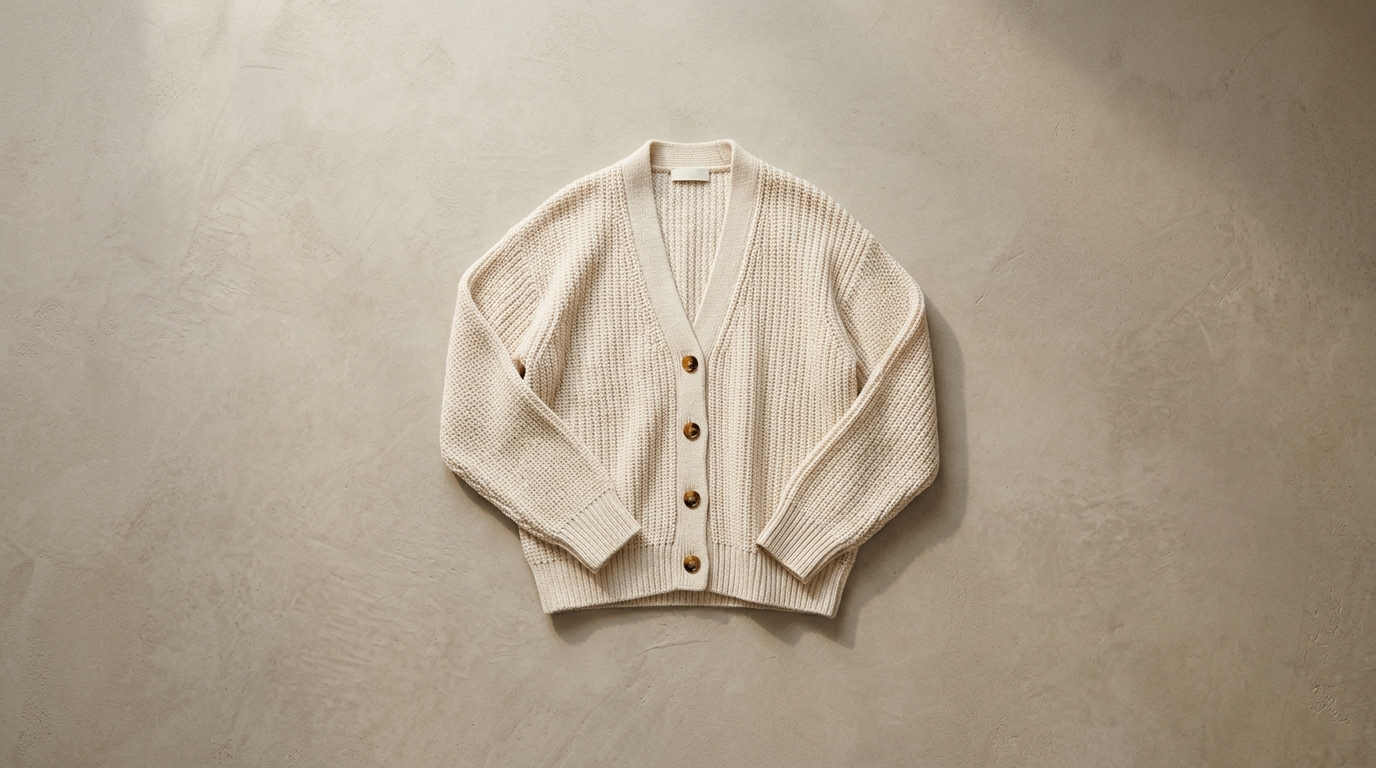 Action. Camera. What changes.
Say what the person does, then what the camera does, then what has changed by the last second. Kling 3.0 can carry a second action inside fifteen seconds where a six second budget model would drop it.
Kling covers the middle of the market: character work, product motion and short narrative beats at 720p, with sound on the 3.0 family.
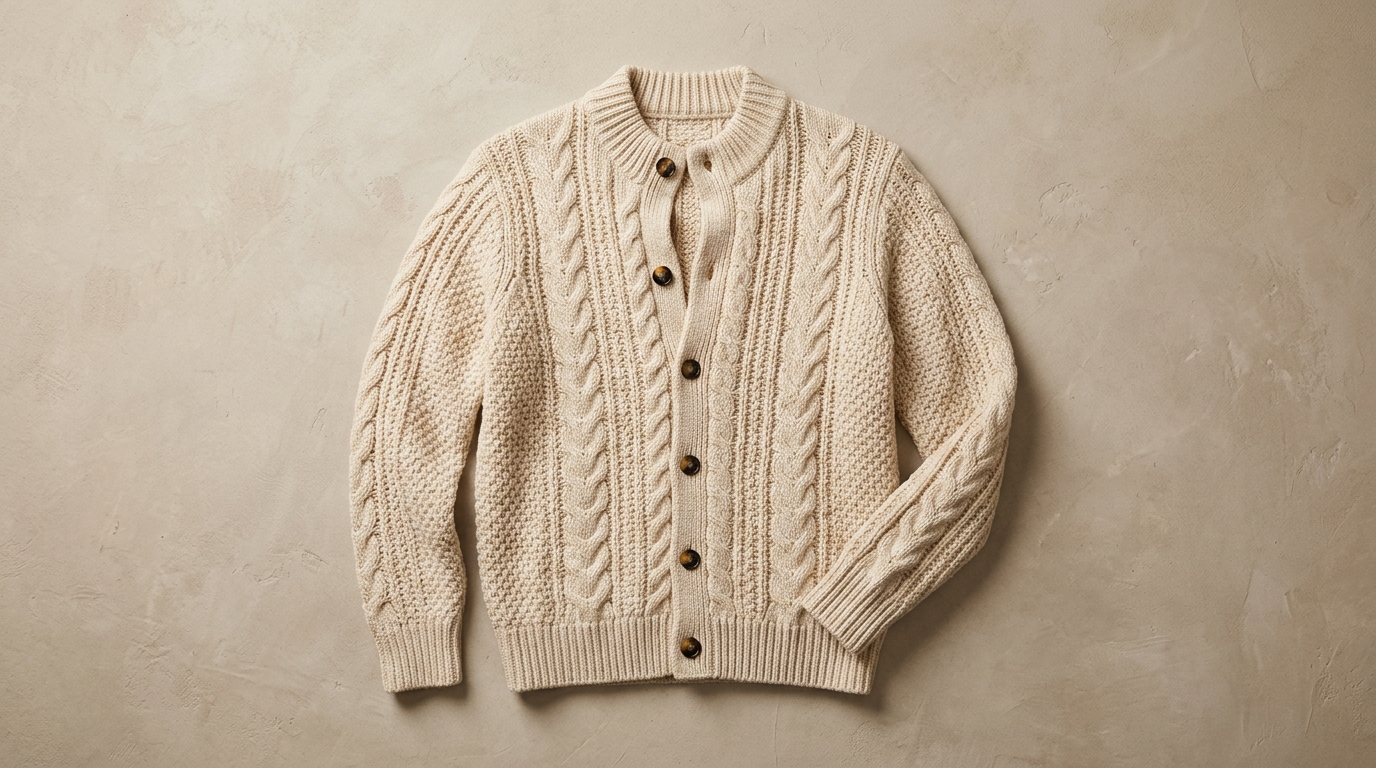
A slow orbit or a light sweep across a catalogue shot looks deliberate on Kling, because the object keeps its geometry while the camera travels. Keep the movement slower than feels natural: this is an ad, not a flypast.
Notes from sellers, editors and designers who render stills instead of booking another shoot.
“I run ads from photos I already own. One product shot now gives me three versions to test, and a failed render comes back as credits instead of a lost afternoon.”
“The prompt is the whole job. Once I wrote "slow push in, soft window light" instead of "make it cinematic", the takes stopped needing five attempts.”
“The first frame decides everything. A clean frame with room around the product renders in one pass; a tight crop always comes back jittery.”
“I animate illustrations for a newsletter. Line work and palette stay put, which is more than most generators I tried managed.”
“The free daily render is what got me in. I tried a shot without paying, liked it, and bought credits the same week.”
“A 9:16 render at 1080p drops straight into the timeline. I use it for B-roll between the shots we actually filmed.”
“I run ads from photos I already own. One product shot now gives me three versions to test, and a failed render comes back as credits instead of a lost afternoon.”
“The prompt is the whole job. Once I wrote "slow push in, soft window light" instead of "make it cinematic", the takes stopped needing five attempts.”
“The first frame decides everything. A clean frame with room around the product renders in one pass; a tight crop always comes back jittery.”
“I animate illustrations for a newsletter. Line work and palette stay put, which is more than most generators I tried managed.”
“The free daily render is what got me in. I tried a shot without paying, liked it, and bought credits the same week.”
“A 9:16 render at 1080p drops straight into the timeline. I use it for B-roll between the shots we actually filmed.”
Four settings and habits that matter more than another rewrite of the prompt.
Two moves in one prompt split the model’s attention and the second usually collapses halfway. Render the dolly, then render the tilt, and cut them in the edit.
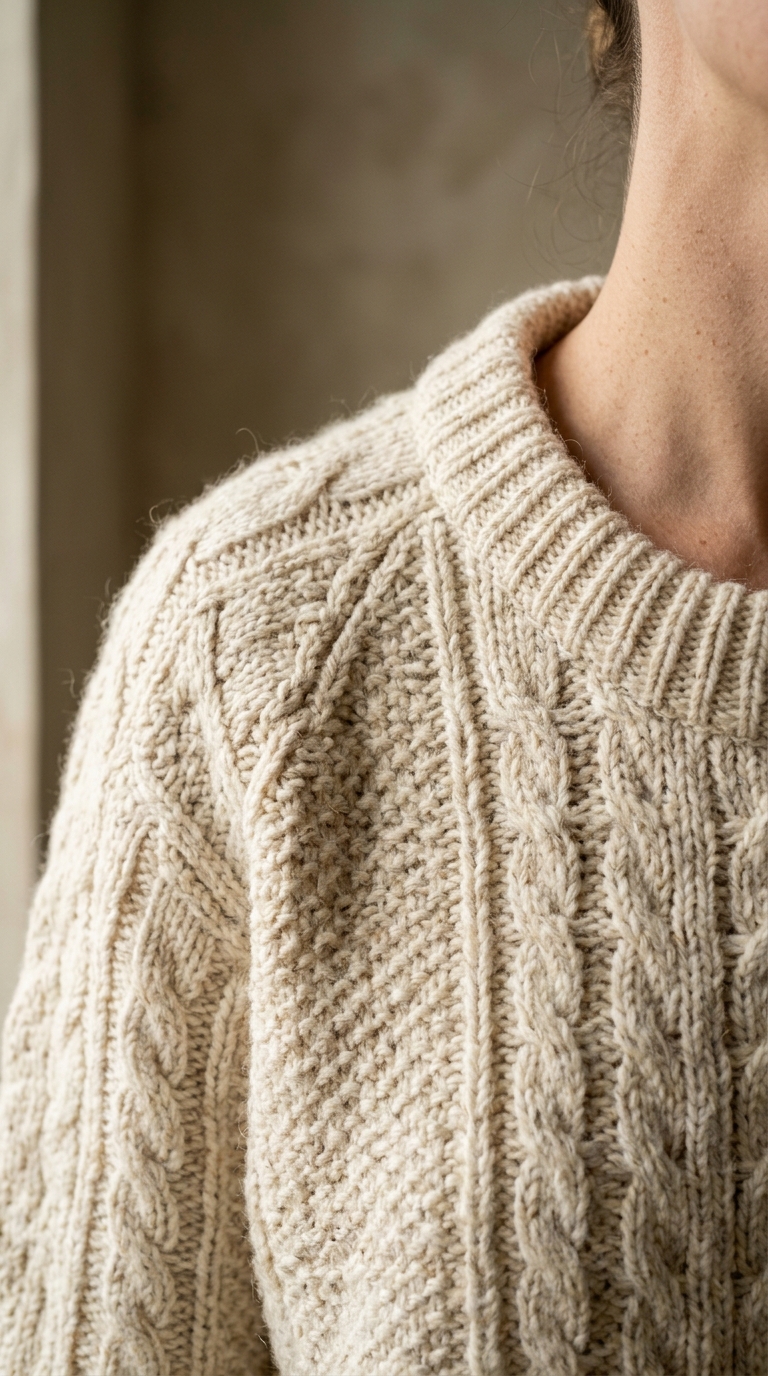
Kling 3.0 renders at 720p while 3.0 Turbo goes to 1080p. Reserve Turbo for the take you publish, because the price follows the resolution and not the prompt.
Those two routes generate a soundtrack with the picture. 3.0 Turbo, 2.6 and O1 stay silent, so plan a separate audio pass when you render on them.
Render the same sentence on 3.0 and 2.6, then keep the cheaper one if the difference is invisible at feed size. Most of the gap shows in fast motion, not in a still.
Which Kling route to pick, what it costs, and what the free daily render does not cover.
Kling 3.0, 3.0 Omni, 3.0 Turbo, 2.6 and O1. 3.0 and 3.0 Omni generate matching sound, 3.0 Turbo is the one that renders at 1080p, 2.6 is the cheaper previous generation at 720p, and O1 is the reasoning-driven route for scenes where the model has to work out what happens next.
The daily free render is reserved for the cheapest model in the catalogue, which is not Kling — so a guest who presses Generate on Kling is asked to sign up first. Once signed in, every Kling render is priced per second before you submit, and a take that fails upstream is refunded automatically.
Kling 3.0 for the best motion realism and prompt accuracy, 3.0 Turbo when you need 1080p, 2.6 for the cheapest Kling take, and O1 when the scene needs reasoning about continuity rather than raw detail. The prompt transfers between them, so move the same sentence up the ladder.