 TryOn
Keep the move under six seconds
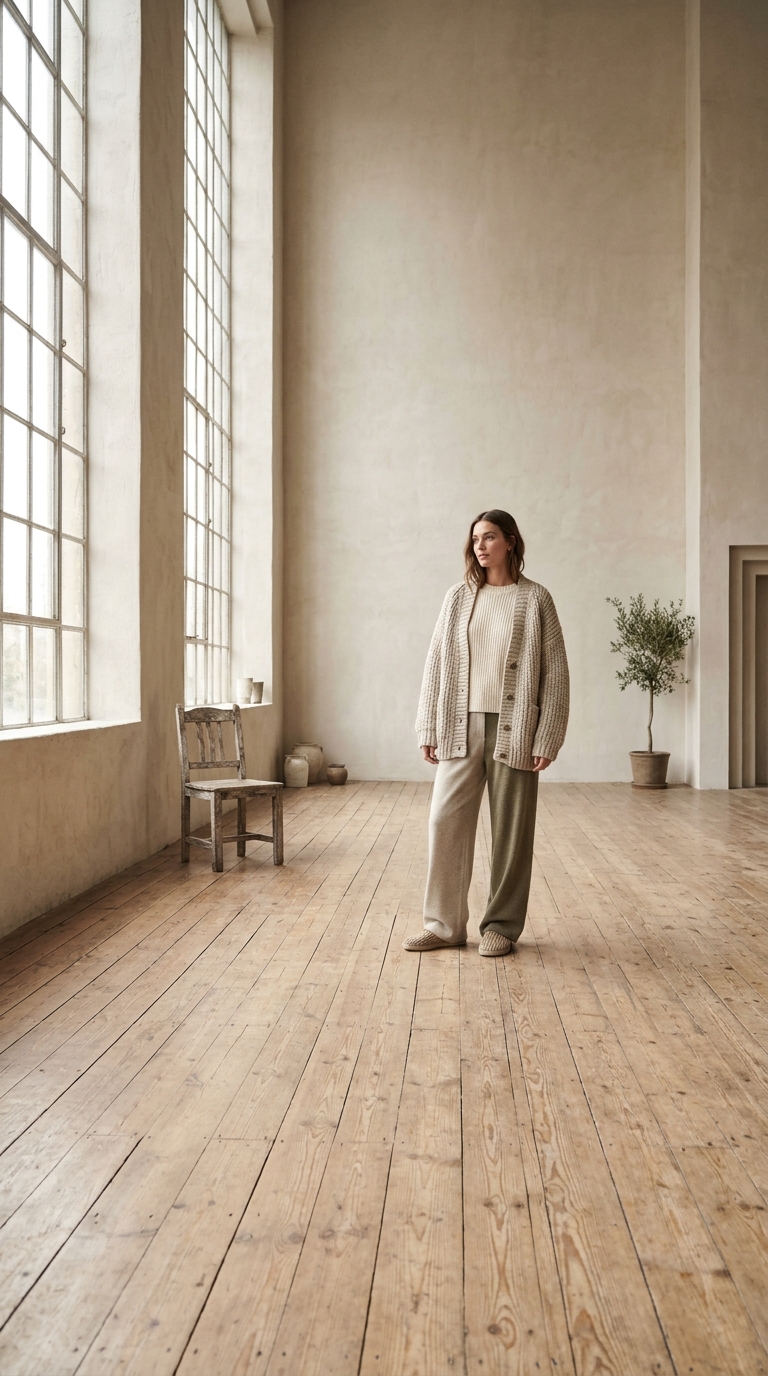
A pan across a wide room runs out of clip time mid-motion. Pick a movement that completes inside the take — a turn, a lift, a slow push — rather than a full orbit it has to abandon.
1 free try-on, 1 free video and 1 free image every day — no sign-up neededSee what's free
xAI’s Grok Video turns a still photo or a written prompt into a short clip in under a minute. It is the cheapest route in the catalogue and the one the daily free render runs on — 480p or 720p, six to fifteen seconds.
Log in to create and keep your videos.
The same model runs in both video studios: start from a photo here, or switch to the text studio and write the shot instead. Text to video
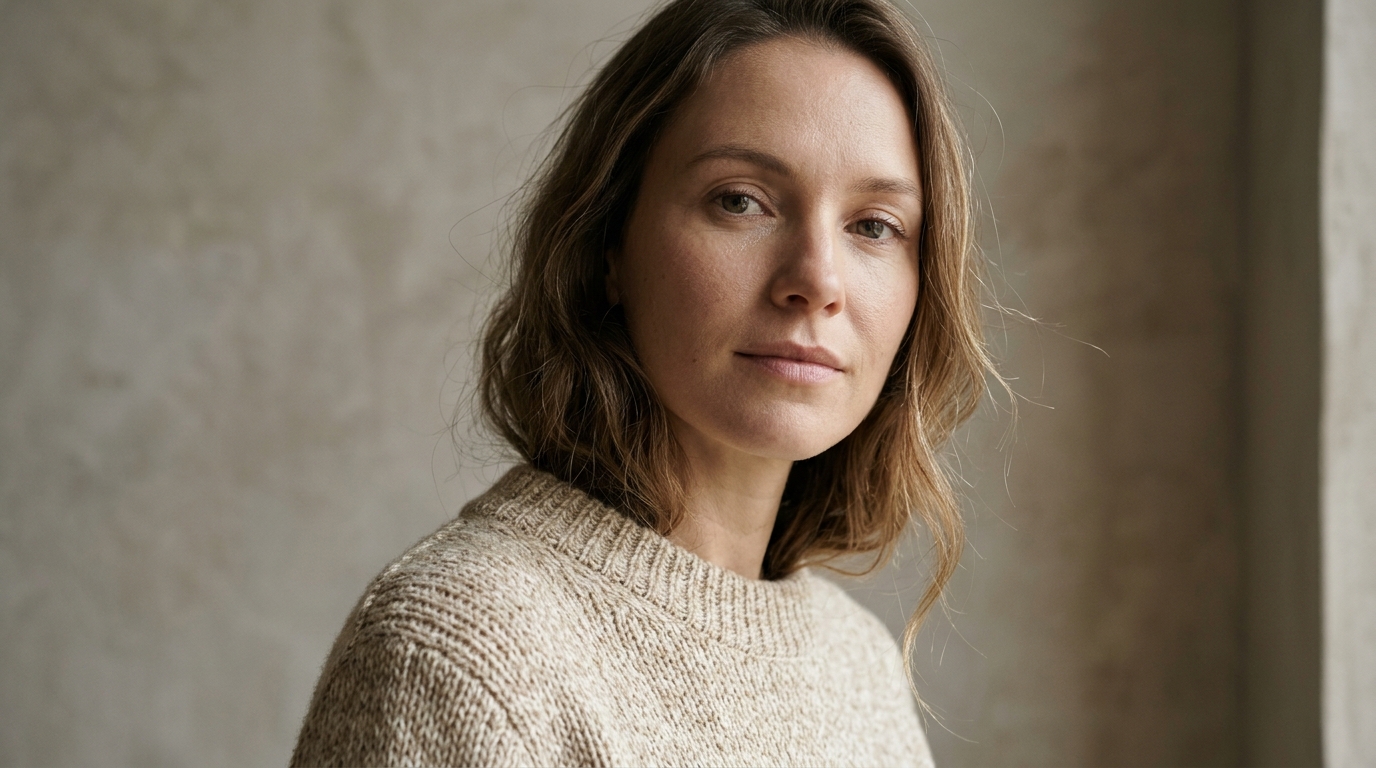
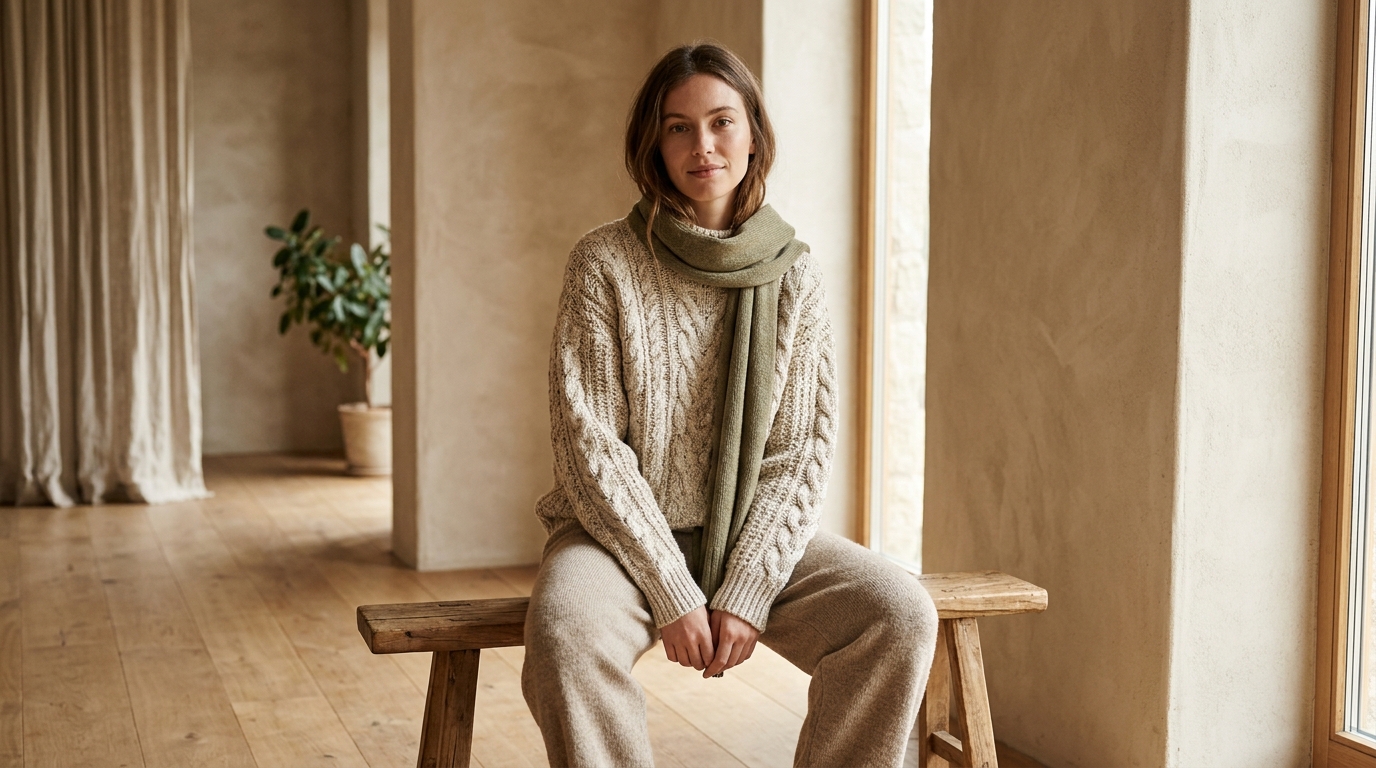
Grok Video 1.5 reads a single frame. Keep the subject in the middle third with background visible on both sides, and do not bother upscaling: it renders at 480p by default, so a normal phone photo already has all the detail it uses.
Name a single action: a head turn, steam rising, a slow push in. Grok spends its budget on movement rather than set dressing, so a prompt about lenses and mood comes back flat while "she looks up slowly" works first time.
The 6 second 480p take is exactly what the daily free render covers, and it is enough to judge whether the motion reads. Keep the prompt, switch to 720p only when the clip has to survive a feed, and compare the two side by side.
Grok Video is xAI’s fast, cheap route, and it rewards short prompts. One subject, one movement, six seconds — treat the render as a sketch rather than a shot.
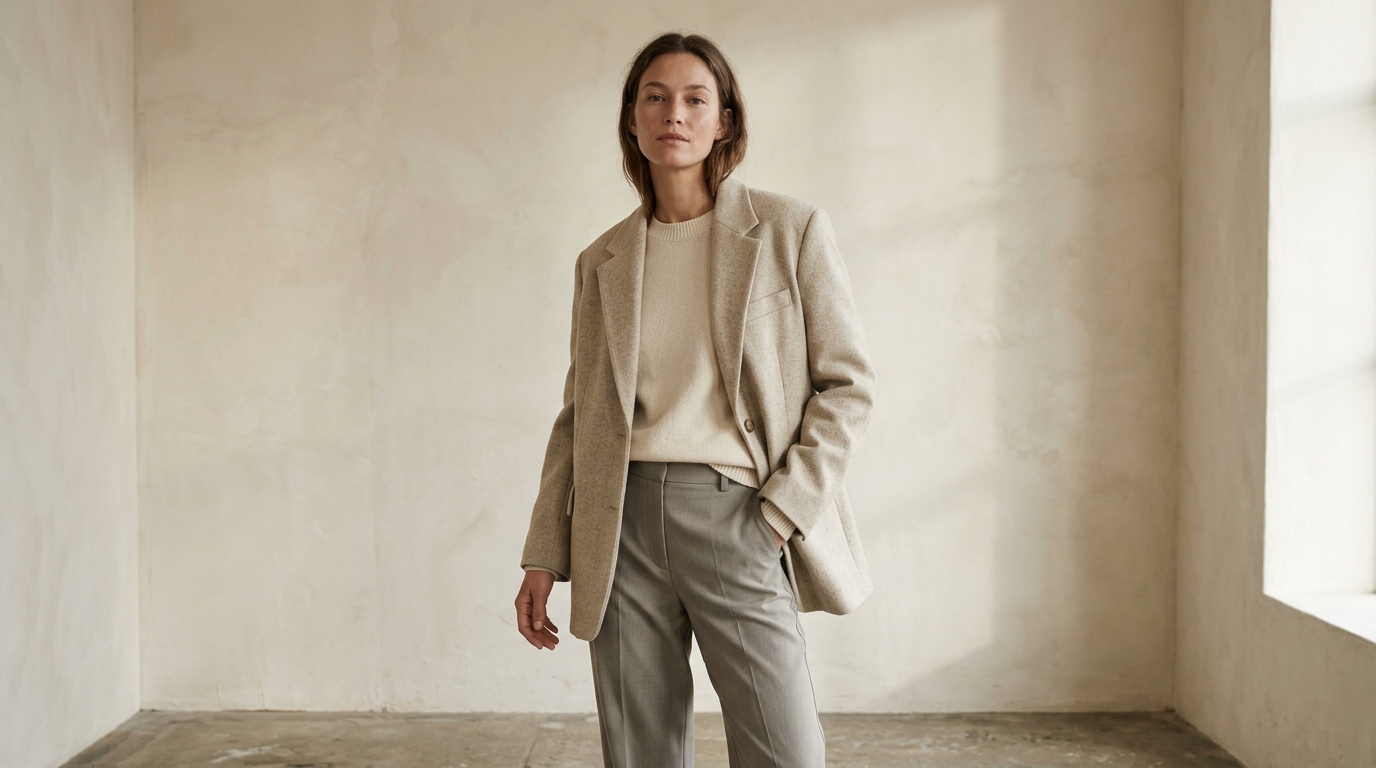 One subject. Even light. 480p is fine.
At 480p, clutter costs accuracy. A single person, a single product or a single room in even light keeps the motion readable, while a busy street gives the model fifty things to animate badly at once.
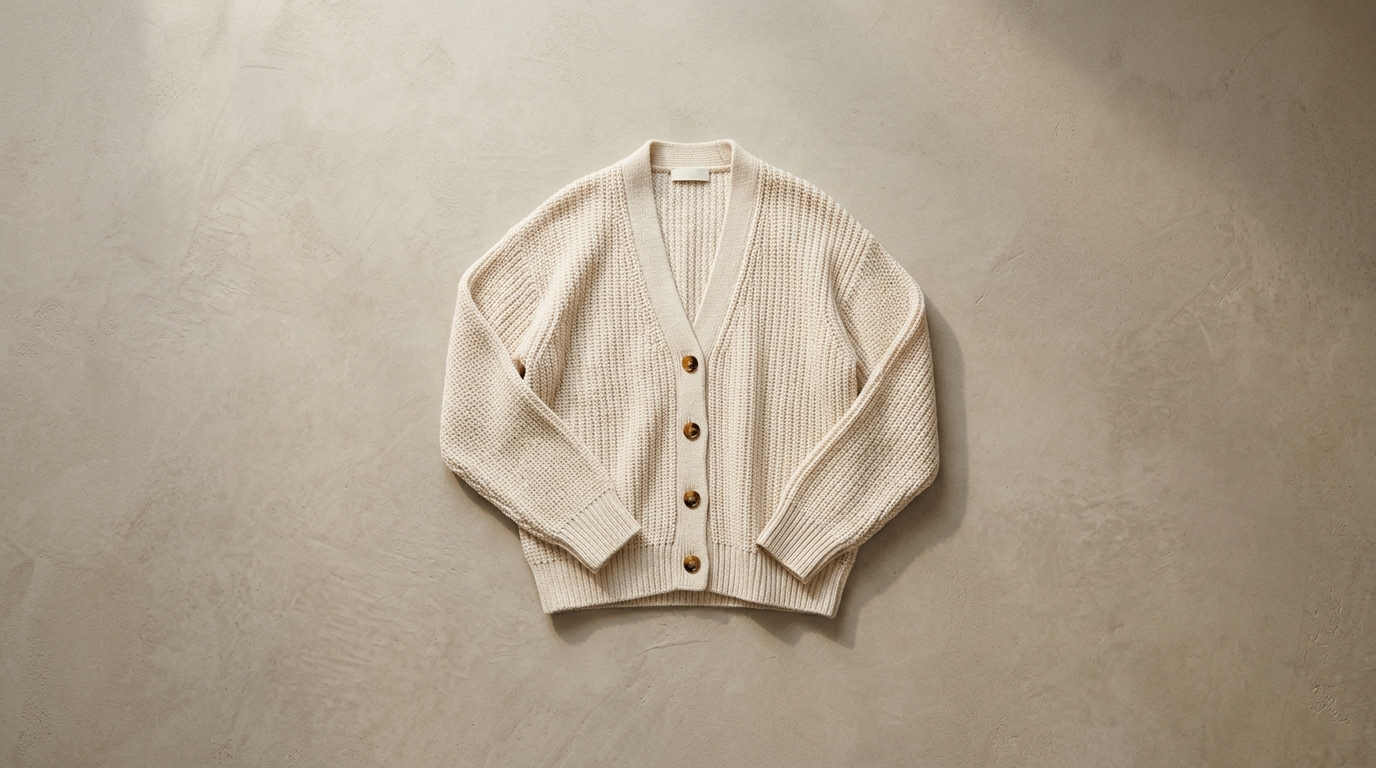 Action plus camera. One sentence.
Write the action, then where the camera sits, in one sentence: "she turns her head toward the window, camera static". Three lines about mood cost the same to render and give the model less to do.
Cheap and quick has its own uses: testing an idea before paying for it, filling a feed slot, and stacking several motion options inside a minute.
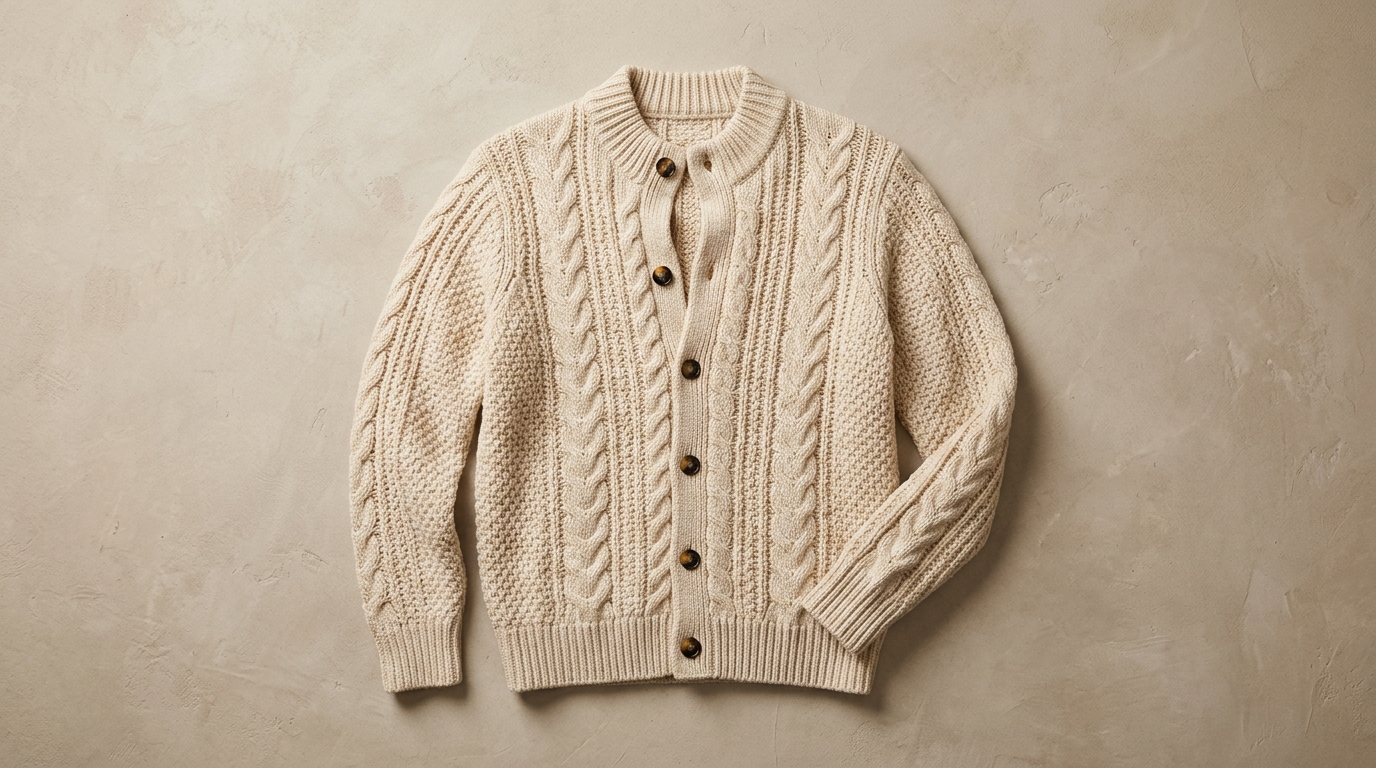
Render the sweep, the push or the spin on Grok first. If the movement sells the product at 480p, the same prompt is worth re-rendering on Kling or Wan at 1080p; if it does not, you saved the premium take.
Notes from sellers, editors and designers who render stills instead of booking another shoot.
“I run ads from photos I already own. One product shot now gives me three versions to test, and a failed render comes back as credits instead of a lost afternoon.”
“The prompt is the whole job. Once I wrote "slow push in, soft window light" instead of "make it cinematic", the takes stopped needing five attempts.”
“The first frame decides everything. A clean frame with room around the product renders in one pass; a tight crop always comes back jittery.”
“I animate illustrations for a newsletter. Line work and palette stay put, which is more than most generators I tried managed.”
“The free daily render is what got me in. I tried a shot without paying, liked it, and bought credits the same week.”
“A 9:16 render at 1080p drops straight into the timeline. I use it for B-roll between the shots we actually filmed.”
“I run ads from photos I already own. One product shot now gives me three versions to test, and a failed render comes back as credits instead of a lost afternoon.”
“The prompt is the whole job. Once I wrote "slow push in, soft window light" instead of "make it cinematic", the takes stopped needing five attempts.”
“The first frame decides everything. A clean frame with room around the product renders in one pass; a tight crop always comes back jittery.”
“I animate illustrations for a newsletter. Line work and palette stay put, which is more than most generators I tried managed.”
“The free daily render is what got me in. I tried a shot without paying, liked it, and bought credits the same week.”
“A 9:16 render at 1080p drops straight into the timeline. I use it for B-roll between the shots we actually filmed.”
Four things that change the result more than the prompt does.
A pan across a wide room runs out of clip time mid-motion. Pick a movement that completes inside the take — a turn, a lift, a slow push — rather than a full orbit it has to abandon.
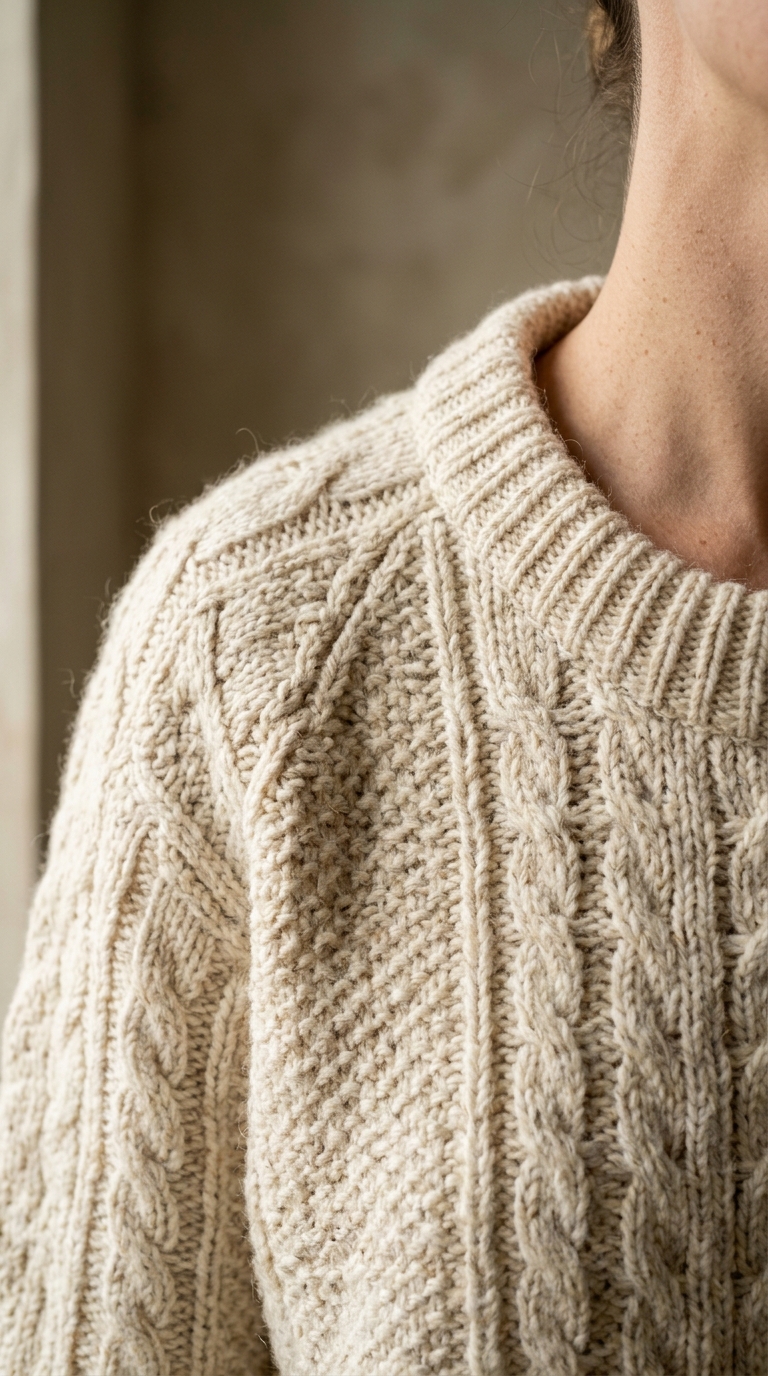
Every experiment belongs on the cheapest tier. 480p tells you whether the motion is right; 720p only tells you whether it is sharp, which is a decision you can defer until the take is chosen.
There is no audio track on this model, so plan music or a voiceover in the edit. Leave spoken lines out of the prompt: the model will try to lip-sync them into six seconds and drift.
A cheap take makes more attempts the better strategy. Change one word between submissions, compare them at phone size, and delete the rest before they fill your history.
What Grok Video is best at, what the free render covers, and when to reach for a bigger model.
Grok Video is xAI’s video model. Version 1.5 is what this page preselects: 6, 10 or 15 second clips at 480p or 720p, starting from a photo in the image studio or from a prompt in the text studio. Every render is saved to your history, so you can reopen a take and change one line of the prompt.
Yes. The 480p / 6 second tier of Grok Video 1.5 is what the daily free render covers — one clip per visitor per day, no account needed. Longer clips, 720p and anything after today’s free render are paid from credits, and the exact price is shown before you press Generate.
Use it for drafts. Keep the camera still, describe the motion instead of the whole scene, and judge the take at 480p: if the movement reads right, the same prompt is worth re-rendering on Wan or Kling for detail. A long, poetic prompt is wasted on a six second budget clip.