 TryOn
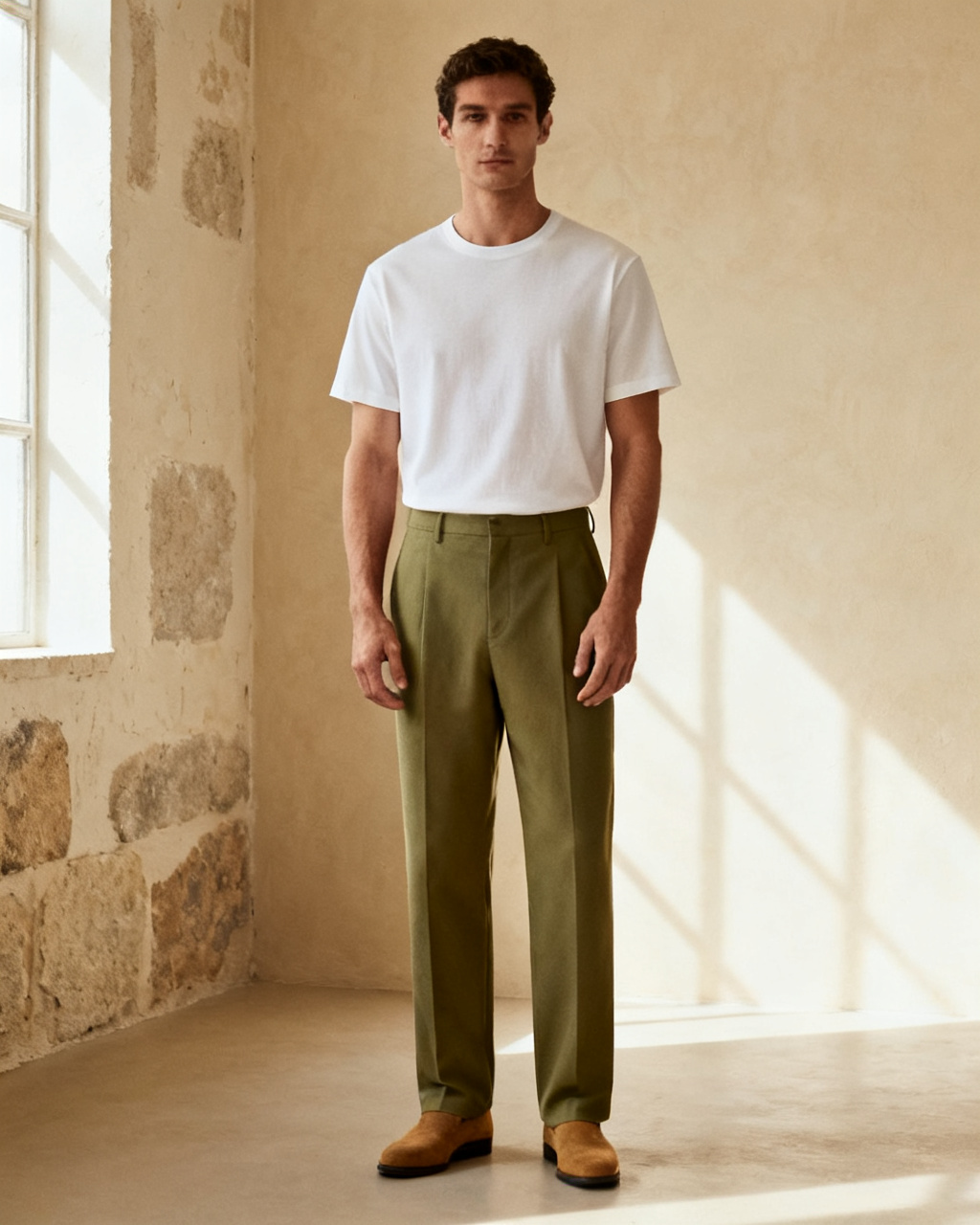
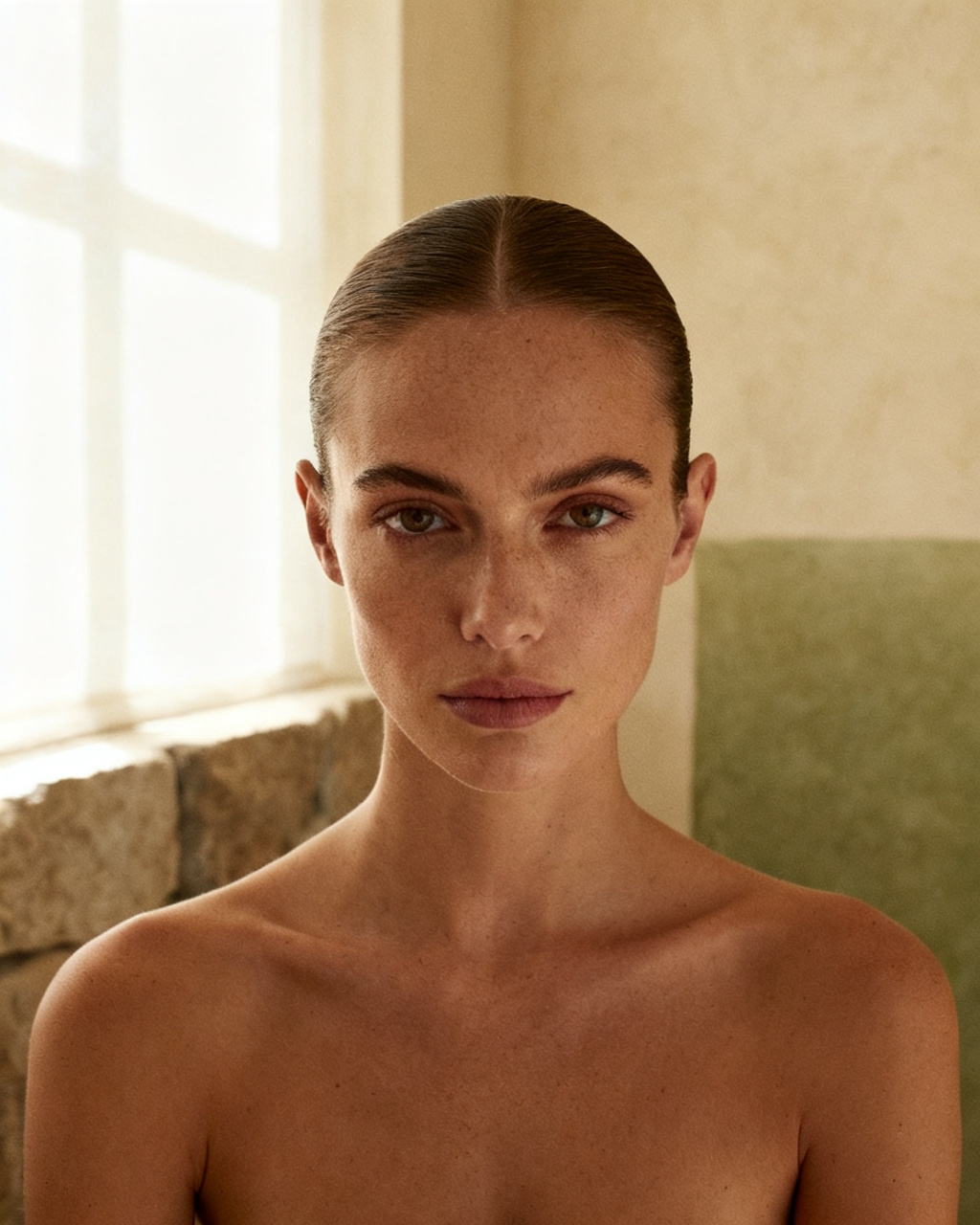

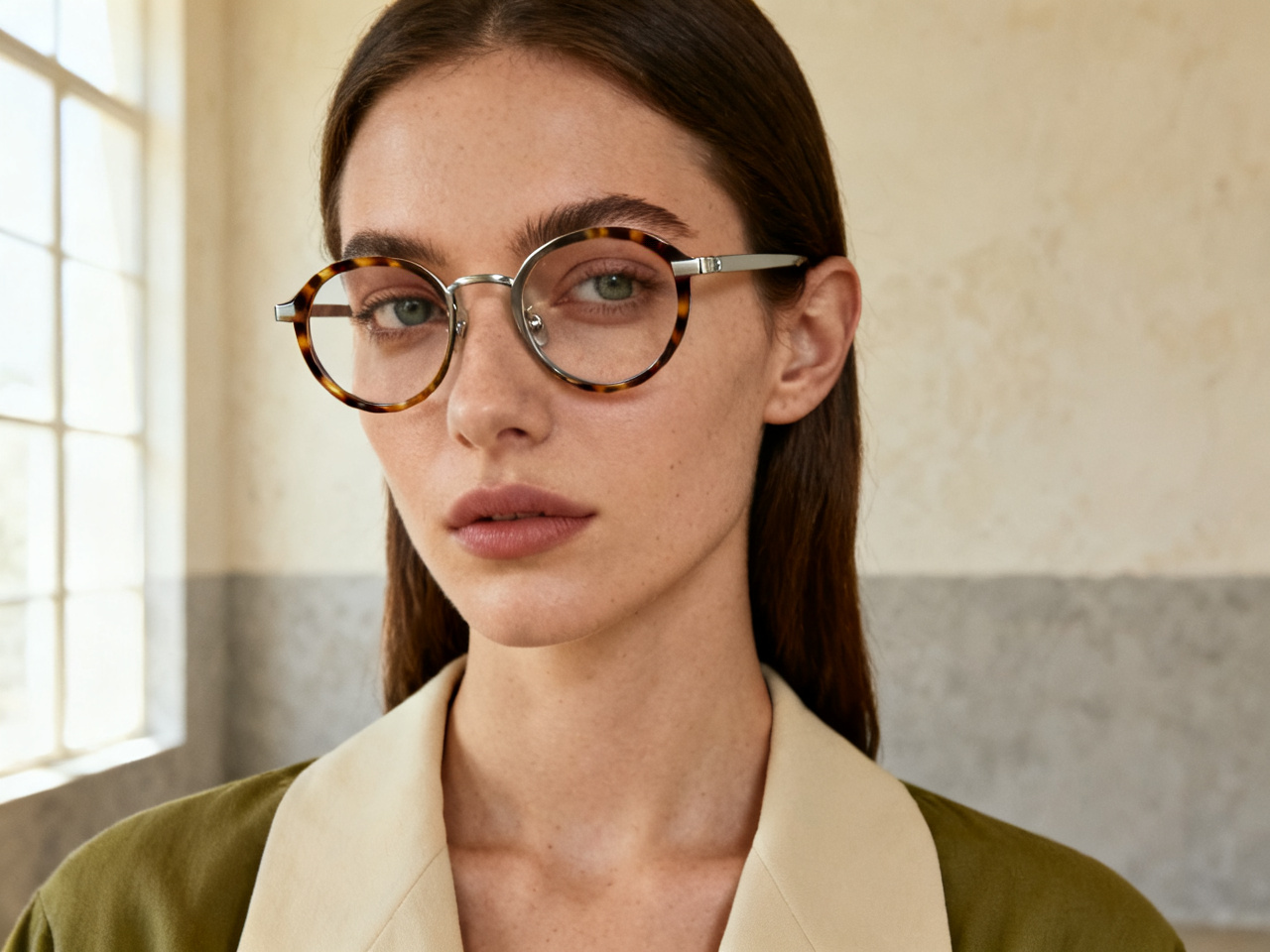
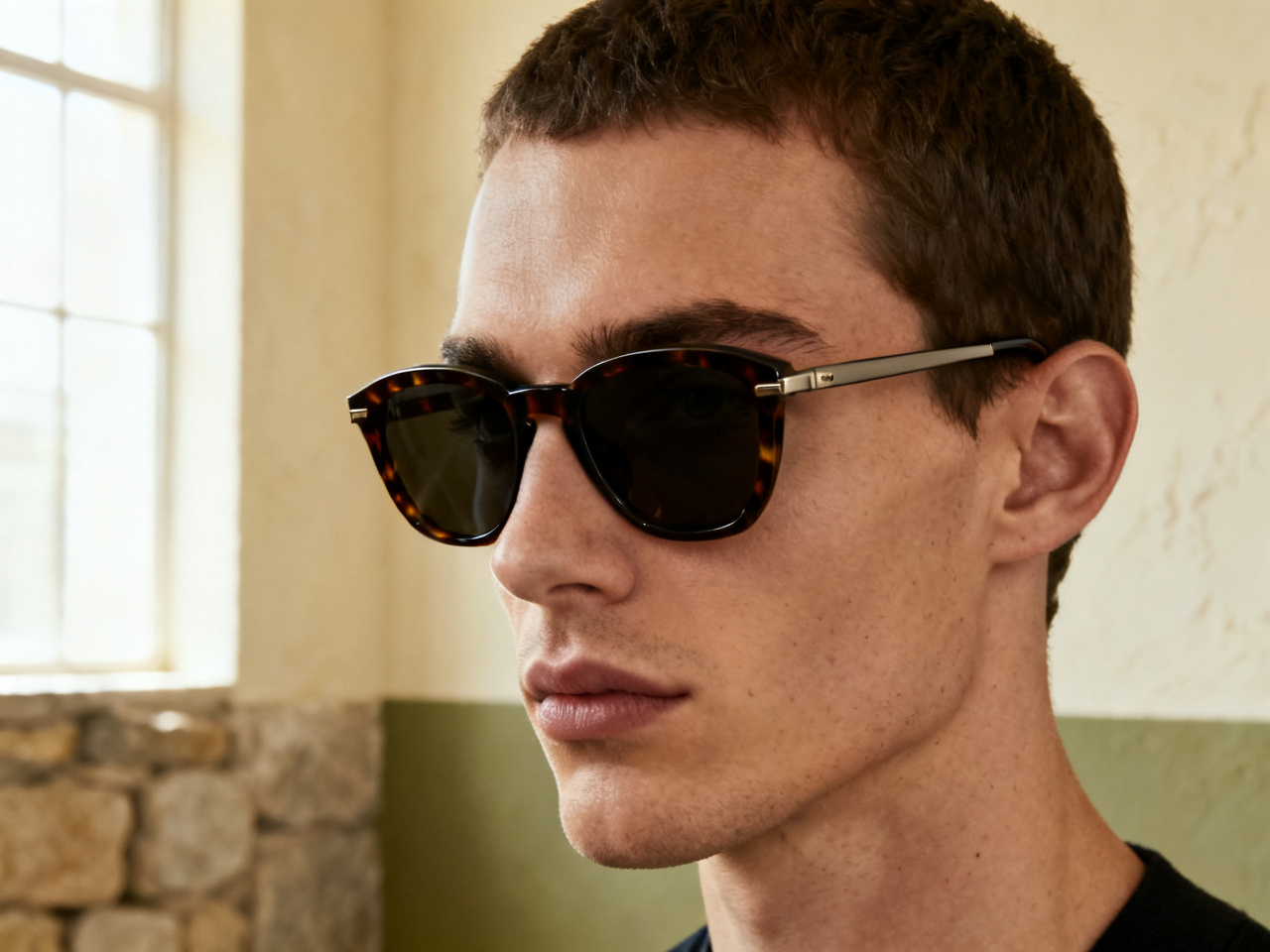
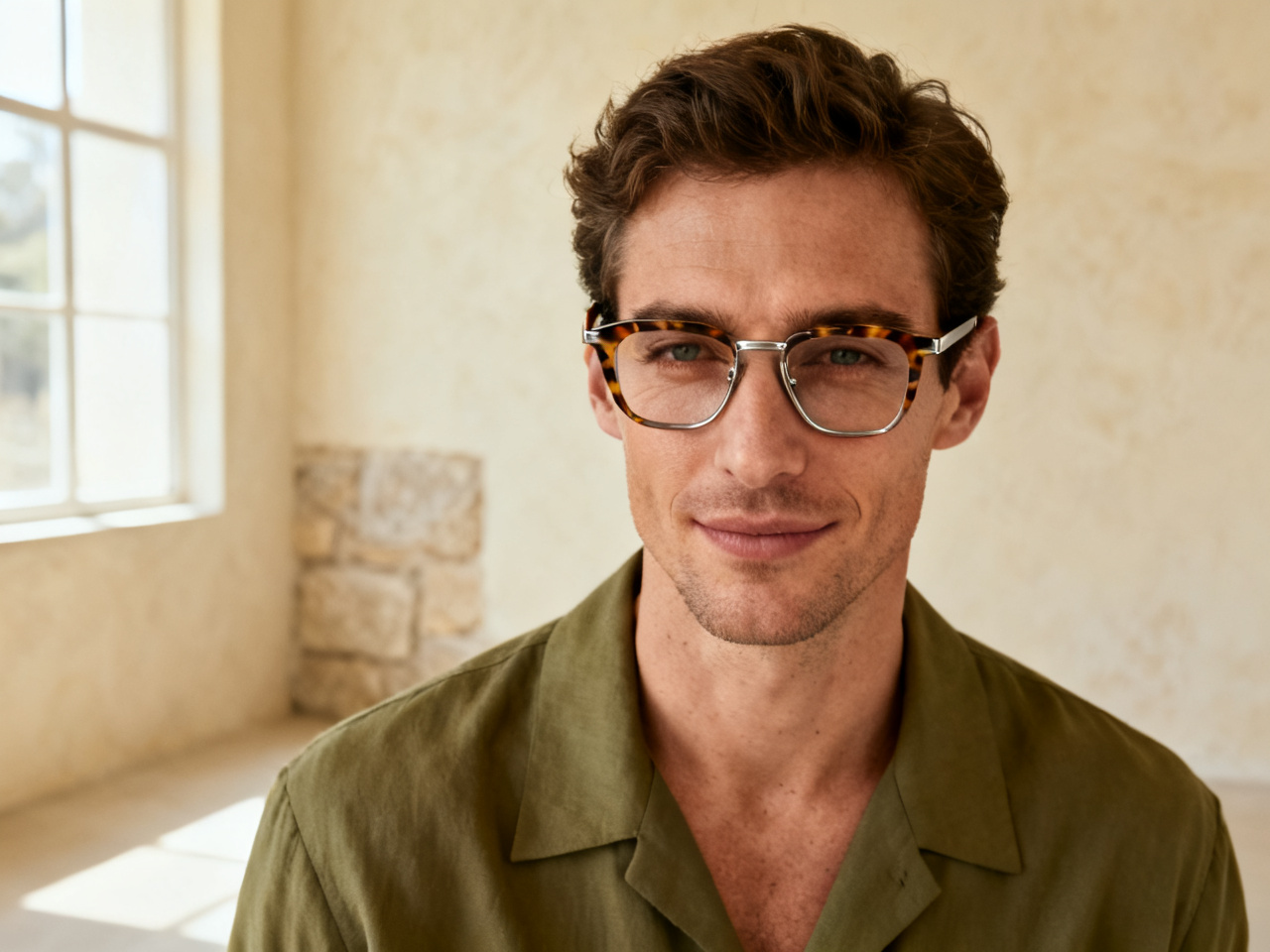
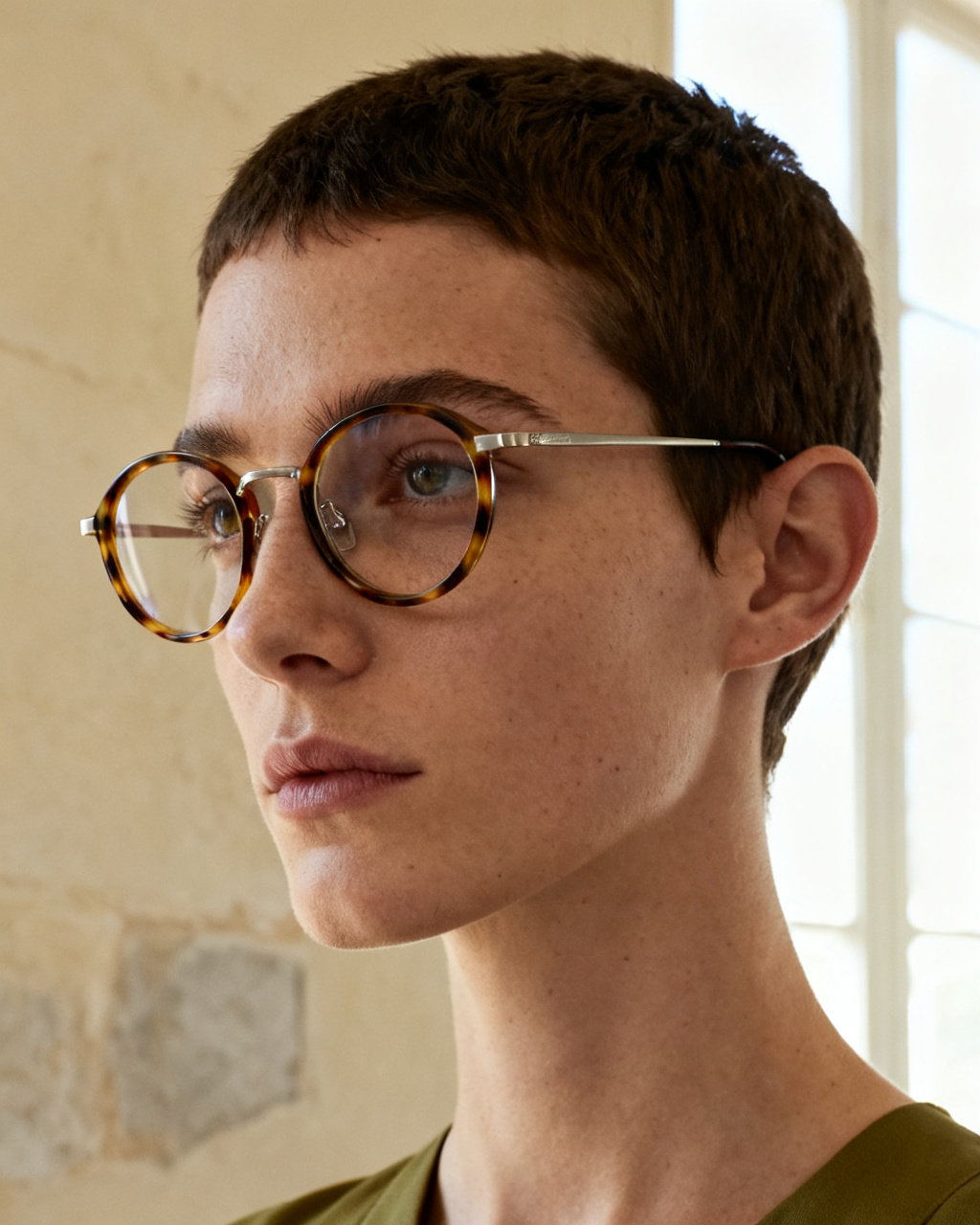
Compare two frame shapes
Put a round frame next to a square one on the same headshot, and see which one sits closer to your brow line.
1 free try-on, 1 free video and 1 free image every day — no sign-up neededSee what's free
Upload a headshot and a photo of the frames you want to test. Sunglasses, optical frames and tints land on your face in seconds, free, right in your browser.
Two images. One new perspective.
Private by default · Delete any result at any time
A first look at what’s possible
Start from a pair instead of a blank upload. Pick an image below to load it as a sample, then swap in your own headshot and the frames you have in mind. Samples cost nothing, so the first comparison can be a rough one.
The studio opens whether or not you are signed in, and a fresh set of frame previews appears every day. The first pair is never gated, and no card is asked for at any point.
Each day brings a new run of previews for sunglasses, optical frames or a tint you have been curious about. The allowance renews on its own, which matches how a pair gets chosen: a shortlist one evening, a decision the next.
Unlimited mode lifts the daily cap, so you can put a round frame next to a square one, black next to tortoise, in a single sitting. Frame shape is the hardest thing to picture from a product photo and the easiest to see on your own face.
No card, no countdown, no email wall before your first preview. An account is only there to keep results in your history across devices, and to hold credits if you ever want more than the daily allowance.
The daily allowance covers every tool on this page, not just eyewear.
Glasses are one studio in a set. The same headshot also carries a new hairstyle, a bag, a watch, shoes or a pet outfit, so you can check a whole look without uploading twice. Frames change how a fringe sits, and a hat changes which frame width looks right.
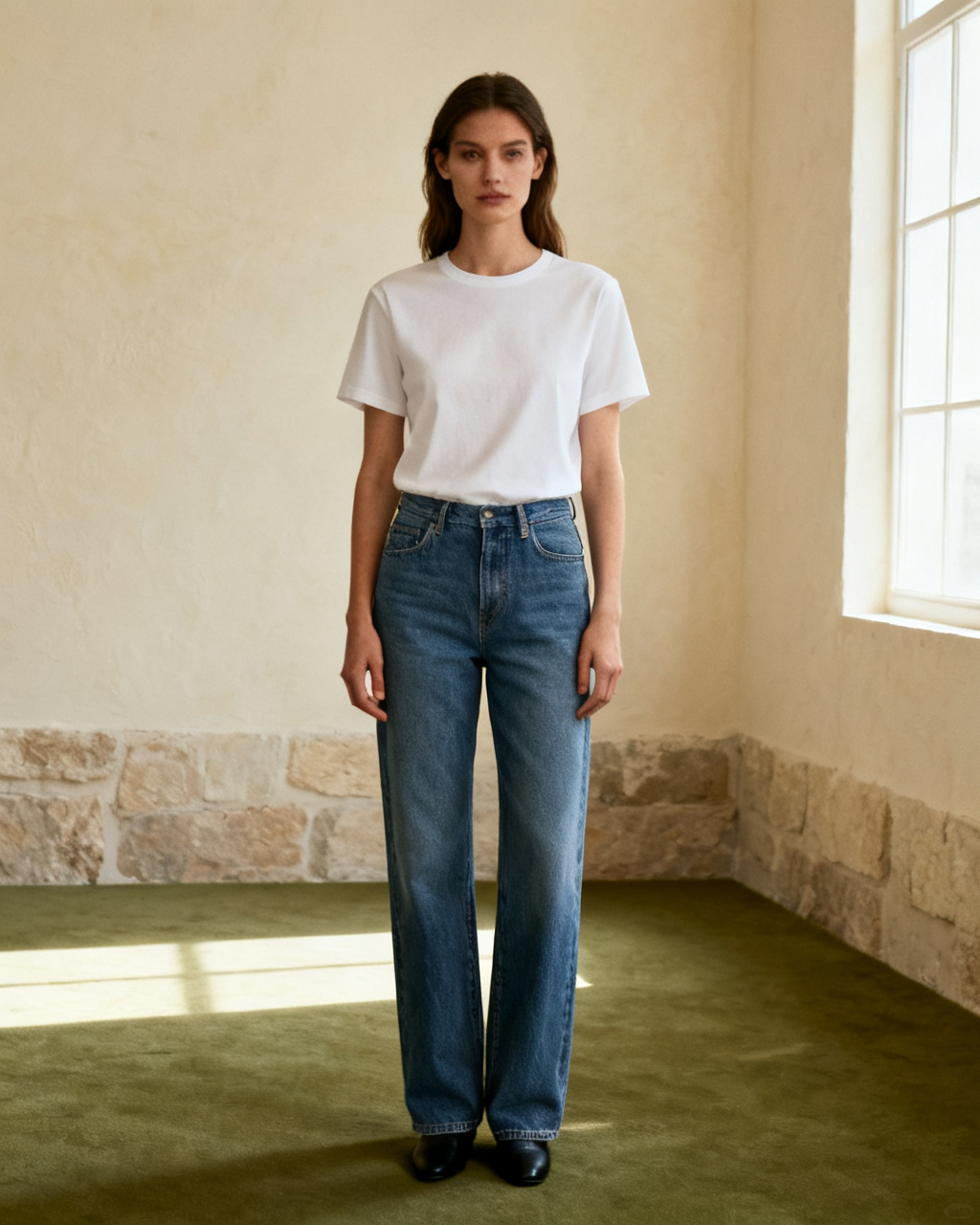
Upload your photo and the item you have in mind, then see it on your own body instead of a stock model. The steps stay the same for a garment, a pair of frames or a watch: one photo of you, one photo of the piece, one preview. Start here when you are not sure which fitting tool you need.
Start fittingHead and shoulders, facing the camera in even light, with nothing covering your eyes. Take the glasses off first and move the hair back, because the AI needs the space where the frames will sit. A photo taken at eye level beats one from slightly above.
A product photo straight from the store works best. Keep the whole front of the pair in frame, including the bridge and both hinges, and avoid screenshots with price tags or a second pair behind it. If the listing only has a shot on a model, crop the face out and keep the frame.
Put two or three shapes side by side, then check the frame width against your face and the bridge against your nose. A preview narrows the choice; an optician still confirms the fit and the lenses. Bring the shortlist rather than the whole wall.
Every preview is built from two images: your headshot and the frames. Both decide how much the result can show, so a minute spent on them is worth more than a second attempt. Frame width is the number that goes wrong in online orders, and a straight-on headshot is what makes it readable.
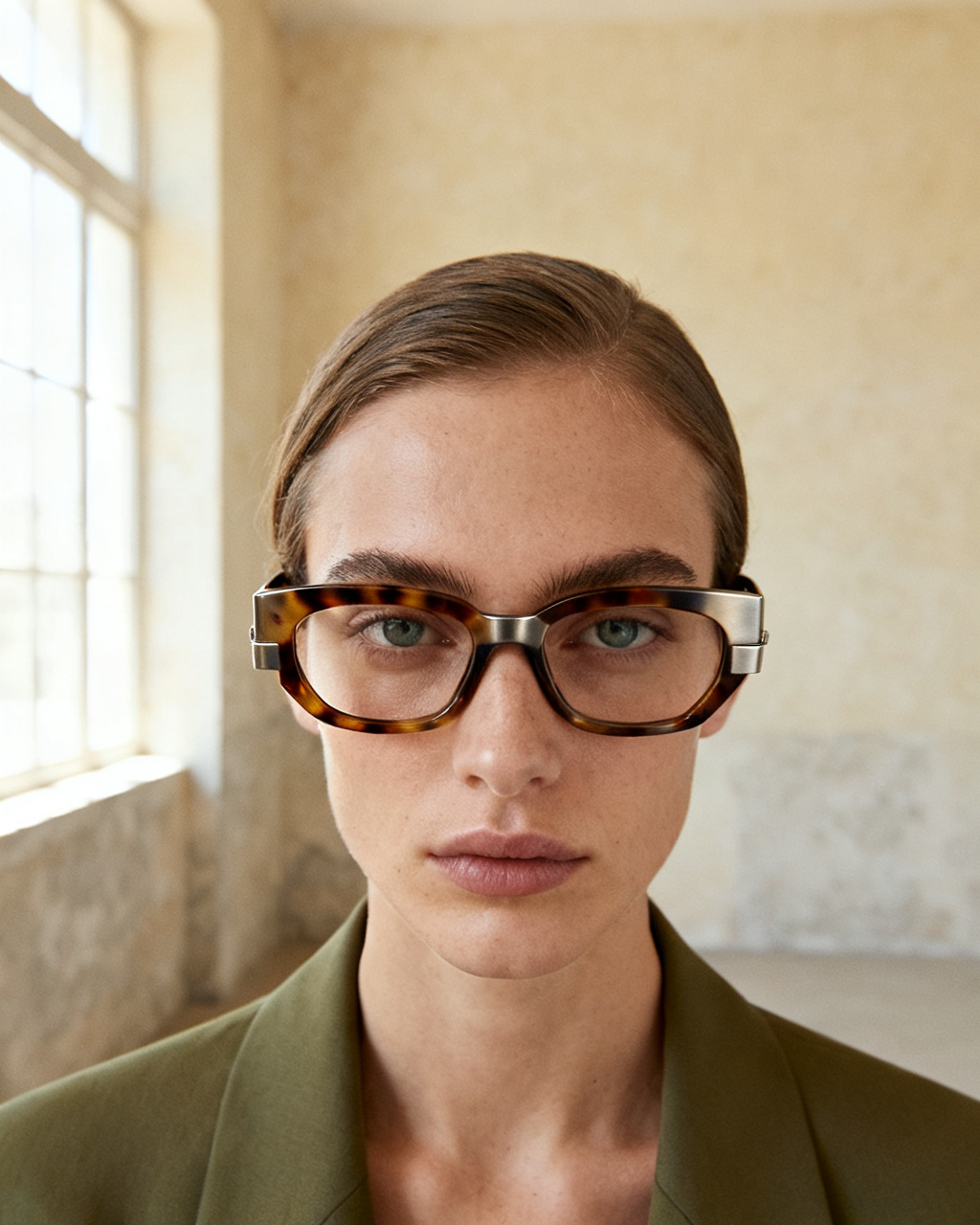 Face the light. Eyes uncovered.
Head and shoulders, straight on, with soft light and no hard shadow across the face. Your current glasses, a fringe or a hand near your cheek all hide the spot the new frames have to sit on. Daylight from a window is enough, and it keeps the lens tint honest.
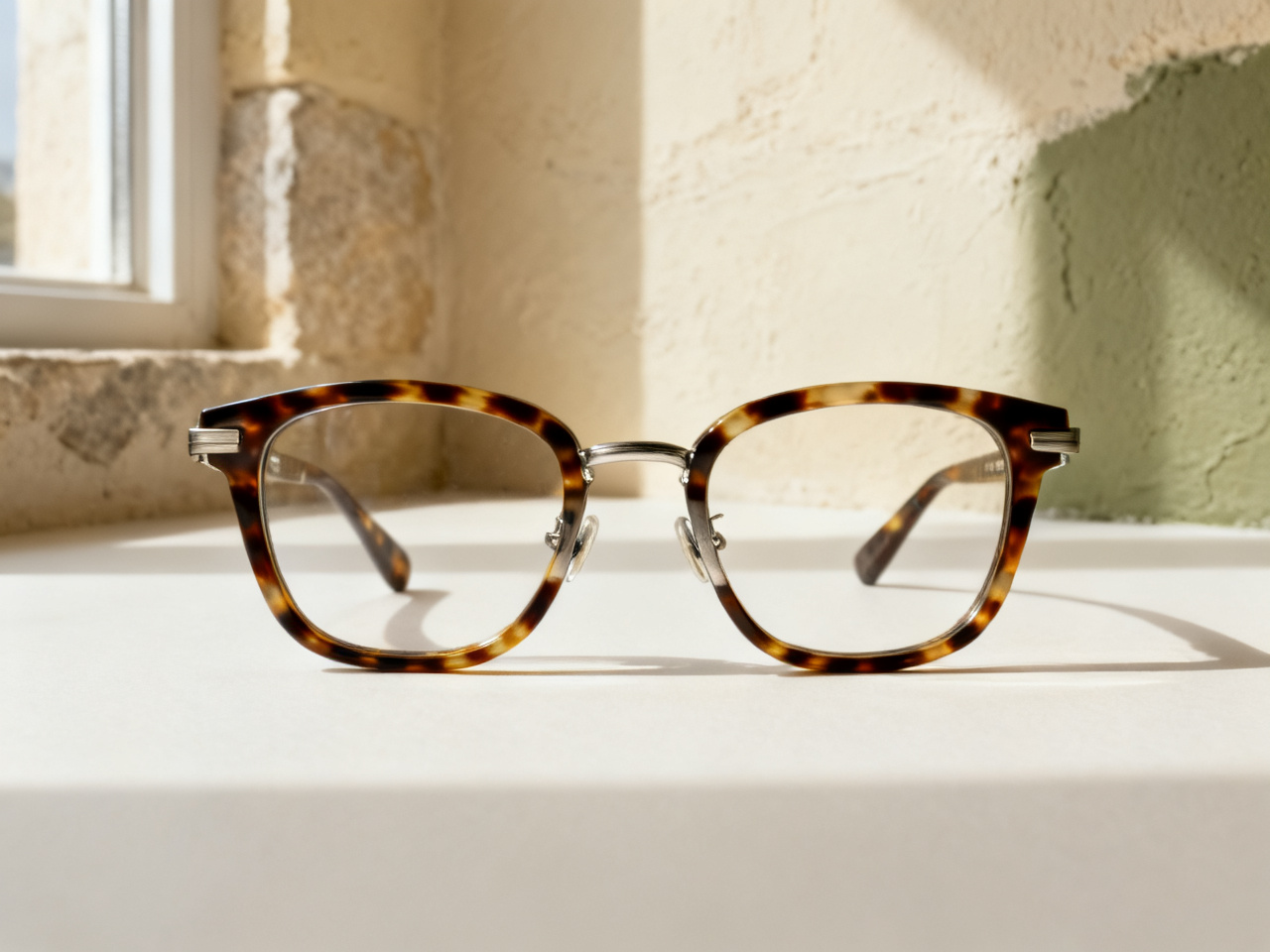 Bridge, hinges, both lenses.
The reference should make the shape easy to read. Angled shots, reflections over the lenses and photos where temples are folded behind the front leave the preview guessing at width and thickness. A front-on product shot is always the safer source.
The pair is photographed straight on, with the bridge and both lenses visible.
The glasses sit flat on a plain surface, temples open or folded to one side.
The frame is shown face-on, with no hand or sunglasses case crossing it.
One preview can carry a fitting appointment, a product page or a styling draft. Pick a scenario to see what it changes, and how much of a decision it can hold on its own.
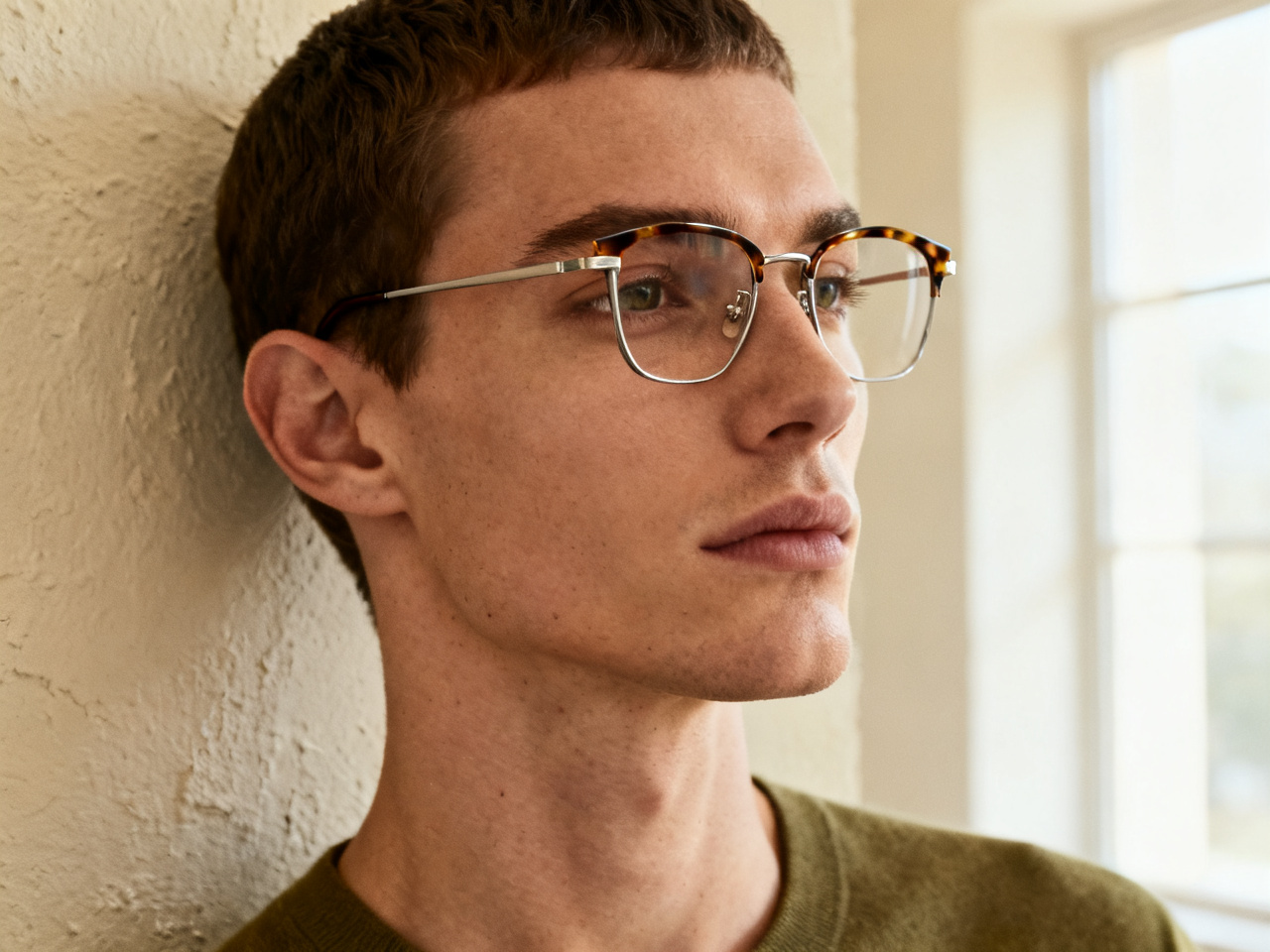
Show two or three previews at the desk, so the optician sees the shapes you lean toward. Pupillary distance, lens choice and the final adjustment still come from the fitting, and the shortlist makes it faster. Fewer frames on the tray means more time on the ones that suit you.
Notes from shoppers, opticians and store owners who check a pair before they order or book.
“I tried four shapes at home and walked into the shop knowing which one I wanted. The appointment took fifteen minutes.”
“People arrive with a screenshot of their own face in the frame. It saves the first ten minutes of pointing at a display.”
“I have a wide face, so most product photos told me nothing. Uploading my own headshot was the first honest preview.”
“We run it on a tablet at the counter. Two previews narrow the wall of frames down to a handful.”
“I had worn the same shape since school. Seeing a round frame on my own face made the switch easy.”
“Sunglasses for a shoot, five options in one evening, and no returns to deal with afterwards.”
“I tried four shapes at home and walked into the shop knowing which one I wanted. The appointment took fifteen minutes.”
“People arrive with a screenshot of their own face in the frame. It saves the first ten minutes of pointing at a display.”
“I have a wide face, so most product photos told me nothing. Uploading my own headshot was the first honest preview.”
“We run it on a tablet at the counter. Two previews narrow the wall of frames down to a handful.”
“I had worn the same shape since school. Seeing a round frame on my own face made the switch easy.”
“Sunglasses for a shoot, five options in one evening, and no returns to deal with afterwards.”
Start from a look rather than a prescription: a shape you avoid, a tint you have never worn, or a pair that keeps sitting in a cart.
Put a round frame next to a square one on the same headshot, and see which one sits closer to your brow line.
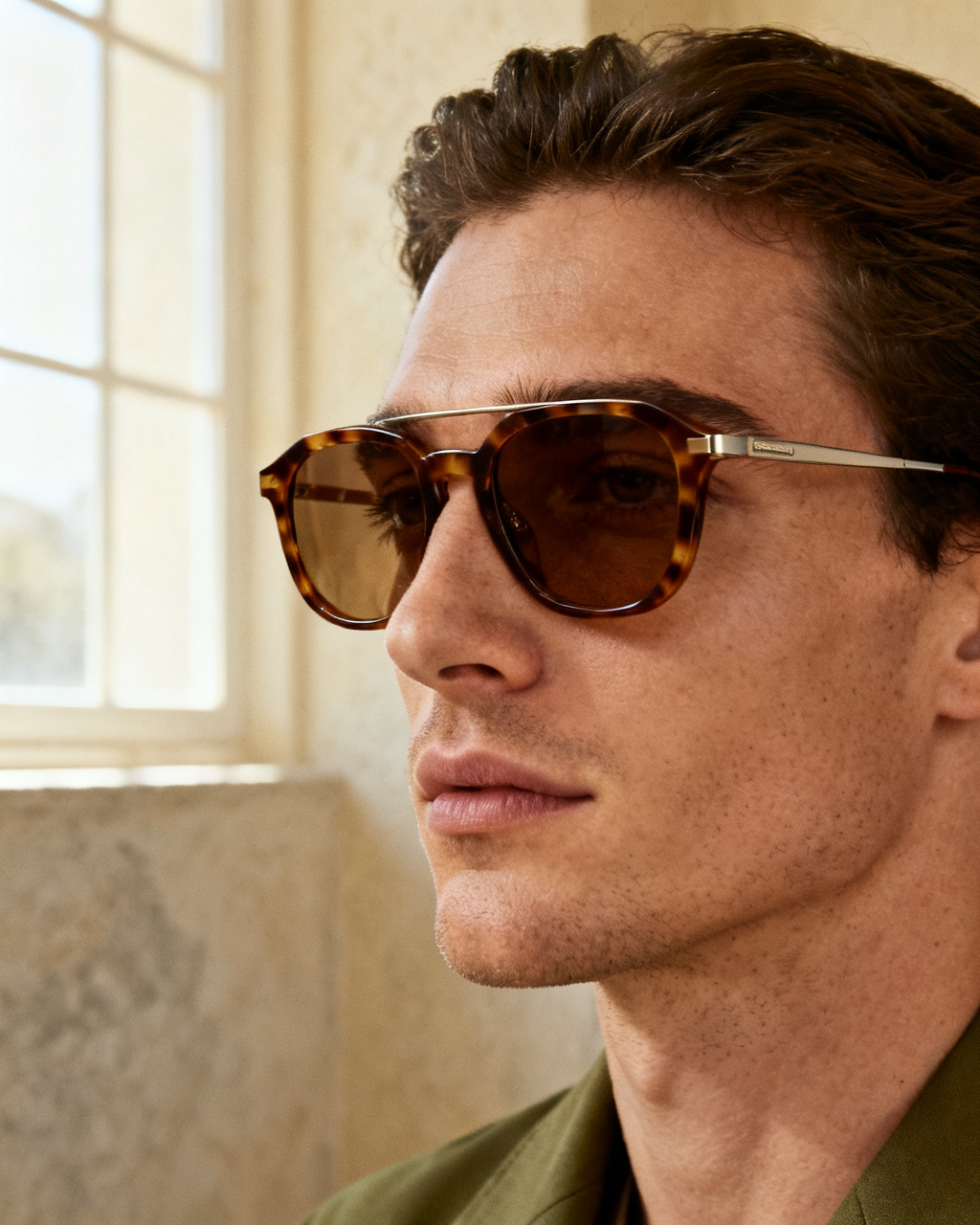
Drop a brown or green lens onto your photo and check how it reads against your skin in daylight.
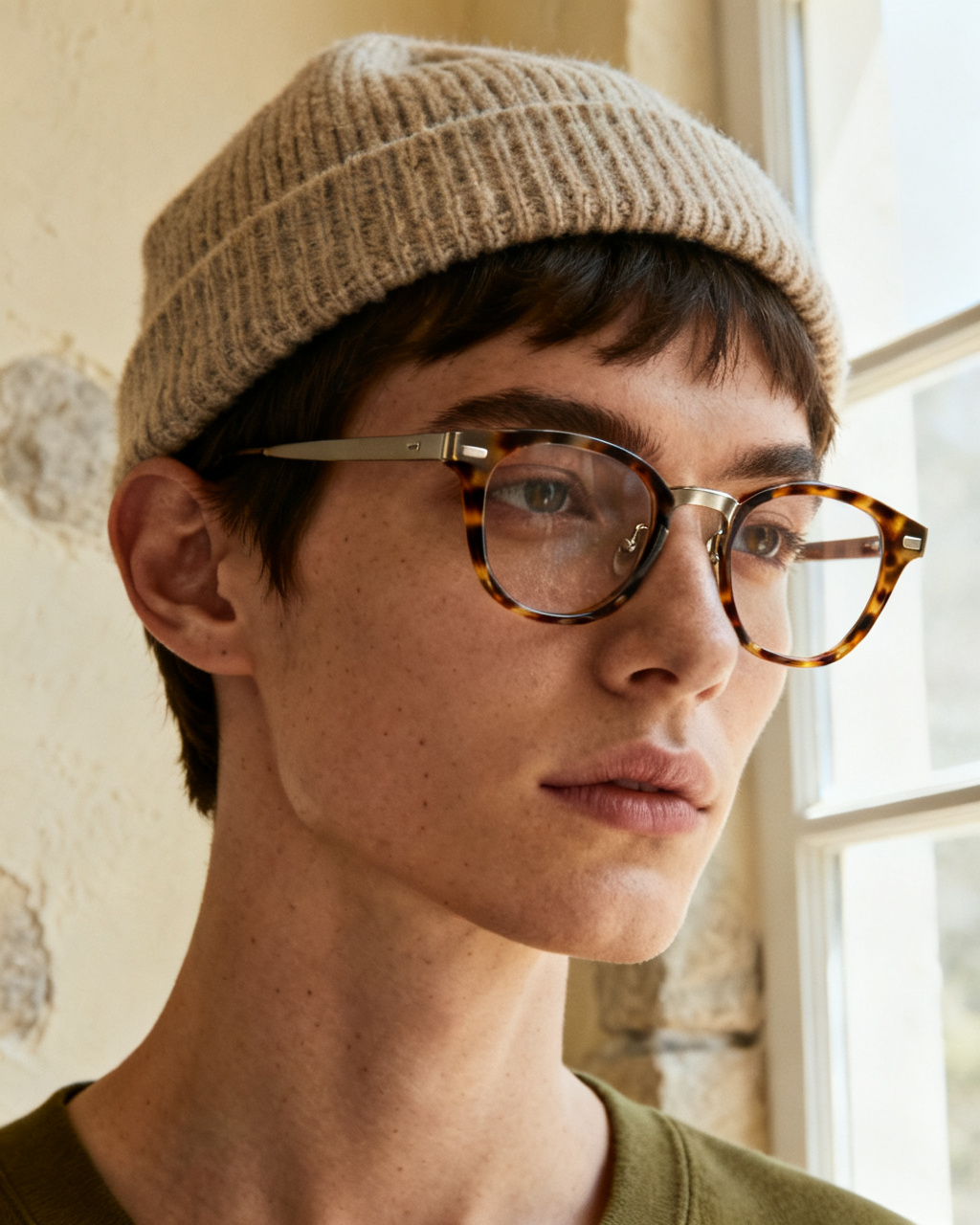
A new fringe or a beanie changes how a frame sits. Preview the glasses with the hair and the hat on one photo.
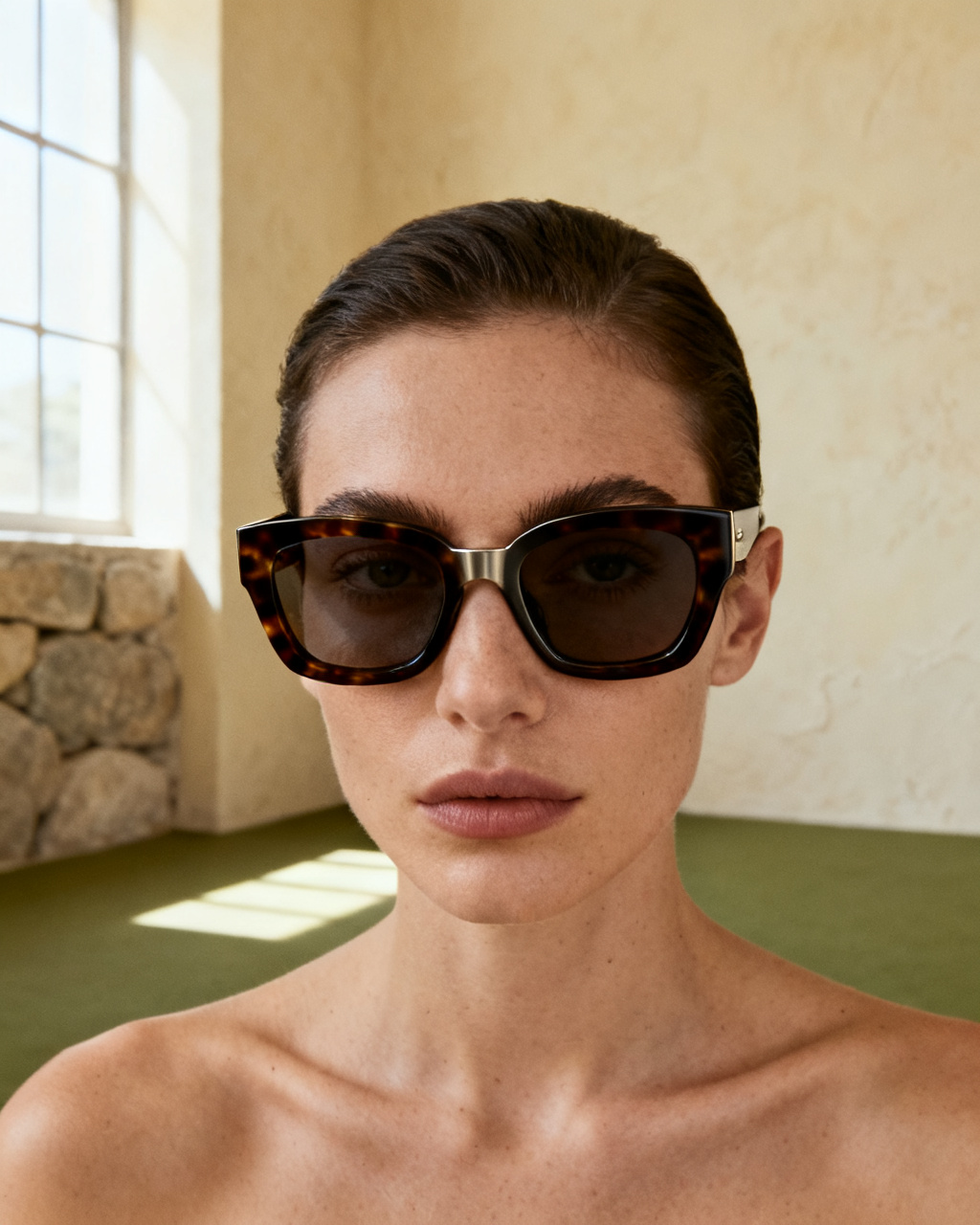
Try the thick frame you would not wear to work, before you spend on something that leaves the case twice a month.
Short answers about trying frames on your own photo, online and for free.
Yes, and it runs in the browser rather than as a download. Upload a headshot, add a photo of the frames, and the preview is on your face in seconds, on a phone, tablet or laptop. Nothing is installed and the first pair needs no account.
Yes. An online glasses try on uses your photo and a product image of the frames, so you see the shape on your own face before you order. It is a visual preview, not a fitting: width and shape read well, nose bridge comfort does not.
For shape, color and width, a preview gets close. For exact size, bridge fit and how the frame feels behind your ears, it cannot replace a real fitting. Treat the preview as a shortlist, then confirm with an optician or the store measurements.
Uploading a photo to check frames is low risk when the service keeps images private. Here, uploads are re-encoded, stored privately and shown only in your own history, and you can delete a result whenever you like. Nothing goes into a public gallery.
That is the whole workflow. Use a front-facing headshot with your eyes uncovered and your current glasses off, plus a straight-on photo of the frames you want to test. A photo taken with the phone at eye level keeps the frame width honest.
Starting is free. You get free previews every day without an account, and the sample headshots and sample frames are free to use as well. Unlimited mode takes the daily cap off when you want to compare a whole shortlist at once.
The model reads the shape of your face and the geometry of the frames, then renders the pair onto your photo with matching scale, angle and light. That is why both images matter more than the number of previews, and why a tilted headshot distorts the width.
Not quite. AR overlays a rendered frame on a live camera feed, which is useful for a quick look in a store. An AI try on works from a still photo and keeps the result, so you can compare several pairs side by side later or send the image to someone else.
The tool works with any headshot. Try wider rectangles, browline frames or a thicker acetate shape, and compare them on your own face instead of a product photo. Men tend to undershoot frame width, so test one size wider than instinct suggests.
Upload a straight-on photo rather than an angled selfie, and check the preview against the frame width listed on the product page. If the temples look pressed against your head, the pair is probably narrow for you. Frame width is the number to match, not the lens size.
Uploads are re-encoded and stored privately. Results appear only in your own history and are served only to your account, and you can delete any of them at any time, which removes the stored copies too.
Yes, and it is the most common use for this tool. A tinted lens hides your eyes in the original photo, which the model handles well, but reflections on the product shot do cause trouble. Use a supplier image without glare where possible.
Preview three shapes on one headshot and you will see the pattern faster than reading a guide. Round faces usually gain from an angular frame, square faces from something rounder, and heart shapes from a frame that is wider at the bottom. Rules are a starting point, not a verdict.
Yes. Readers, blue light filters and clear demo lenses all render the same way, since the frame is what the preview shows. What it cannot tell you is the magnification, so check your prescription and the diopter on the listing separately.
You can use the preview to choose the frame, then order the lenses with your prescription. Keep pupillary distance and the lens index in the same order, because a frame that looks right can still be the wrong choice for a strong prescription.
No. Contact lenses sit on the eye and need a different rendering approach, so a frame preview tells you nothing about them. Use it for glasses and sunglasses, and a proper fitting for anything that goes on the eye itself.
Both, in the sense that a tint or a reflected light is part of the reference photo. Thickness is not shown, so a strong prescription in a thin frame will look different in person. If the lens index matters, ask the optician before choosing a rimless or a thin metal frame.
eyewearFitting.sections.faq.items.kids.a
Yes, one preview per tint. Brown, gray, green and rose all change how colors look through the lens, and a mirror finish changes how the frame reads from outside. Upload each product photo separately and compare them on the same headshot, in the same light.