1 free try-on, 1 free video and 1 free image every day — no sign-up neededSee what's free

Free AI image generator: text to image in seconds.

Describe the picture you want, or drop in reference photos, and a current image model draws it. Every visitor gets one free image a day without an account, the model, ratio and resolution are priced before you press Create, and a failed render returns its credits.

Model
0/2500
Reference Image (Optional)0/14
Aspect Ratio
Resolution
Number of Images
Details2 Credits

Log in to generate and keep your images.

Your images

Your generated images appear here.

Describe an idea, pick a model and press Create. Four renders of one prompt usually land one image worth keeping.

Text to image in three steps.

01

Write the prompt

Describe the subject, the style and the light in one or two sentences, for example "a leather tote bag on a marble counter, soft window light from the left, top down view". Two concrete sentences beat ten adjectives, and the counter shows the character limit of the model you picked. If you already have a photo that looks right, skip the prompt and upload it as a reference instead.

02

Pick a model, a ratio, a resolution

Nano Banana and GPT Image follow instructions closely and take reference photos, FLUX and Qwen hold product and poster detail, Seedream handles busy scenes with lettering. Choose 1:1 for feeds, 9:16 for stories, 16:9 for banners, then 1K, 2K or 4K where the model offers it. The Create button shows the price of the whole batch before you commit.

03

Generate, compare, download

Most images land in five to thirty seconds, and the job keeps running if you close the tab. Ask for one image while you tune the prompt, then run four once it works. Download the JPG at the size you rendered, because cropping afterwards throws away pixels. A failed render returns its credits automatically.

How to write a text to image prompt.

Two habits decide the result: describe the frame the way a photographer would, and change one thing at a time.

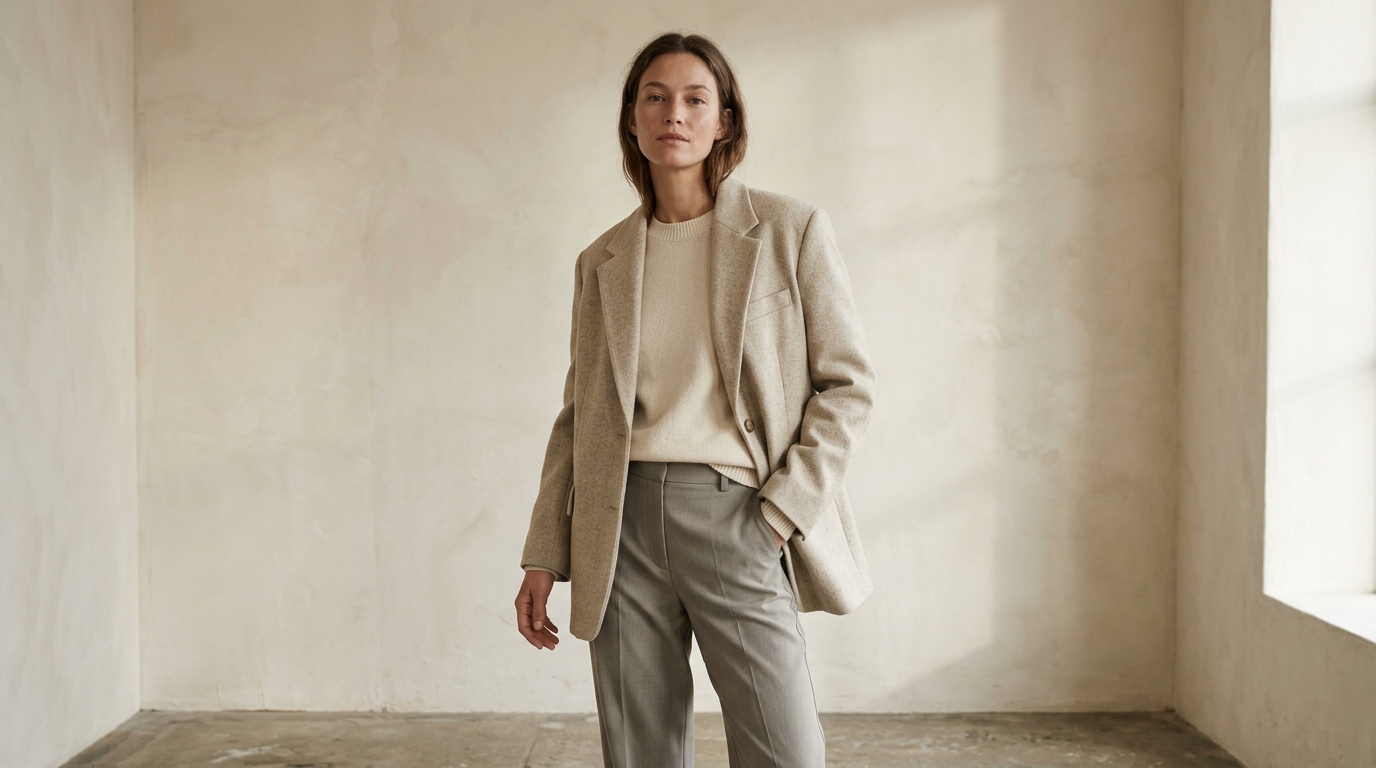
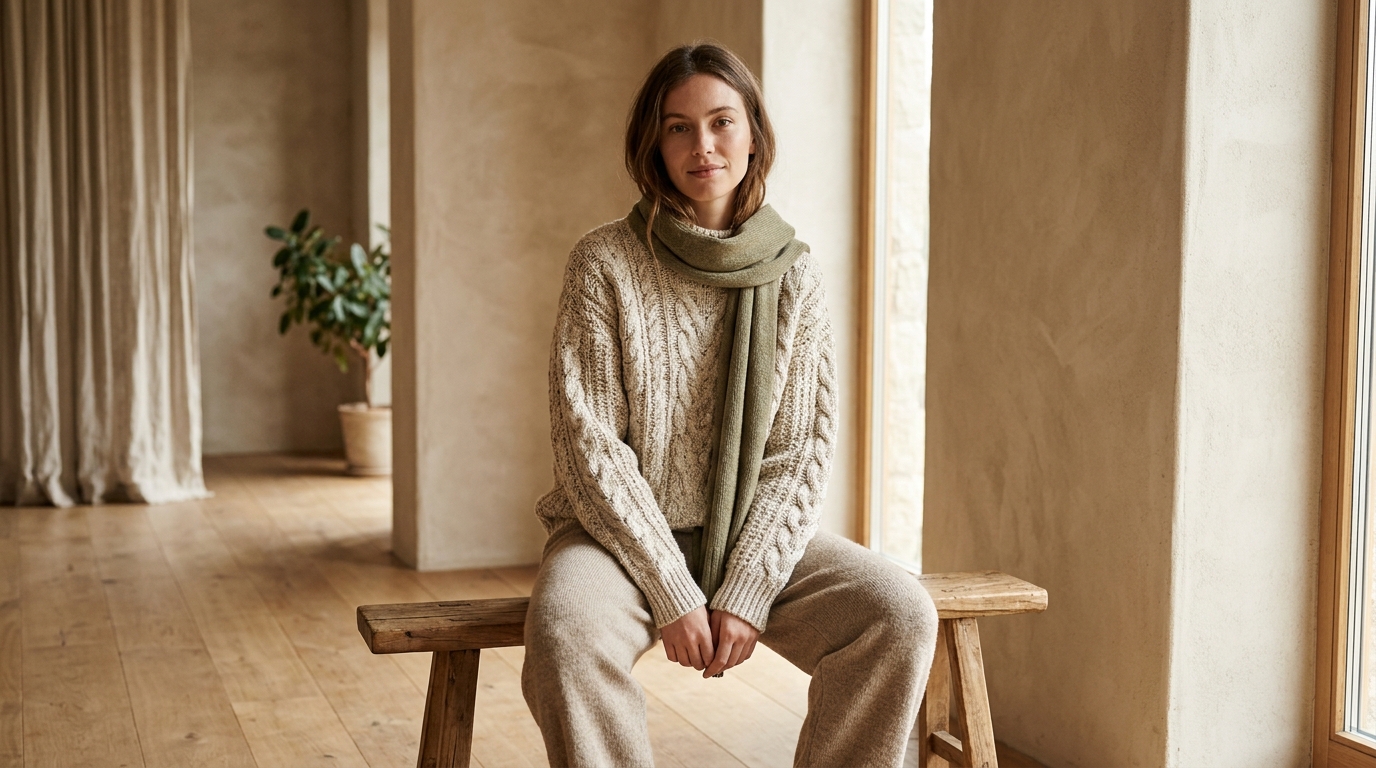
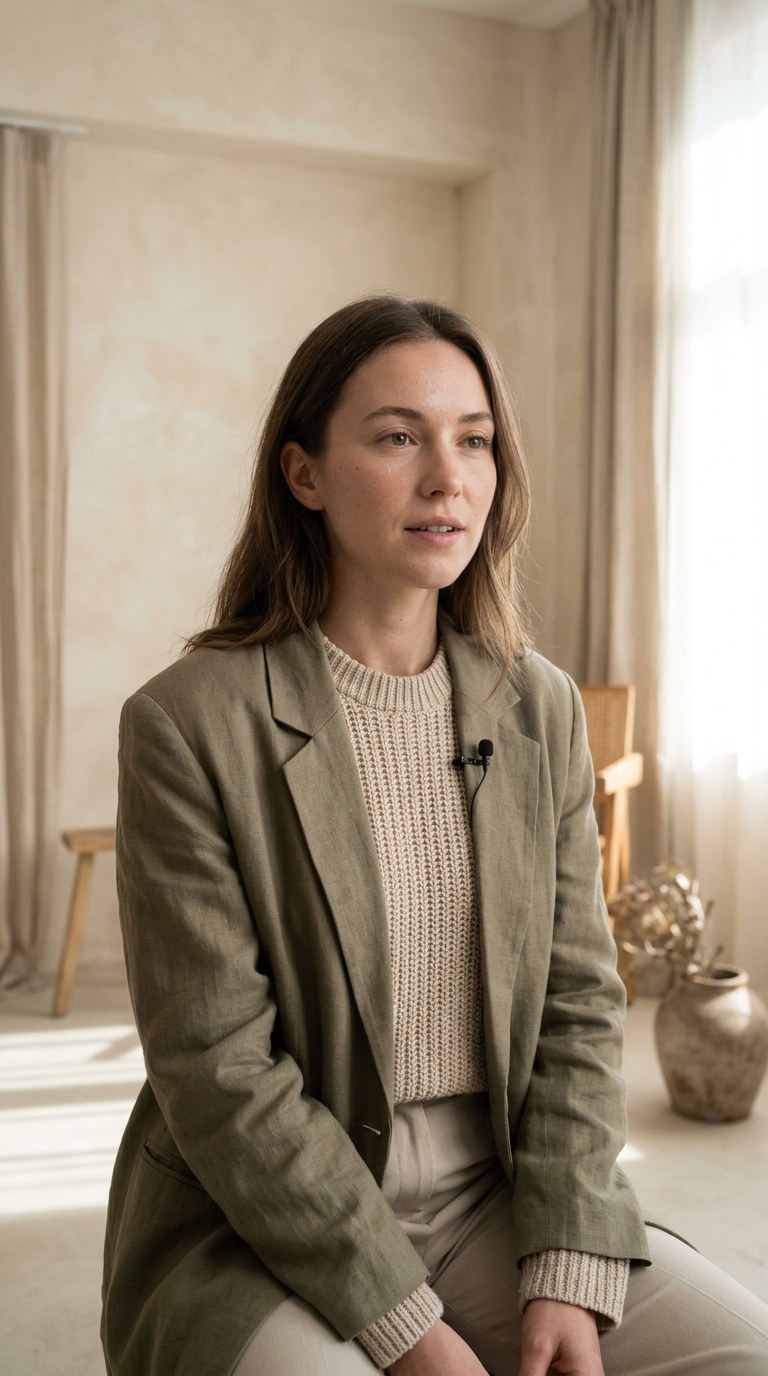
AI generated portrait used as an example of a text to image promptSubject. Style. Details. Mood.

Four parts, in that order

Start with the subject and what it is doing, then the medium (photo, illustration, oil painting, 3D render), then the details that decide the look: lens, lighting, colour and composition. Finish with the mood. "Portrait of a woman in a linen blazer, studio photo, softbox from the left, muted palette, calm expression" gives the model four decisions instead of twenty, and every one of them is something you can check in the result.

  • ↗Name the subject first, then the medium, then the light
  • ↗Put the camera angle and the crop in the prompt, not in your head
  • ↗Keep one prompt under about 60 words and change one thing per run
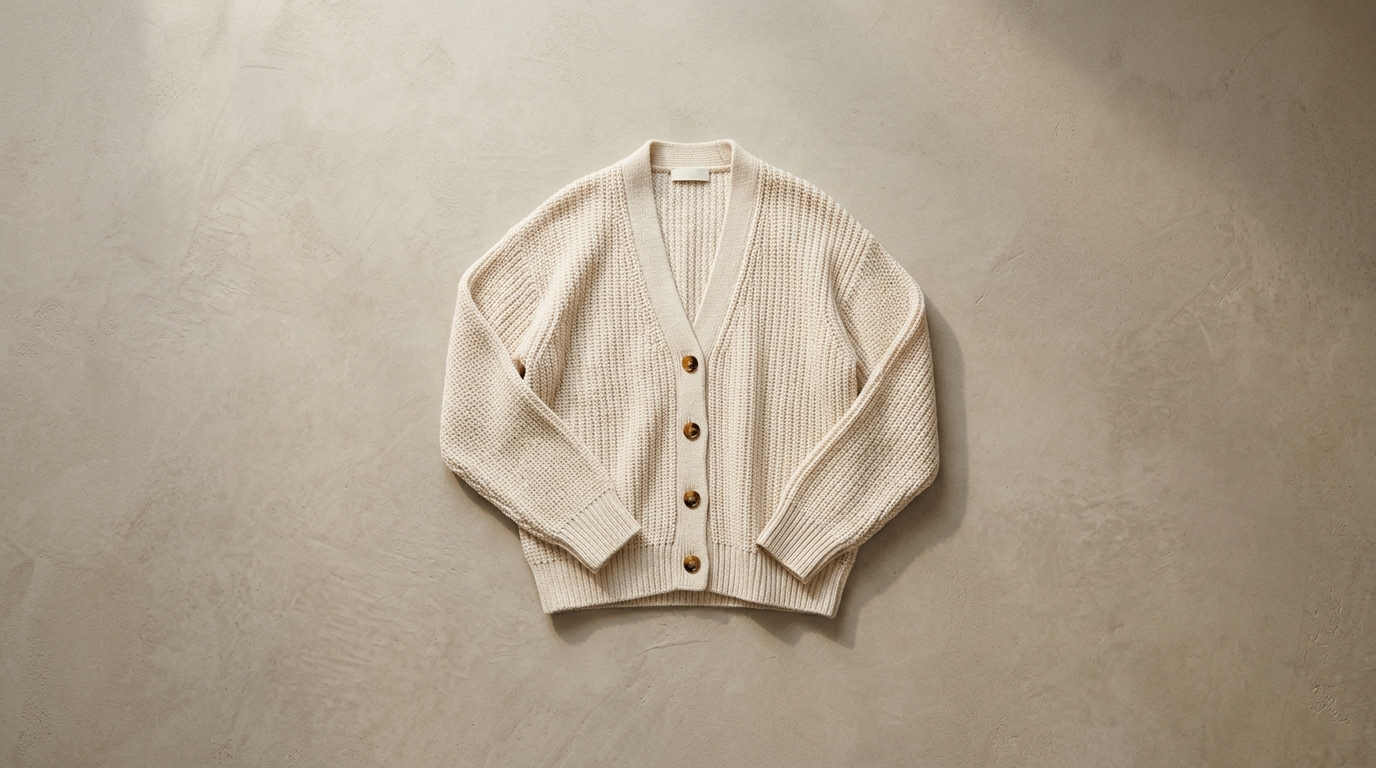
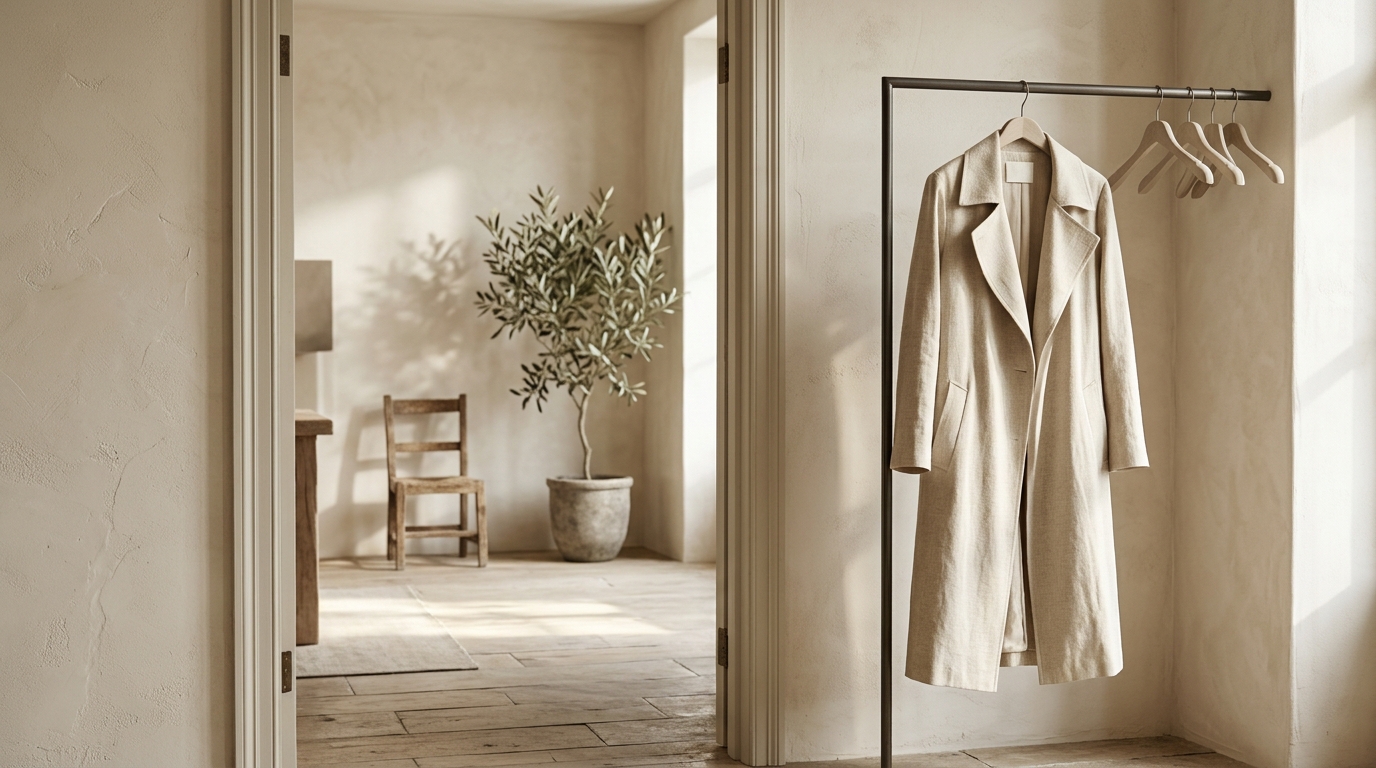
AI generated image showing how aspect ratio and resolution change the resultAspect ratio. Resolution. Text.

The settings that decide the crop

Ratio is chosen before anything is drawn: 1:1 for feeds, 3:4 for listings, 16:9 for banners, 9:16 for stories. Resolution decides how much detail survives, and 2K or 4K only pays off when the image will be looked at closely. Text that has to appear inside the picture belongs in the prompt, in quotes and under about five words, while anything smaller is faster to set in an editor.

Text to image for product photos, portraits, social posts and concept art.

One prompt box covers a catalogue shot and a poster. Pick a scenario to see what to write and where the limits are.

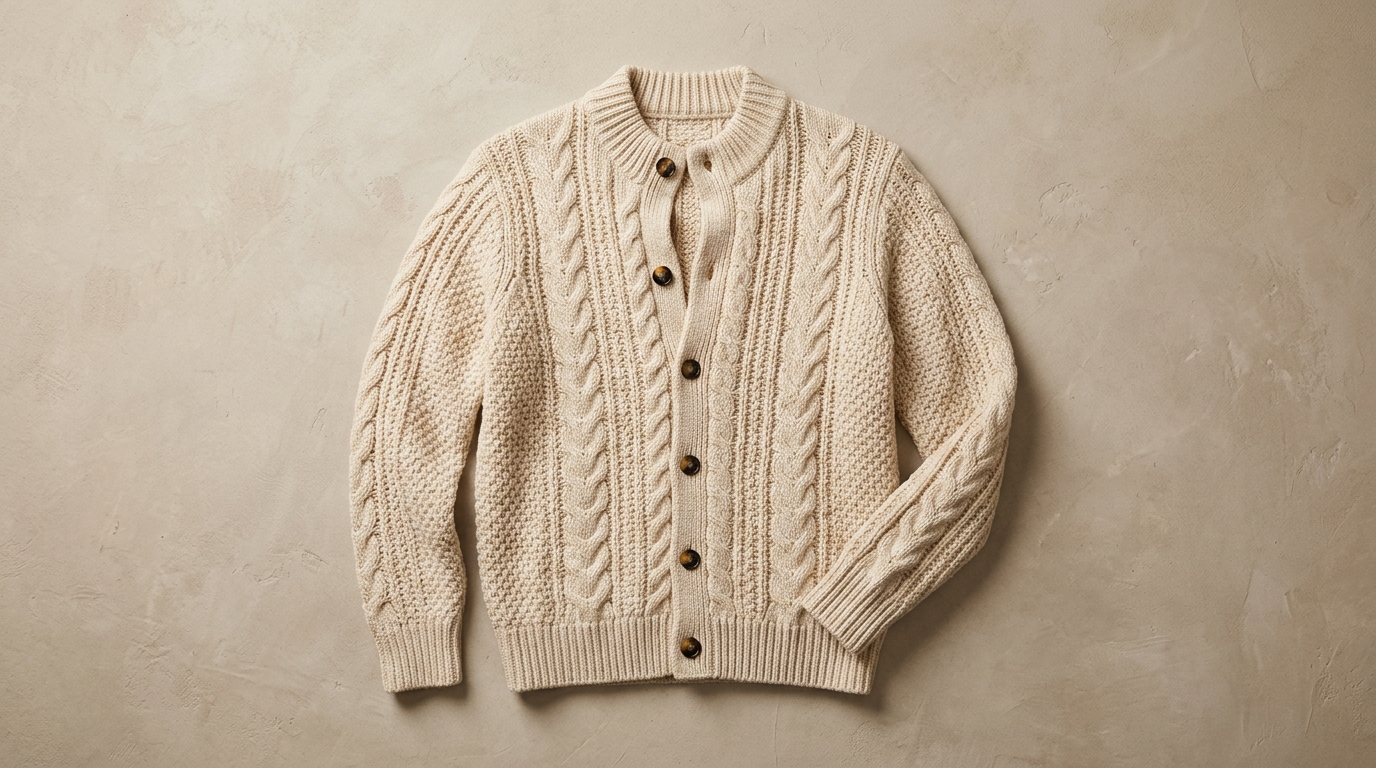
AI generated ecommerce product photo on a clean background

AI product photography without a studio

Describe the product, the surface it sits on and the direction of the light, then ask for the crop. A 1:1 render drops into a shop grid, a 3:4 one fits a marketplace listing, and a 2K render survives a zoom. When the real object matters, upload it as a reference and describe only the new setting, because a prompt alone invents a similar product rather than yours.

How people use the image generator.

Notes from sellers, designers and writers who needed one picture, not a photoshoot.

“I keep one reference photo of each product and describe a new background. Ten listing images in an afternoon, and the free image is what made me try it at all.”
Ava L.Small store owner
“Four renders of one prompt is the useful part. I post the one that still reads on a phone, and the other three cost nothing to look at.”
Mia K.Social media manager
“The reference photo is what makes product shots usable. I upload the real item, describe a new surface, and the render keeps the shape, the label and the proportions.”
Jonas P.Product photographer
“I sketch a direction with prompts, then draw the real thing. Twelve cheap thumbnails beat staring at a blank page.”
Lena S.Content designer
“The button told me the price before I clicked, and the one render that failed came back as credits. That is all I ask from a paid tool.”
Tom H.Founder, small brand
“Image to image keeps a character on model. I upload the sheet I drew, describe a new pose, and the style survives.”
Priya R.Illustrator
“I keep one reference photo of each product and describe a new background. Ten listing images in an afternoon, and the free image is what made me try it at all.”
Ava L.Small store owner
“Four renders of one prompt is the useful part. I post the one that still reads on a phone, and the other three cost nothing to look at.”
Mia K.Social media manager
“The reference photo is what makes product shots usable. I upload the real item, describe a new surface, and the render keeps the shape, the label and the proportions.”
Jonas P.Product photographer
“I sketch a direction with prompts, then draw the real thing. Twelve cheap thumbnails beat staring at a blank page.”
Lena S.Content designer
“The button told me the price before I clicked, and the one render that failed came back as credits. That is all I ask from a paid tool.”
Tom H.Founder, small brand
“Image to image keeps a character on model. I upload the sheet I drew, describe a new pose, and the style survives.”
Priya R.Illustrator

Text to image ideas beyond the obvious.

Four habits that separate a usable image from a pretty accident.

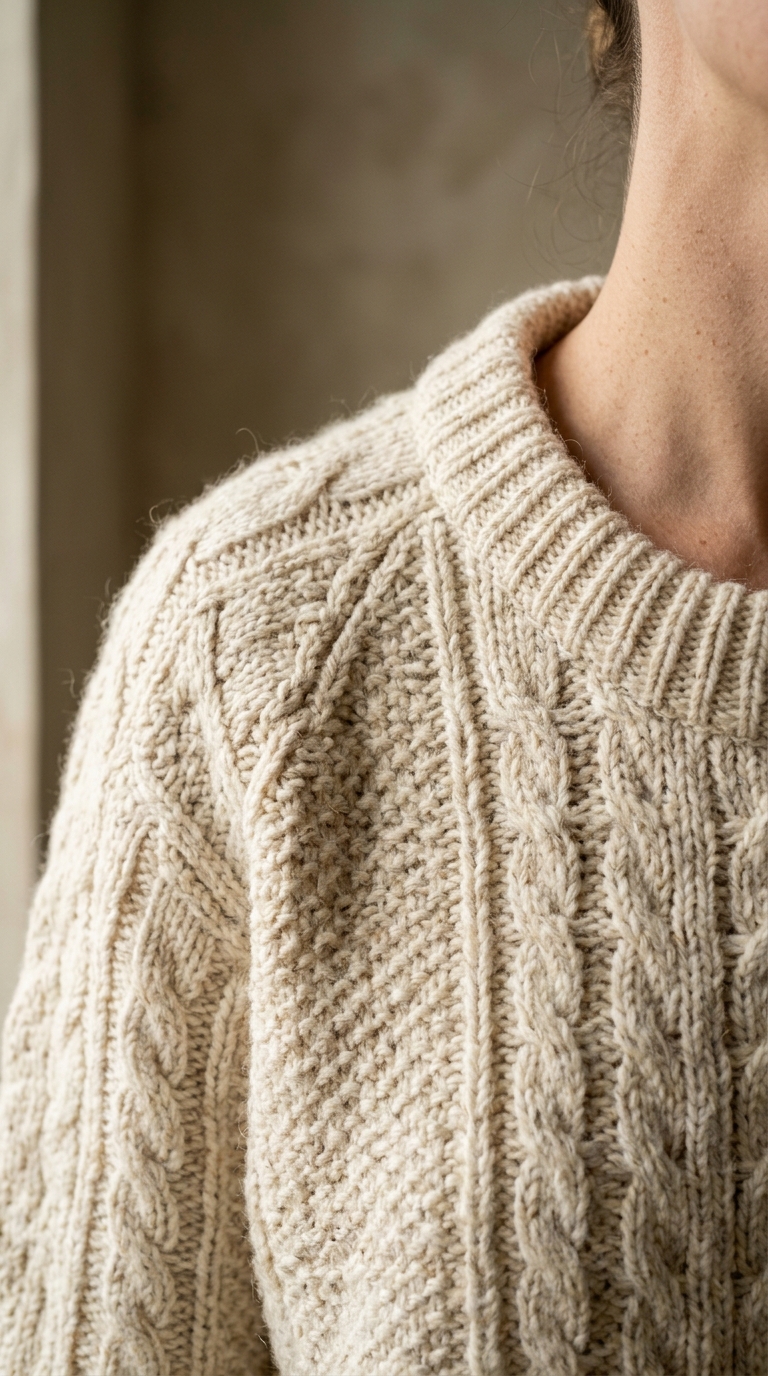
AI generated product image rendered with a premium model

Match the model to the job

Nano Banana and GPT Image follow long instructions and take reference photos, FLUX and Qwen hold product and poster detail, Seedream handles busy scenes with lettering, Grok and Vidu are quick drafts. Finding the prompt on a cheap model and re-rendering the winner on a premium one costs less than guessing on the expensive tier.

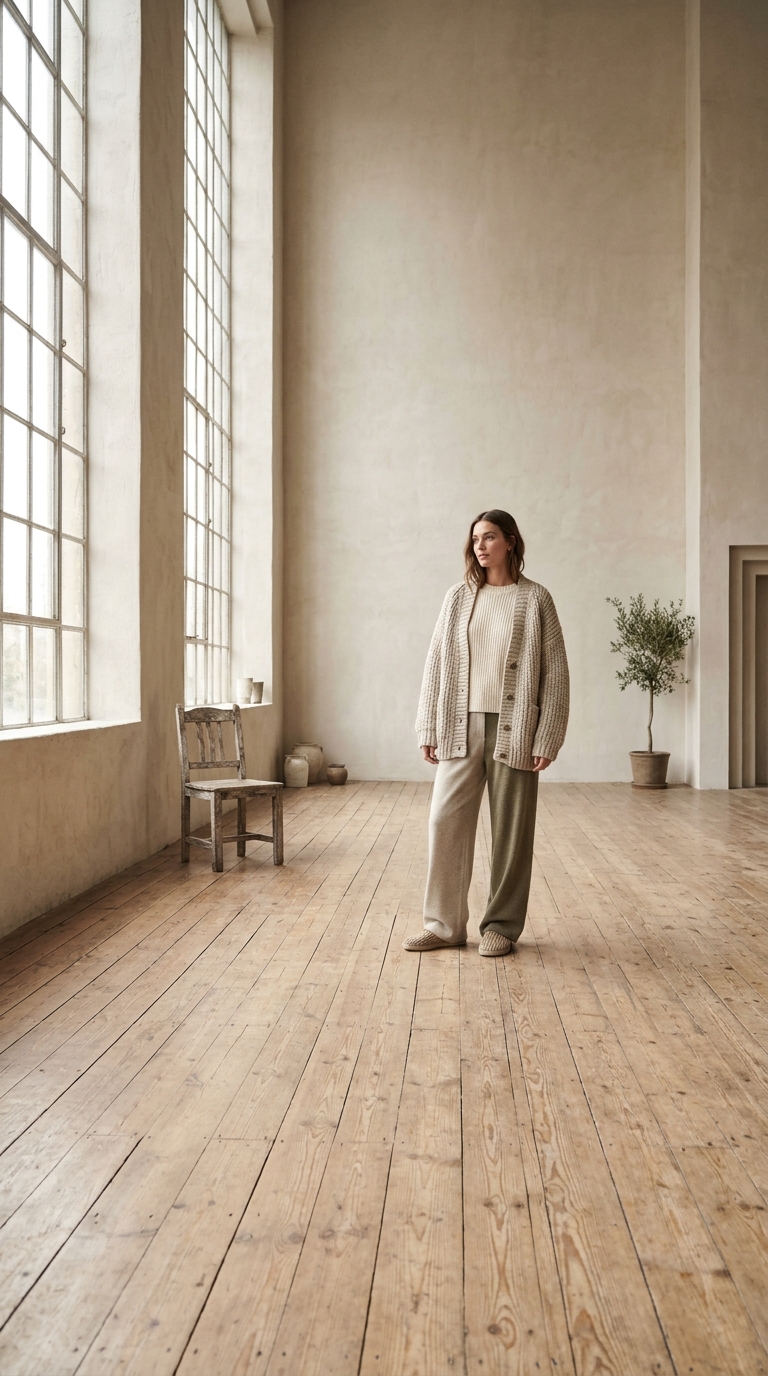
AI generated image based on an uploaded reference photo

Switch to image to image when the object matters

A prompt describes a category, a reference describes your thing. Upload the product, the packaging or the face, then write only the change: new background, new light, another setting. One or two references are usually enough, and more of them mostly slow the render down.

AI generated poster with short rendered lettering

Five words of text, in quotes

Models render a headline or a label, not a paragraph. Put the exact wording in quotes, say where it sits on the image, and keep it under about five words. Anything smaller belongs in an editor, where you can choose the font and the kerning.

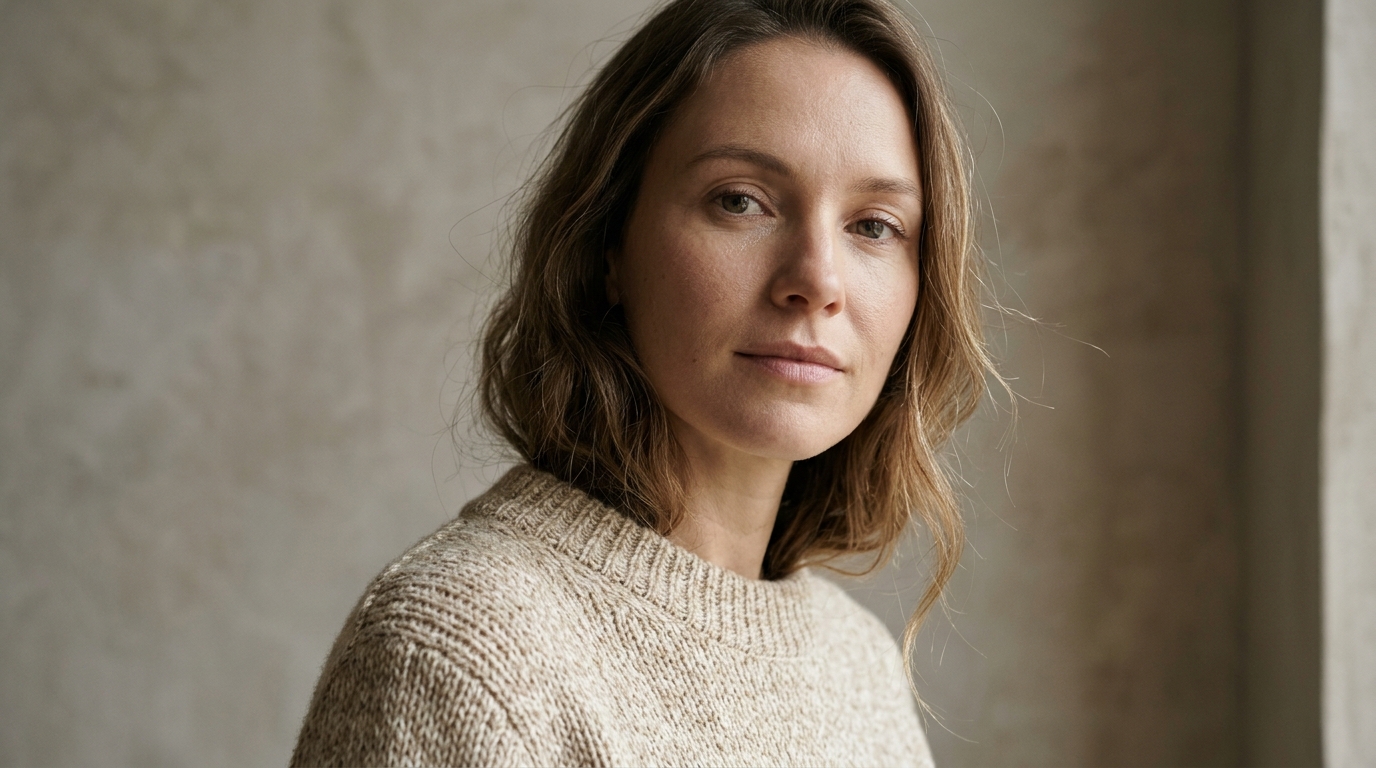
AI generated image from a batch of four variations

Batch four, keep one, iterate on that

Generate four at once instead of one at a time: same prompt, four seeds, and one usually lands. Then change a single detail and run four more. Iteration belongs on the cheap tier, and the version you keep is worth the premium model at 2K.

Text to image questions, answered.

What is free, which models are available, and what happens when a render fails.

What is a text to image AI generator?

It turns a written description into a picture. You type what you want, choose a model, and the model paints it: a product shot, an illustration, a poster or a portrait. With an uploaded photo it also does image to image, which keeps a face or a product and rewrites the rest of the frame.

Is the AI image generator free?

The first image of the day is free for every visitor, no account needed, and it resets at midnight. That free image uses the free model at its default resolution. Anything beyond it, including other models, 2K and 4K output, and batches of two or four, is paid from credits.

Do I need an account to generate an image?

Not for the daily free image. An account is only needed to keep generating after it, to use the paid models, or to keep your gallery on another device. Signing in does not raise the daily allowance, it moves the images you already made onto the account.

Which AI image models can I choose?

Nano Banana 2.1, the Gemini 3 image models, GPT Image 2, 2.5 and 2.6, FLUX 2 Pro and FLUX Kontext, Seedream 4.0 through 5.0 Pro, Qwen Image 3.0, Grok Image 2.0 and Vidu Q3. Entry models are for finding the prompt, premium ones are for the image you publish, and every card shows its lowest price before you pick it.

How do I write a good text to image prompt?

Name the subject, the medium, the details and the mood, for example "portrait of a woman in a linen blazer, studio photo, softbox from the left, muted palette". Stay under about 60 words, put text that must appear in the picture in quotes, and change one element per re-render so you can tell what worked.

What is image to image?

You upload a photo and describe the change instead of starting from nothing: a new background, another style, the product in a different room. The model keeps the subject and redraws the rest. How many references you can attach depends on the model, from one on FLUX Kontext up to fourteen on Nano Banana 2.1.

Which aspect ratios can I choose?

1:1 for feeds, 4:3 and 3:4 for listings and print, 16:9 for banners, 9:16 for stories and phone wallpaper. Only the ratios the selected model actually supports are shown, so the choice you see is the choice that renders.

Can I generate 2K or 4K images?

Yes, where the model supports it: Nano Banana 2.1, Gemini 3 Pro Image, FLUX 2 Pro, GPT Image 2 VIP and Vidu Q3 offer 2K, and Nano Banana 2.1, Gemini 3 Pro and Vidu Q3 go up to 4K. Higher resolution costs more credits because the provider charges more, and each option is priced before you submit.

How many images can I generate at once?

One, two or four. Each image is billed separately and the button always shows the total for the batch. Guests can render the single free image; batches of two or four need an account, since only one image a day is free.

Can the AI put text in the image?

Short text, yes. Nano Banana, GPT Image and Seedream render a headline, a label or a two word sign with usable spelling. Put the wording in quotes, say where it goes and keep it short. Long paragraphs, small print and logos still need an editor.

Which art styles are supported?

Photoreal, product photography, illustration, anime, oil and watercolour, 3D render, pixel art and line drawing, among others. Style is a phrase in the prompt rather than a dropdown, so it combines freely with the subject and the ratio.

How long does an image take?

Typically five to thirty seconds. Batches of four and 4K output take the longest, and the job keeps running if you close the tab, so you can come back to it in the panel or in your history.

What happens if a render fails?

The credits for that image are returned automatically, usually within a minute. The failed card stays in the panel so you can read the message and try again with a shorter prompt or a different model.

How much does an image cost?

From 2 credits on the cheapest model, up to around 10 for a 4K render on a premium one. The exact price for the model and resolution you picked sits on the Create button, and a failed render is refunded.

Can I use the images commercially?

You can use what you generate, subject to the Terms of Use and the terms of the model provider. Some providers restrict specific uses and a few restrict resale of the raw output, so check the licence before a paid campaign.

Who can see the images I make?

Only you. Uploads are re-encoded with metadata stripped, results are stored privately and served through routes tied to your own device or account, and deleting an image removes the stored file as well as the history entry.

What format do the images download in?

JPG at the resolution you rendered, up to 4K where the model supports it. The prompt and settings stay attached to each image in the panel, so you can tell two similar versions apart later.

Can I generate images on a phone?

Yes. The studio is a normal web page, uploads come from the camera roll and the render runs on the server. The phone only has to hold the page, so a weak connection slows the upload, not the model.