 TryOn

Turbo for volume, Pro for keeps
Ninety percent of a batch belongs on Turbo. Move the take you publish to Pro and compare at 1080p, which is the only resolution where the difference is visible.
1 free try-on, 1 free video and 1 free image every day — no sign-up neededSee what's free
Vidu Q3 is a whole family in one picker — Turbo, Q3, Pro, Pro Fast, Mix, Ad and Drama — and each route is tuned for a different job: everyday clips, product shots, or scenes with people in them. Five to fifteen seconds, 540p to 1080p, sound on most of the range.
Log in to create and keep your videos.
The same model runs in both video studios: start from a photo here, or switch to the text studio and write the shot instead. Text to video
Vidu has seven routes with different jobs: Turbo and Q3 for everyday clips, Pro and Pro Fast for fidelity, Ad for product shots, Drama for people. Frame for the one you chose, not for the average.
A Drama prompt describes a performance; an Ad prompt describes light, surface and product. Five thousand characters are available, but a route-appropriate paragraph beats a padded one every time.
Render the same five seconds on Turbo and on Pro, then look at the edges of the frame rather than the centre. That is where the price difference actually shows up.
Vidu is a family rather than a single model, and picking the route is half of the prompt.
 Right frame for the right route.
For Ad, a clean product under controlled light. For Drama, a person mid-expression. Feeding a Drama frame into the Ad route wastes both, because the two are tuned for different subjects.
 Route first, then detail.
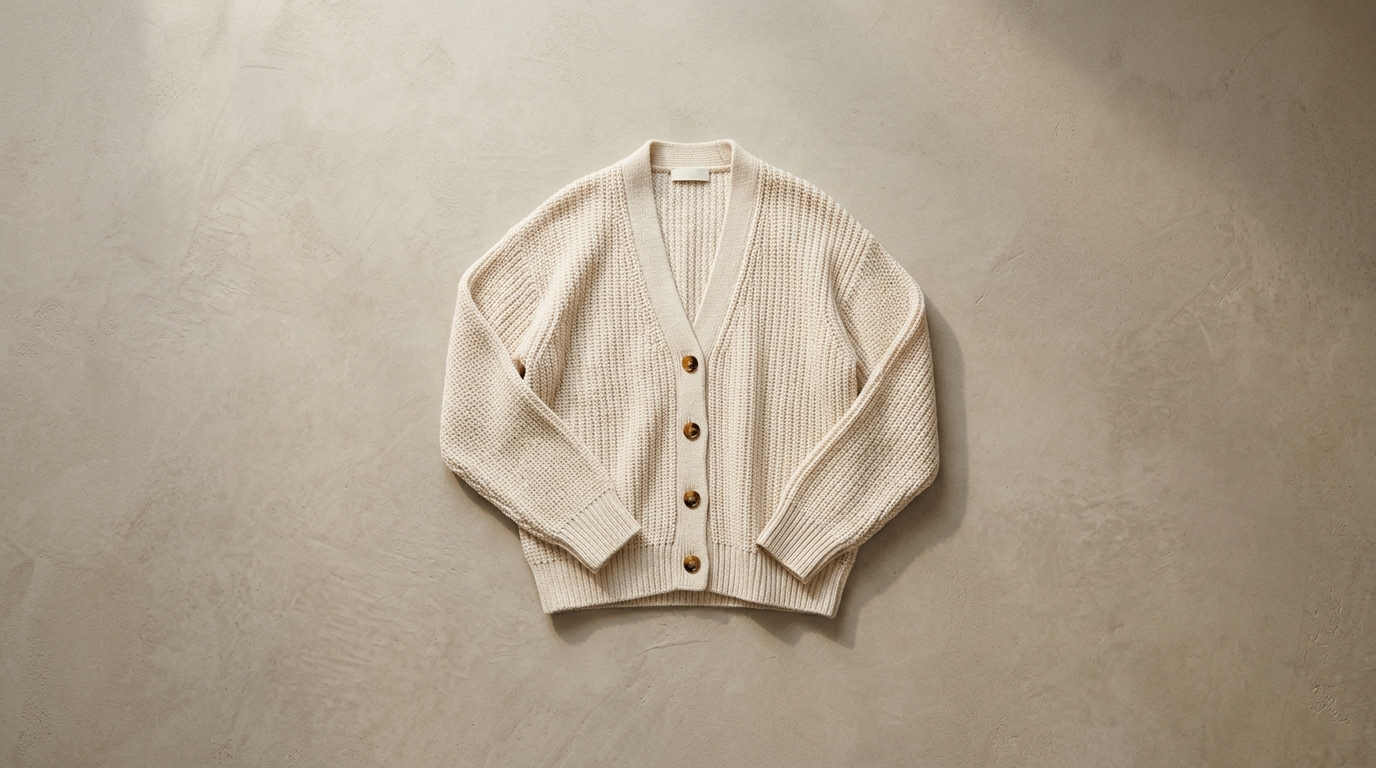
Name the route’s job in the first sentence — a commercial, a scene, a clip — then describe only what that job needs. Vidu follows the framing you set, and Pro will render every detail you mention.
Seven tuned routes for one subscription: everyday clips, commercial product shots, and narrative scenes with people in them.
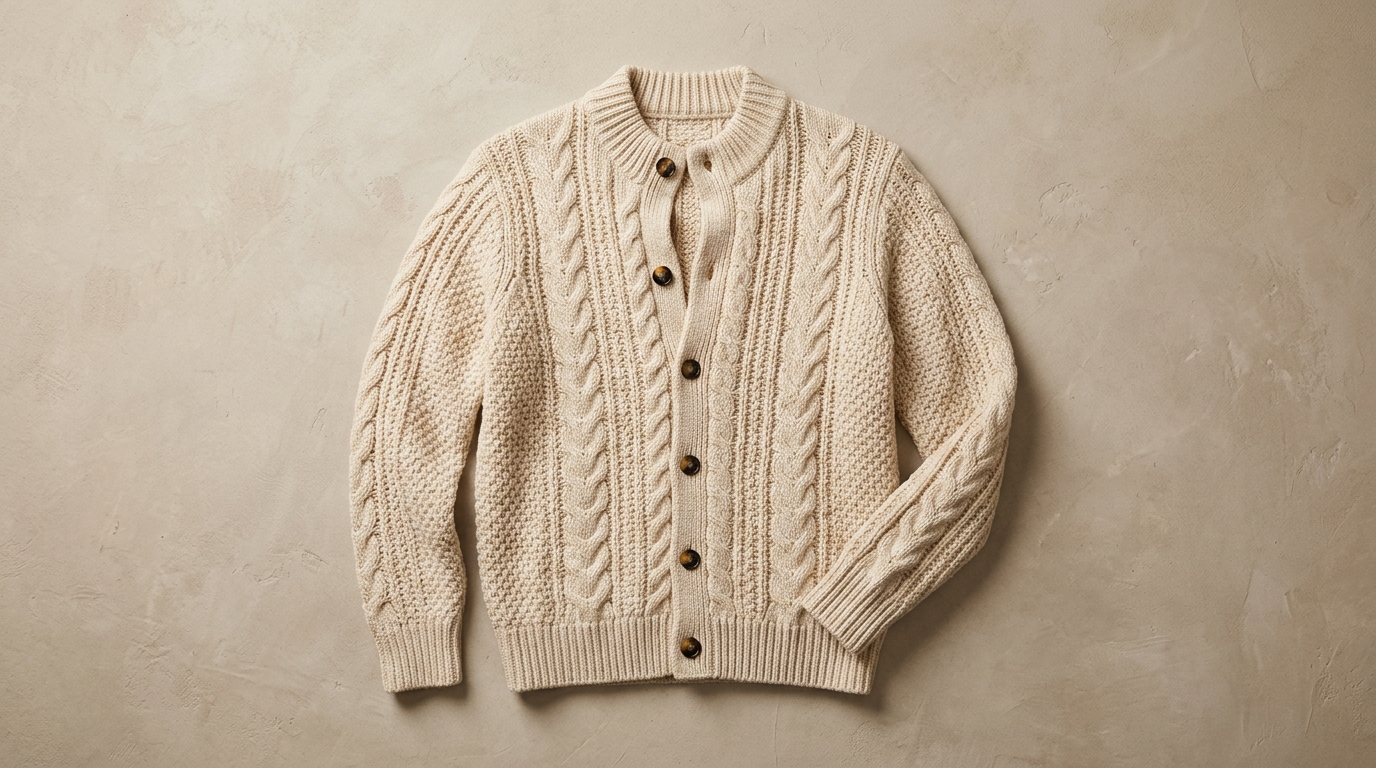
The Ad route is tuned for lit surfaces and clean edges, so a bottle or a device keeps its shape while the light moves across it. Render at 1080p only for the take that goes to a client.
Notes from sellers, editors and designers who render stills instead of booking another shoot.
“I run ads from photos I already own. One product shot now gives me three versions to test, and a failed render comes back as credits instead of a lost afternoon.”
“The prompt is the whole job. Once I wrote "slow push in, soft window light" instead of "make it cinematic", the takes stopped needing five attempts.”
“The first frame decides everything. A clean frame with room around the product renders in one pass; a tight crop always comes back jittery.”
“I animate illustrations for a newsletter. Line work and palette stay put, which is more than most generators I tried managed.”
“The free daily render is what got me in. I tried a shot without paying, liked it, and bought credits the same week.”
“A 9:16 render at 1080p drops straight into the timeline. I use it for B-roll between the shots we actually filmed.”
“I run ads from photos I already own. One product shot now gives me three versions to test, and a failed render comes back as credits instead of a lost afternoon.”
“The prompt is the whole job. Once I wrote "slow push in, soft window light" instead of "make it cinematic", the takes stopped needing five attempts.”
“The first frame decides everything. A clean frame with room around the product renders in one pass; a tight crop always comes back jittery.”
“I animate illustrations for a newsletter. Line work and palette stay put, which is more than most generators I tried managed.”
“The free daily render is what got me in. I tried a shot without paying, liked it, and bought credits the same week.”
“A 9:16 render at 1080p drops straight into the timeline. I use it for B-roll between the shots we actually filmed.”
Routes are tuned, not just priced: four things to get right before you submit.
Ninety percent of a batch belongs on Turbo. Move the take you publish to Pro and compare at 1080p, which is the only resolution where the difference is visible.
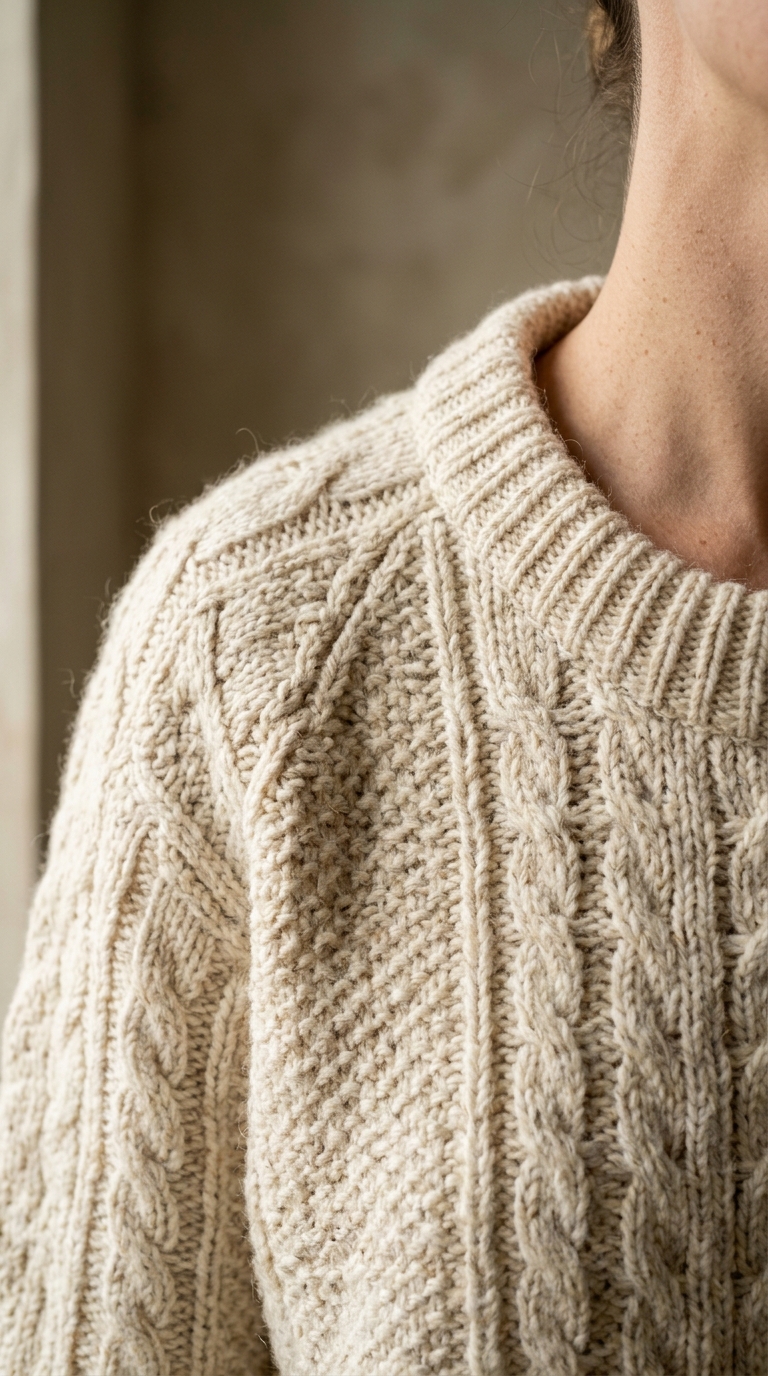
540p is fine for a nine-by-sixteen preview, 720p is the practical floor for a feed, and 1080p is for anything that will be re-cropped or exported twice.
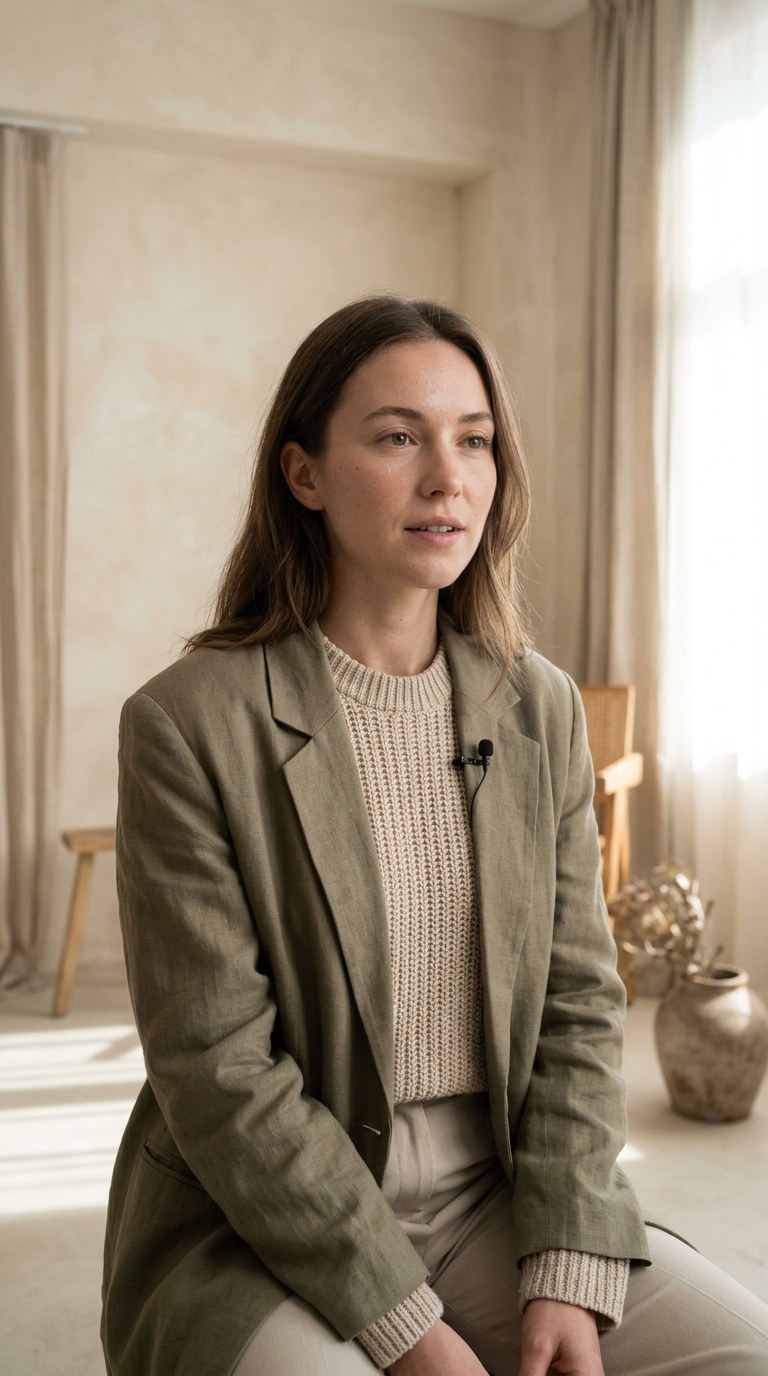
Turbo, Q3, Pro and Ad generate audio; Drama does not. Check the audio switch before you submit, because it cannot be added to a finished take.
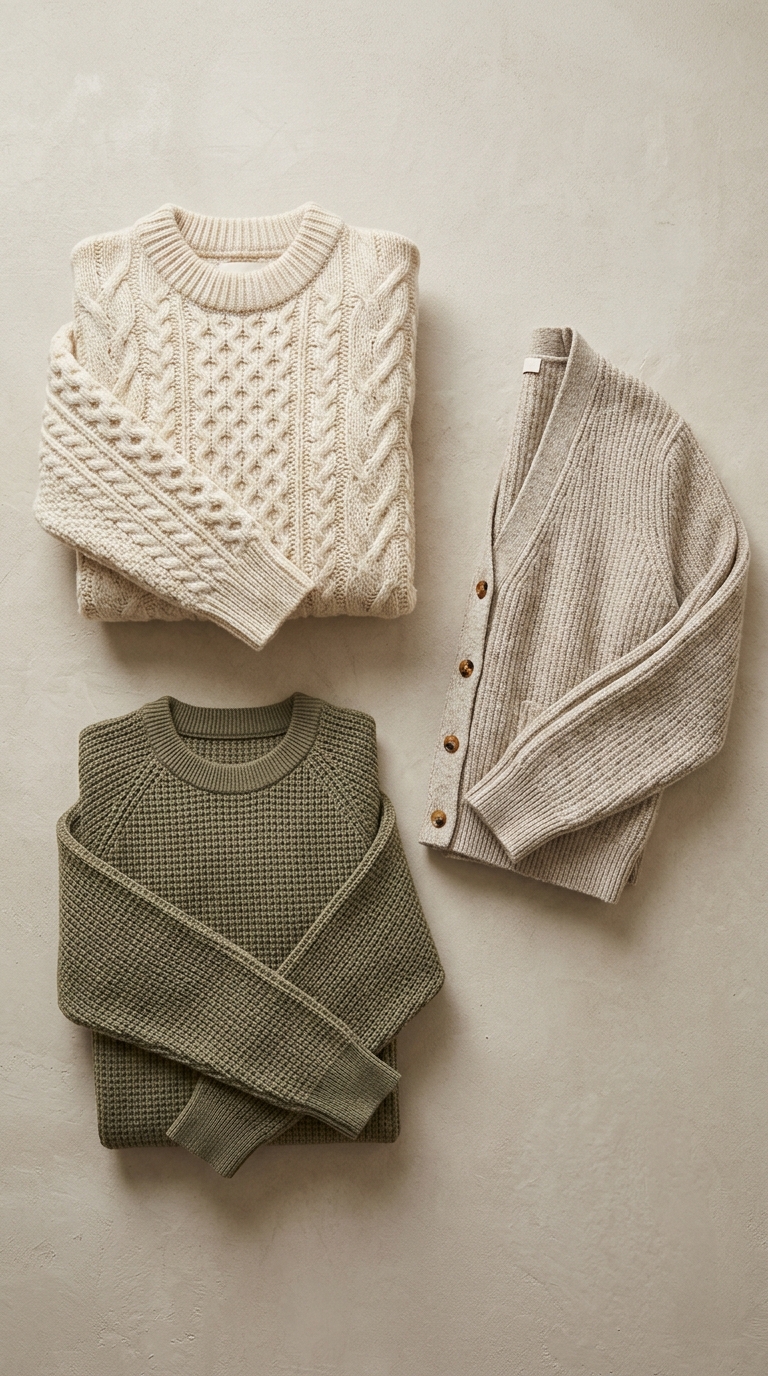
Sending a product frame to Drama gives a softer, less accurate object; sending a performance to Ad flattens it. Try both once, on the same frame, and the difference is obvious.
Which Vidu route fits the job, and how Turbo compares with Pro on the same frame.
Vidu Q3 is Shengshu’s video family. Turbo and Q3 are the everyday routes, Pro and Pro Fast the higher-fidelity ones, Ad is tuned for product and commercial shots, Drama for narrative scenes, and Mix for reference-led takes. Clips run 5 to 15 seconds from 540p to 1080p.
The daily free render covers the cheapest model in the catalogue, so Vidu is paid from credits. The exact cost of the resolution and duration you picked is shown before you press Generate, and failed renders are refunded automatically.
Ad when the subject is a product and the shot has to look lit for a campaign, Drama when there are people and a story beat, Turbo for everything else — it is the everyday route and the cheapest of the family. Pro when the same shot has to survive a 1080p export.