 TryOn

Lock the camera while you iterate
A moving camera hides whether the subject animation works. Keep it static, fix the motion, then add the camera move in the take you keep.
1 free try-on, 1 free video and 1 free image every day — no sign-up neededSee what's free
ByteDance’s Seedance sits between the budget models and the premium ones, and it is the route to use when you need ten takes rather than one. 1.0 Pro and 1.0 Pro Fast render at 480p to 1080p in five or ten seconds; 1.5 Pro adds sharper detail, steadier motion and sound.
Log in to create and keep your videos.
The same model runs in both video studios: start from a photo here, or switch to the text studio and write the shot instead. Text to video
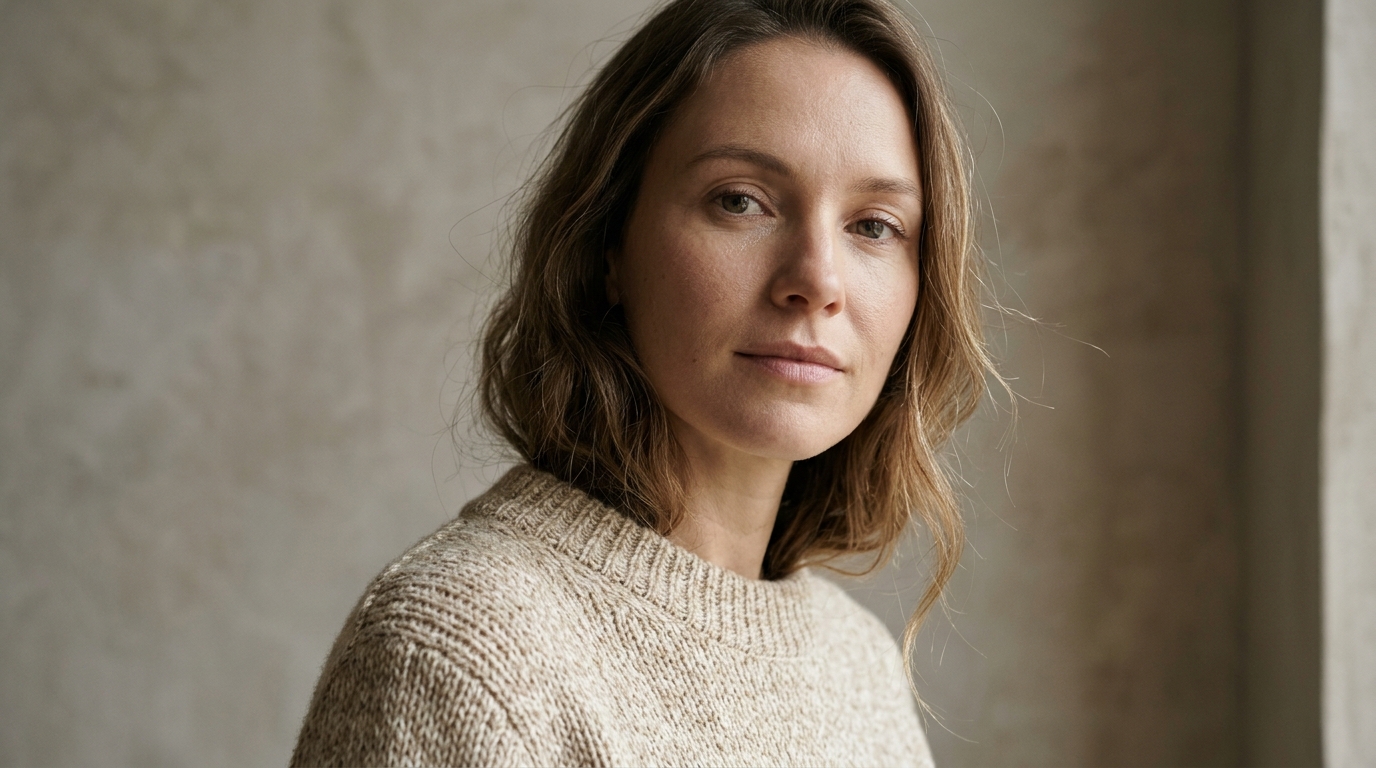
Seedance keeps a subject stable for five or ten seconds at up to 1080p. Front-on, evenly lit and fully inside the crop reads better than a dramatic angle it has to interpret before it can animate.
1.0 Pro Fast for drafts, 1.0 Pro for colour, 1.5 Pro for detail and sound. Write one action and one camera move; the tier decides how much the model can add around them.
This is the tier to run ten stills through. Keep the third that holds up at phone size and re-render only those at 1080p on 1.5 Pro, which is cheaper than guessing right the first time.
ByteDance’s model sits between the cheap drafts and the premium takes, which makes it the practical workhorse for a catalogue.
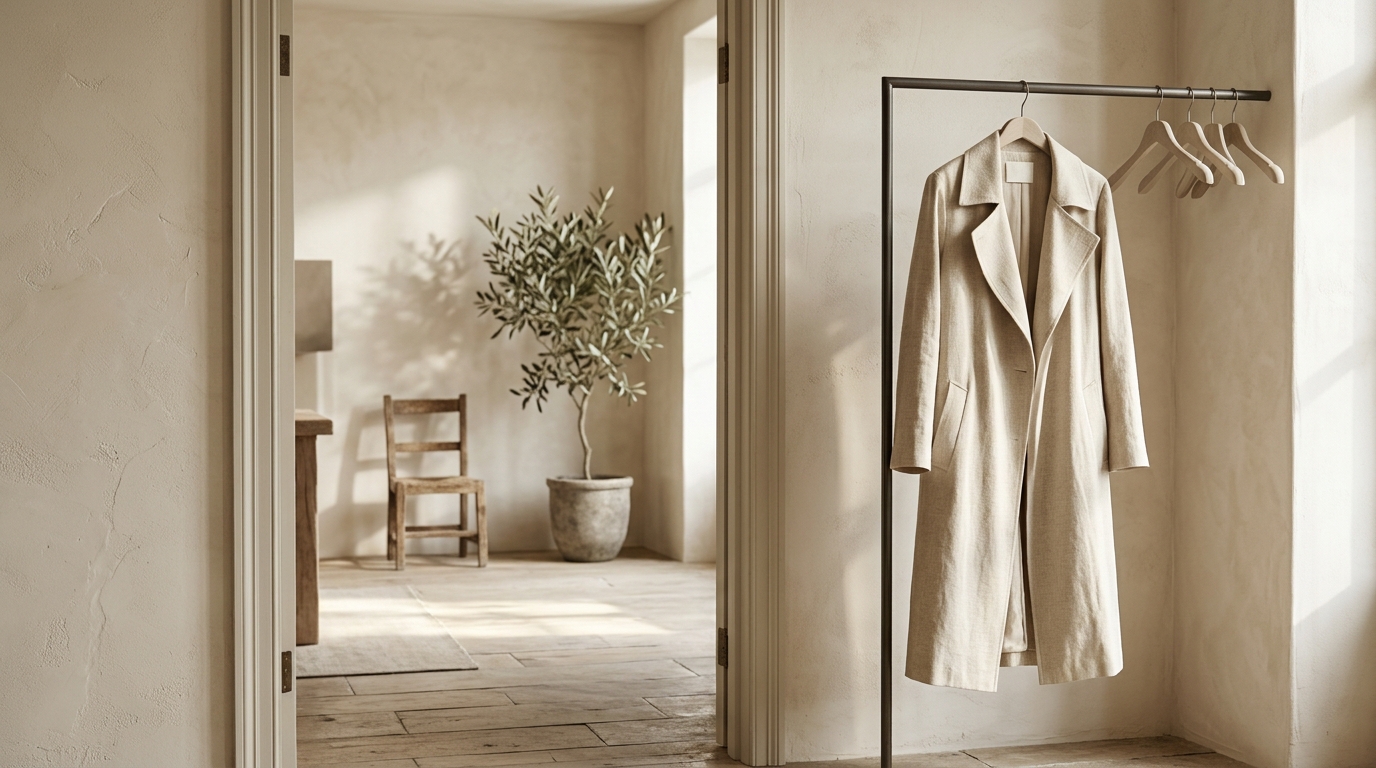
 Whole product. Plain background.
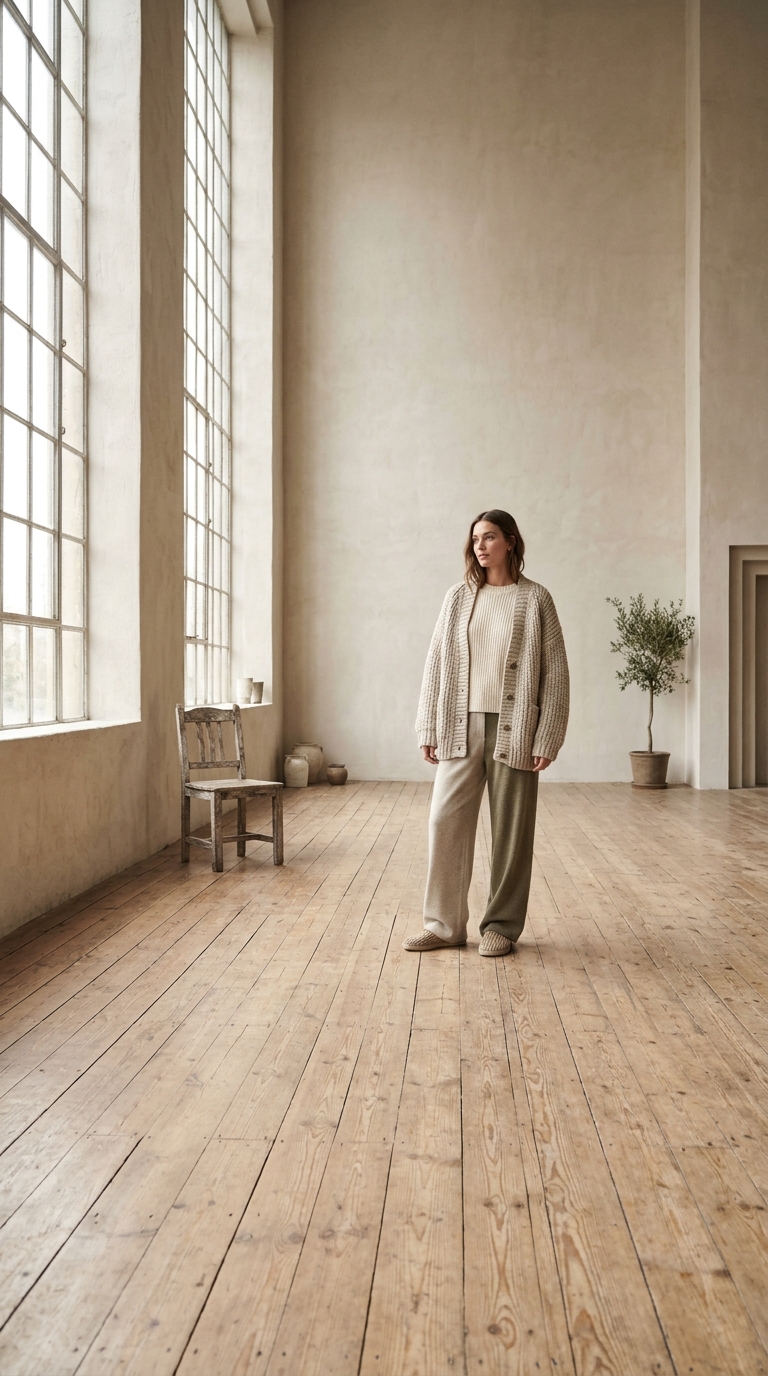
Seedance animates what it can see clearly. A flat front image with the whole product inside the frame moves without warping; a styled lifestyle shot gives it too many edges to invent.
 One action per sentence.
Seedance follows a plain instruction better than prose: "the jacket rotates slowly, camera static, soft studio light". Put two actions in one prompt and the second one arrives late, or not at all.
Ten takes for the price of one premium render is the pitch: catalogue volume, A/B tests and social batches.

Run a folder of product stills through 1.0 Pro Fast, keep the takes where the object did not warp, then re-render those at 1080p. That is a whole category of ads in an afternoon.
Notes from sellers, editors and designers who render stills instead of booking another shoot.
“I run ads from photos I already own. One product shot now gives me three versions to test, and a failed render comes back as credits instead of a lost afternoon.”
“The prompt is the whole job. Once I wrote "slow push in, soft window light" instead of "make it cinematic", the takes stopped needing five attempts.”
“The first frame decides everything. A clean frame with room around the product renders in one pass; a tight crop always comes back jittery.”
“I animate illustrations for a newsletter. Line work and palette stay put, which is more than most generators I tried managed.”
“The free daily render is what got me in. I tried a shot without paying, liked it, and bought credits the same week.”
“A 9:16 render at 1080p drops straight into the timeline. I use it for B-roll between the shots we actually filmed.”
“I run ads from photos I already own. One product shot now gives me three versions to test, and a failed render comes back as credits instead of a lost afternoon.”
“The prompt is the whole job. Once I wrote "slow push in, soft window light" instead of "make it cinematic", the takes stopped needing five attempts.”
“The first frame decides everything. A clean frame with room around the product renders in one pass; a tight crop always comes back jittery.”
“I animate illustrations for a newsletter. Line work and palette stay put, which is more than most generators I tried managed.”
“The free daily render is what got me in. I tried a shot without paying, liked it, and bought credits the same week.”
“A 9:16 render at 1080p drops straight into the timeline. I use it for B-roll between the shots we actually filmed.”
A volume model rewards volume habits: four settings that keep a batch usable.
A moving camera hides whether the subject animation works. Keep it static, fix the motion, then add the camera move in the take you keep.

The resolution is a price decision, not an afterthought: 480p for drafts, 720p for feed, 1080p on 1.5 Pro for anything a client will zoom into.
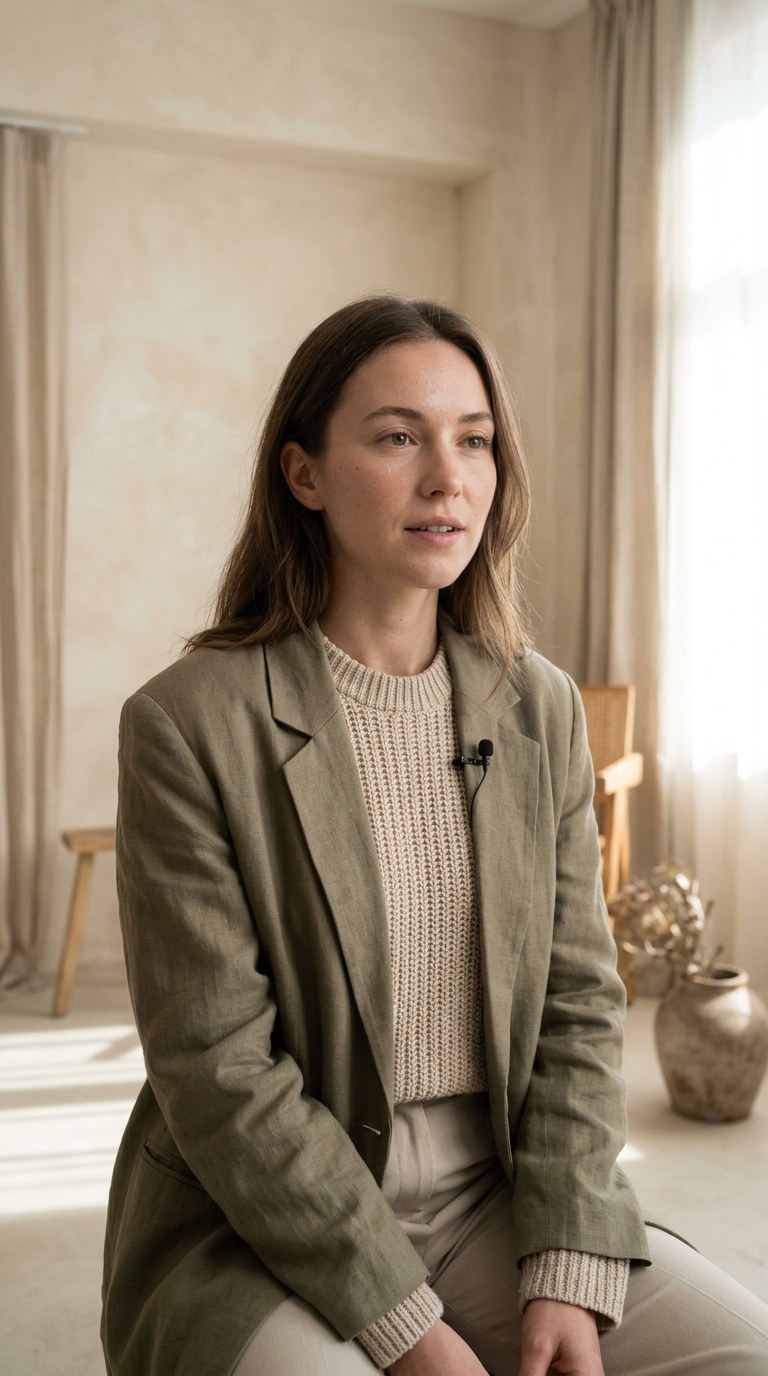
The 1.0 routes are silent. If the clip needs a line or room tone, render it on 1.5 Pro rather than adding audio to a 1.0 take and hoping the timing fits.
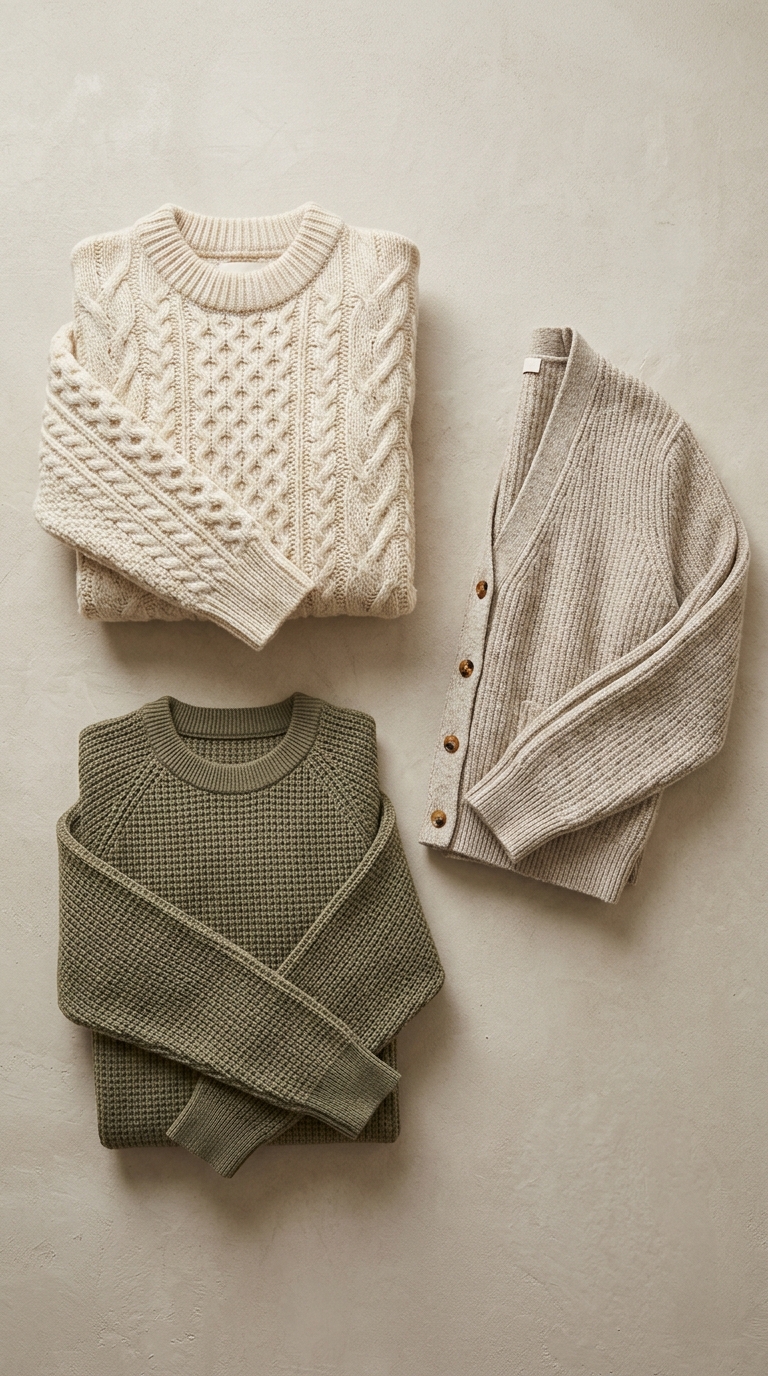
Ten renders where three are usable is normal at this tier. Judge at phone size, delete early, and only upscale what survives the cut.
1.0 against 1.5 Pro, what each tier changes, and how to run a whole catalogue through it.
Seedance is ByteDance’s video family. Three routes are on sale here: 1.0 Pro Fast for drafts and batch runs, 1.0 Pro for cinematic colour without the newest-model price, and 1.5 Pro for detail, motion stability and generated audio. All of them take five or ten second takes up to 1080p.
The daily free render covers the cheapest model in the catalogue rather than Seedance, so these renders are paid from credits. The cost of the chosen resolution and duration is displayed first, and an upstream failure is refunded automatically.
Start on 1.0 Pro Fast and iterate until the motion is right — it is the cheapest of the three. Move the winning prompt to 1.0 Pro when the colour has to hold up, and to 1.5 Pro when the clip needs sound or you are publishing it at 1080p.