 TryOn

Describe the path, not the mood
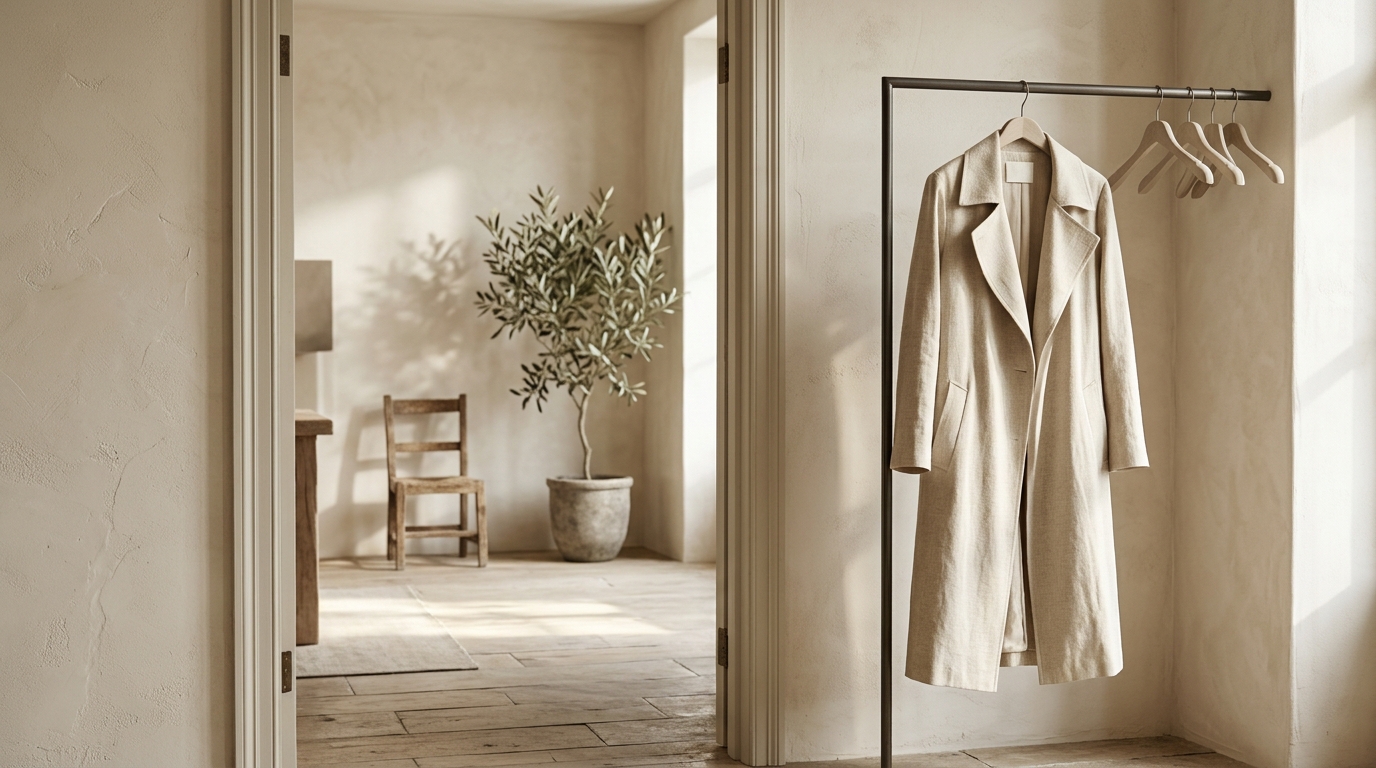
A camera path written as a sequence of positions beats an adjective: "from the doorway to the table, ending behind the chair" gives it something to execute over fifteen seconds.
1 free try-on, 1 free video and 1 free image every day — no sign-up neededSee what's free
MiniMax H3 is the model to reach for when the brief is a page long: it accepts up to 7,000 characters, and takes run from five to fifteen seconds, up to 2K on the top tier. Three routes — Max Turbo, Max and H3 — cover the range from cheap iteration to final output.
Log in to create and keep your videos.
The same model runs in both video studios: start from a photo here, or switch to the text studio and write the shot instead. Text to video
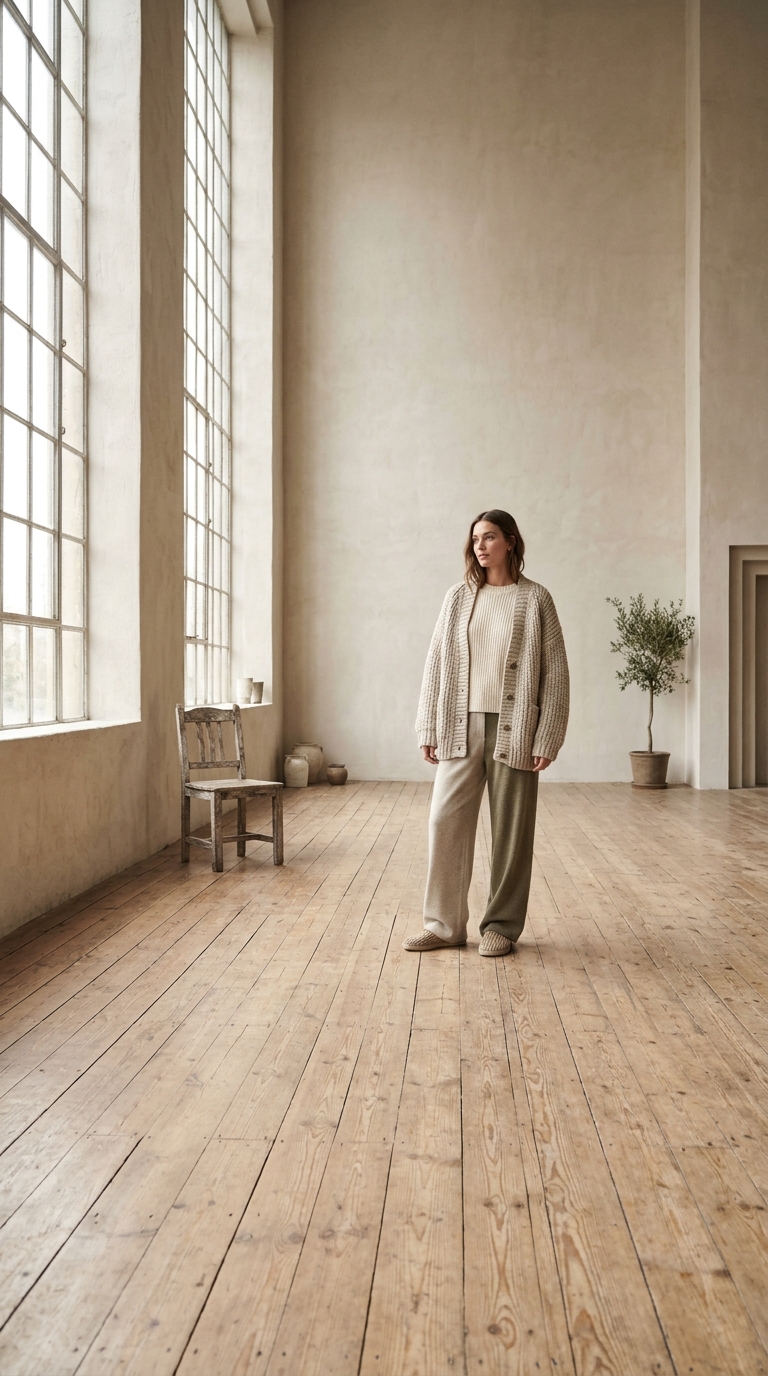
H3 accepts up to 7,000 characters, so the first frame only has to establish where everything is. It does not need to be beautiful; it needs to show the room the camera is about to move through.
Use the space. Describe the shot, the camera and what changes between second one and second fifteen. This is the one model where a paragraph consistently beats a phrase.
Max Turbo and Max render at 480p or 768p and cost less; H3 goes to 2K. Lock the script on the cheap tier, then render the final at full size once the fifteen seconds work.
H3 was built for long briefs, so it is the model where writing more actually pays — up to seven thousand characters of it.
 Place, objects, room to move.
H3 plans fifteen seconds of action, and it plans around what the frame implies. A room with a door and a table gives it somewhere to go; a plain backdrop leaves it circling the subject for the whole take.
 Setting. Camera. Action.
Paragraph one is the setting, two is the camera, three is the action and how it resolves. H3 keeps that structure when nothing in the prompt argues with it, and the length is what makes it possible.
Long prompts and fifteen second takes make H3 the route for anything written down first: scripts, storyboards and scenes with more than one beat.

A product can be picked up, used and put down inside one H3 take because the prompt can describe all three steps. Keep the camera static and let the action carry the fifteen seconds.
Notes from sellers, editors and designers who render stills instead of booking another shoot.
“I run ads from photos I already own. One product shot now gives me three versions to test, and a failed render comes back as credits instead of a lost afternoon.”
“The prompt is the whole job. Once I wrote "slow push in, soft window light" instead of "make it cinematic", the takes stopped needing five attempts.”
“The first frame decides everything. A clean frame with room around the product renders in one pass; a tight crop always comes back jittery.”
“I animate illustrations for a newsletter. Line work and palette stay put, which is more than most generators I tried managed.”
“The free daily render is what got me in. I tried a shot without paying, liked it, and bought credits the same week.”
“A 9:16 render at 1080p drops straight into the timeline. I use it for B-roll between the shots we actually filmed.”
“I run ads from photos I already own. One product shot now gives me three versions to test, and a failed render comes back as credits instead of a lost afternoon.”
“The prompt is the whole job. Once I wrote "slow push in, soft window light" instead of "make it cinematic", the takes stopped needing five attempts.”
“The first frame decides everything. A clean frame with room around the product renders in one pass; a tight crop always comes back jittery.”
“I animate illustrations for a newsletter. Line work and palette stay put, which is more than most generators I tried managed.”
“The free daily render is what got me in. I tried a shot without paying, liked it, and bought credits the same week.”
“A 9:16 render at 1080p drops straight into the timeline. I use it for B-roll between the shots we actually filmed.”
A model that reads like a script rewards script habits: four of them.
A camera path written as a sequence of positions beats an adjective: "from the doorway to the table, ending behind the chair" gives it something to execute over fifteen seconds.

Turbo and Max cap at 768p, where dialogue and product detail still read on a phone. Move to H3 only when the frame will be cropped or printed.
H3 renders silent. Plan sound in the edit, and do not spend prompt characters on spoken lines it cannot deliver — the space is better used on the camera path.
Iterate on Max Turbo until the fifteen seconds work, then spend on the H3 render. A failed take at 2K is the most expensive way to find a plot hole.
The three tiers, the 7,000 character prompt, and when 2K output is worth paying for.
H3 is MiniMax’s video series, in three tiers: H3 Max Turbo for cheap iteration at 480p or 768p, H3 Max for the same range with better output, and H3 for up to 2K. All three accept 5, 10 or 15 second takes and unusually long prompts.
The daily free render is reserved for the cheapest model in the catalogue, so H3 renders are paid from credits. Prices per resolution and duration are shown before you submit, and a render that fails upstream is refunded.
Because the family is built for written briefs, not keywords. Use the space: say what the shot is, where the camera sits, what changes between second one and second fifteen, and what stays still. A fifteen second prompt written like a paragraph consistently beats a list of adjectives here.