 TryOn
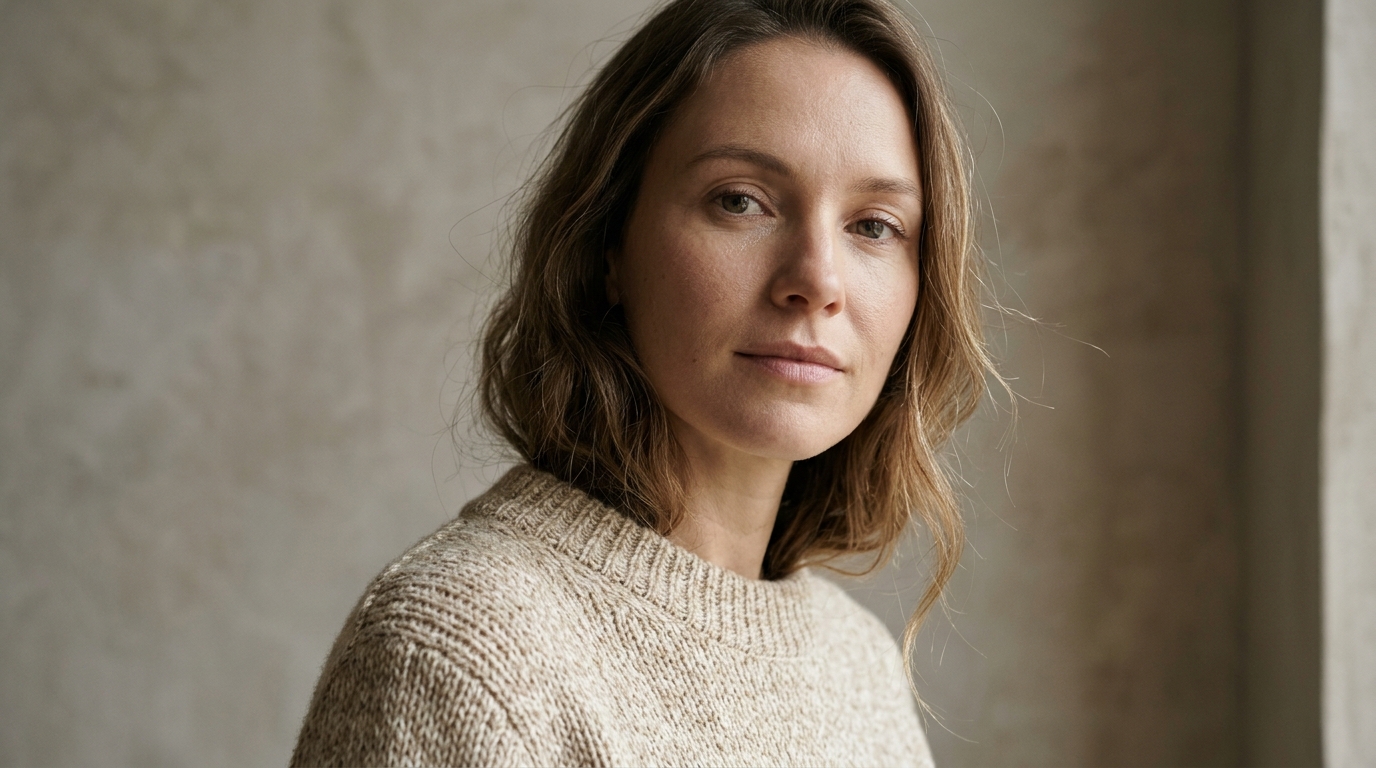

One gesture per take
Two movements inside five seconds and the second is a blur. Render the wave, then the turn, and cut between them in the edit.
1 free try-on, 1 free video and 1 free image every day — no sign-up neededSee what's free
HappyHorse is Alibaba ATH’s entry in the catalogue, and the newest addition to it. Five to fifteen second takes at 720p or 1080p, with the emphasis on lively, expressive motion: gestures, dance, a performance that has to stay readable in frame.
Log in to create and keep your videos.
The same model runs in both video studios: start from a photo here, or switch to the text studio and write the shot instead. Text to video
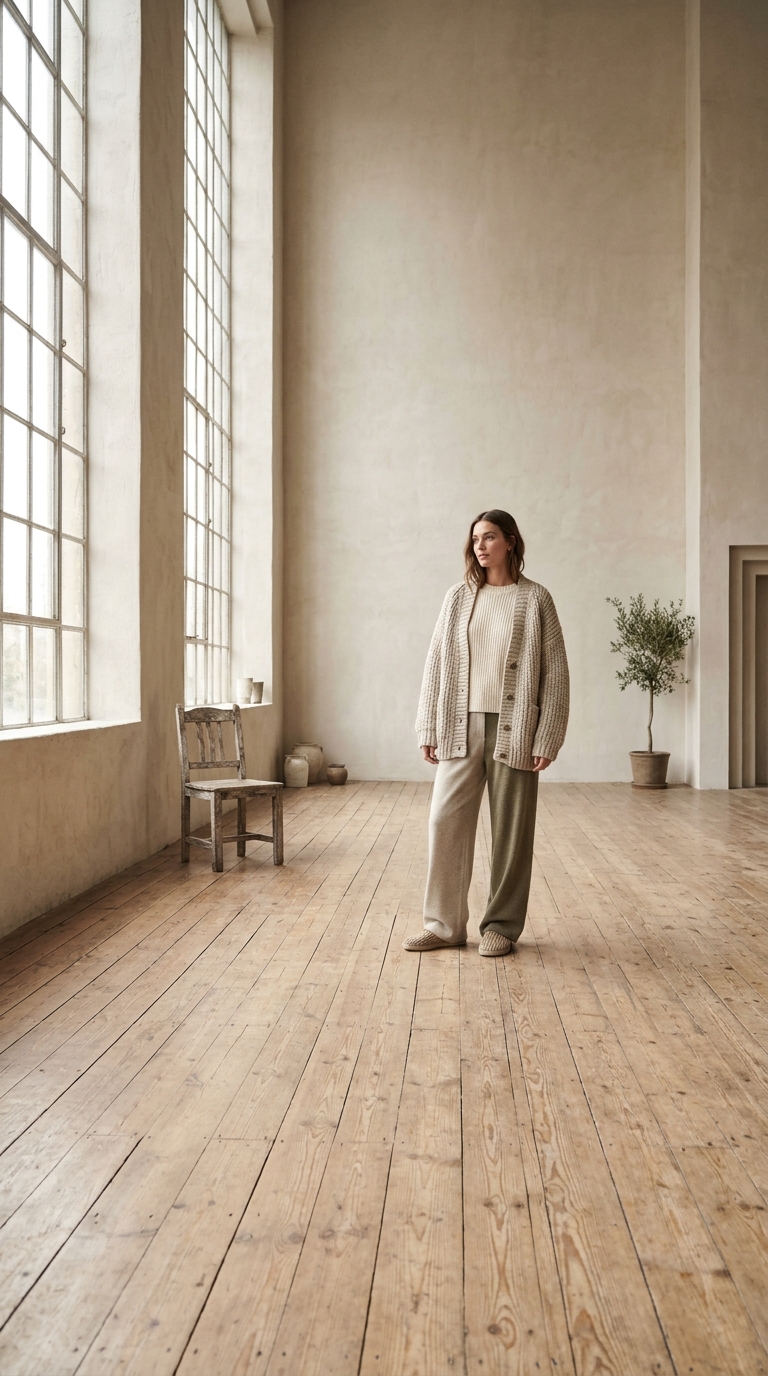
HappyHorse is built around movement in the body, so give it the whole body. A crop at the waist removes the part it animates best, and a seated pose has already used up half the motion.
Name the gesture: a wave, a spin, a laugh that turns into a step. Expressive motion comes from named action, and no model invents a performance out of the word lively.
Watch hands and feet on the first playback. This model holds a torso well and is honest about where a gesture breaks, so re-render that take instead of adding more words to the prompt.
A newer route with a clear strength: people in motion, kept expressive instead of smoothed into stillness.
 Full body. Clear limbs.
Arms and legs need space to move and a background that separates them from the frame. When a hand disappears into a dark shape, the model guesses where it went — and it guesses wrong.
 Gesture, then tempo.
Put the action first and the speed second: "she spins once, slowly, then stops facing the camera". Tempo is what separates an expressive take from a jerky one at five seconds.
Dance, gestures and reaction shots — a performance that has to stay readable in frame, rather than a product on a turntable.
Honest positioning: a static object on a turntable renders more accurately on Vidu Ad or Kling. Reach for HappyHorse when a person is wearing or handling the product.
Notes from sellers, editors and designers who render stills instead of booking another shoot.
“I run ads from photos I already own. One product shot now gives me three versions to test, and a failed render comes back as credits instead of a lost afternoon.”
“The prompt is the whole job. Once I wrote "slow push in, soft window light" instead of "make it cinematic", the takes stopped needing five attempts.”
“The first frame decides everything. A clean frame with room around the product renders in one pass; a tight crop always comes back jittery.”
“I animate illustrations for a newsletter. Line work and palette stay put, which is more than most generators I tried managed.”
“The free daily render is what got me in. I tried a shot without paying, liked it, and bought credits the same week.”
“A 9:16 render at 1080p drops straight into the timeline. I use it for B-roll between the shots we actually filmed.”
“I run ads from photos I already own. One product shot now gives me three versions to test, and a failed render comes back as credits instead of a lost afternoon.”
“The prompt is the whole job. Once I wrote "slow push in, soft window light" instead of "make it cinematic", the takes stopped needing five attempts.”
“The first frame decides everything. A clean frame with room around the product renders in one pass; a tight crop always comes back jittery.”
“I animate illustrations for a newsletter. Line work and palette stay put, which is more than most generators I tried managed.”
“The free daily render is what got me in. I tried a shot without paying, liked it, and bought credits the same week.”
“A 9:16 render at 1080p drops straight into the timeline. I use it for B-roll between the shots we actually filmed.”
Expressive motion has its own failure modes: four things to watch.
Two movements inside five seconds and the second is a blur. Render the wave, then the turn, and cut between them in the edit.
720p is the safe tier for a five second test, 1080p when the clip is the deliverable. Motion blur is heavier on this model at 720p, which matters for fast gestures.
No generated audio here. Dance clips usually get a music bed anyway, so pick the track first and time the render to its beat.
When a hand breaks, the same prompt often fixes it on a second take. Changing the words instead moves the whole performance, and you lose the take you liked.
What this model is good at, where it is not the right choice, and how it compares with the established routes.
An Alibaba ATH video model, available here at 720p and 1080p with 5, 10 or 15 second takes, in both the image and text studios. It is one of the newer routes in the catalogue, so treat it as the experimental option rather than the default.
The daily free render is reserved for the cheapest model in the catalogue, so this one is paid from credits. The price for the selected resolution and duration appears before you submit, and a failed render is refunded.
People in motion. It keeps a performance expressive instead of smoothing it into mannequin stillness, which suits dance, gestures and reaction shots. For a static product shot on a turntable the established models are still the safer choice.