 TryOn
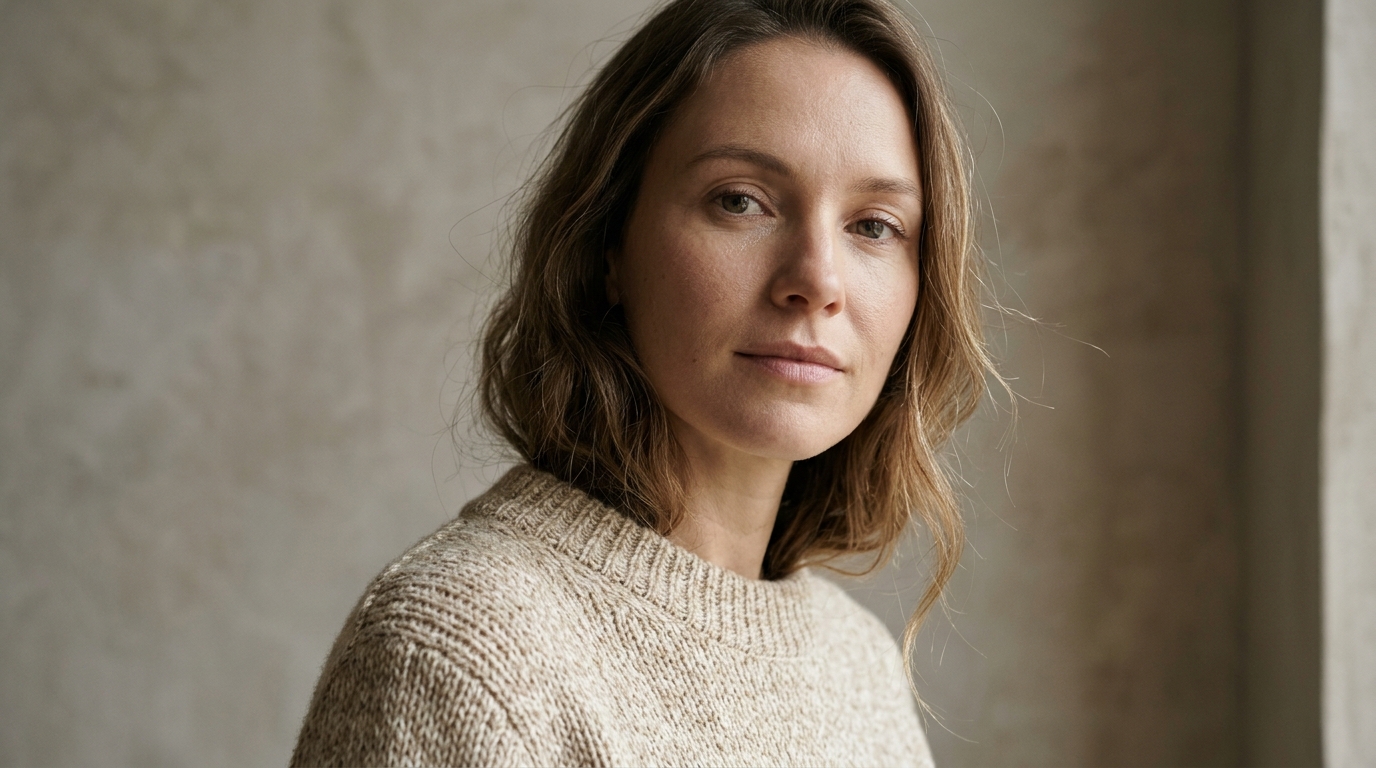

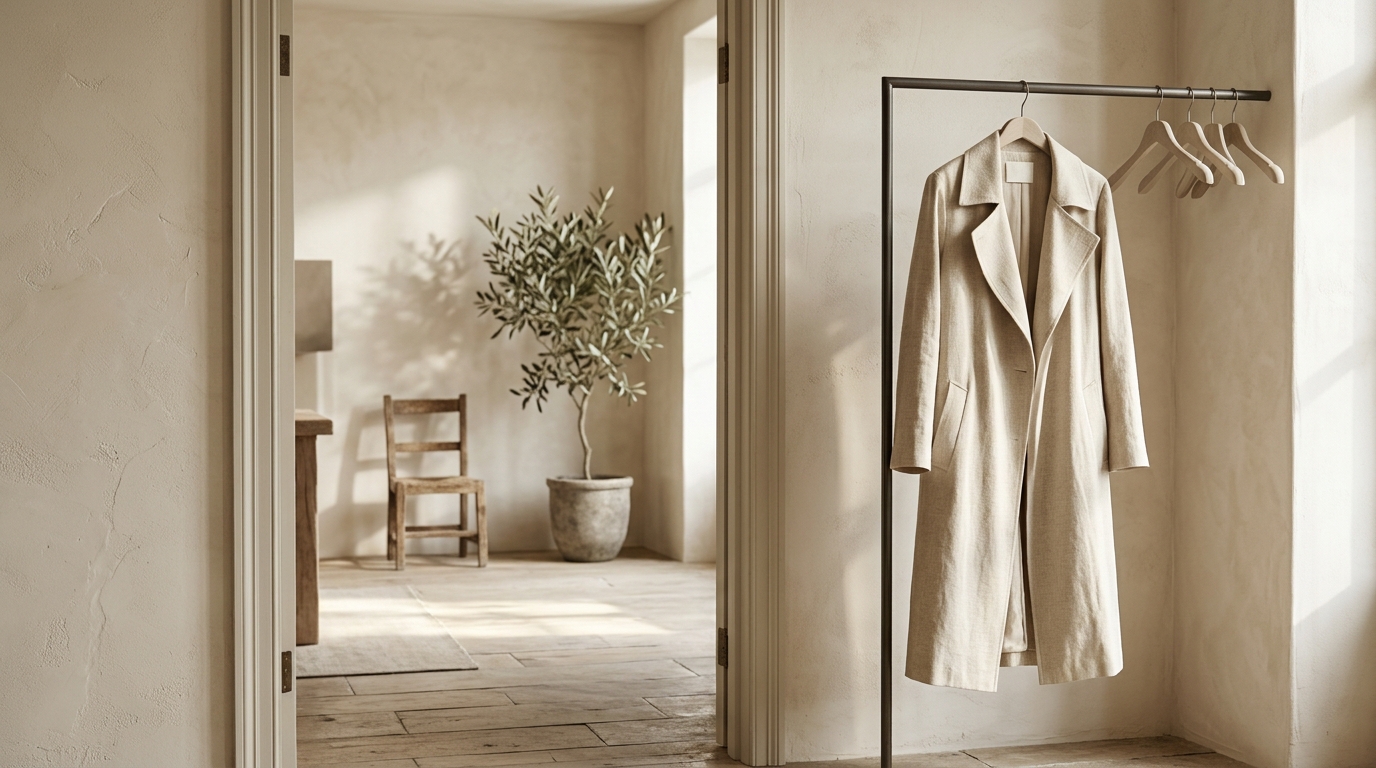
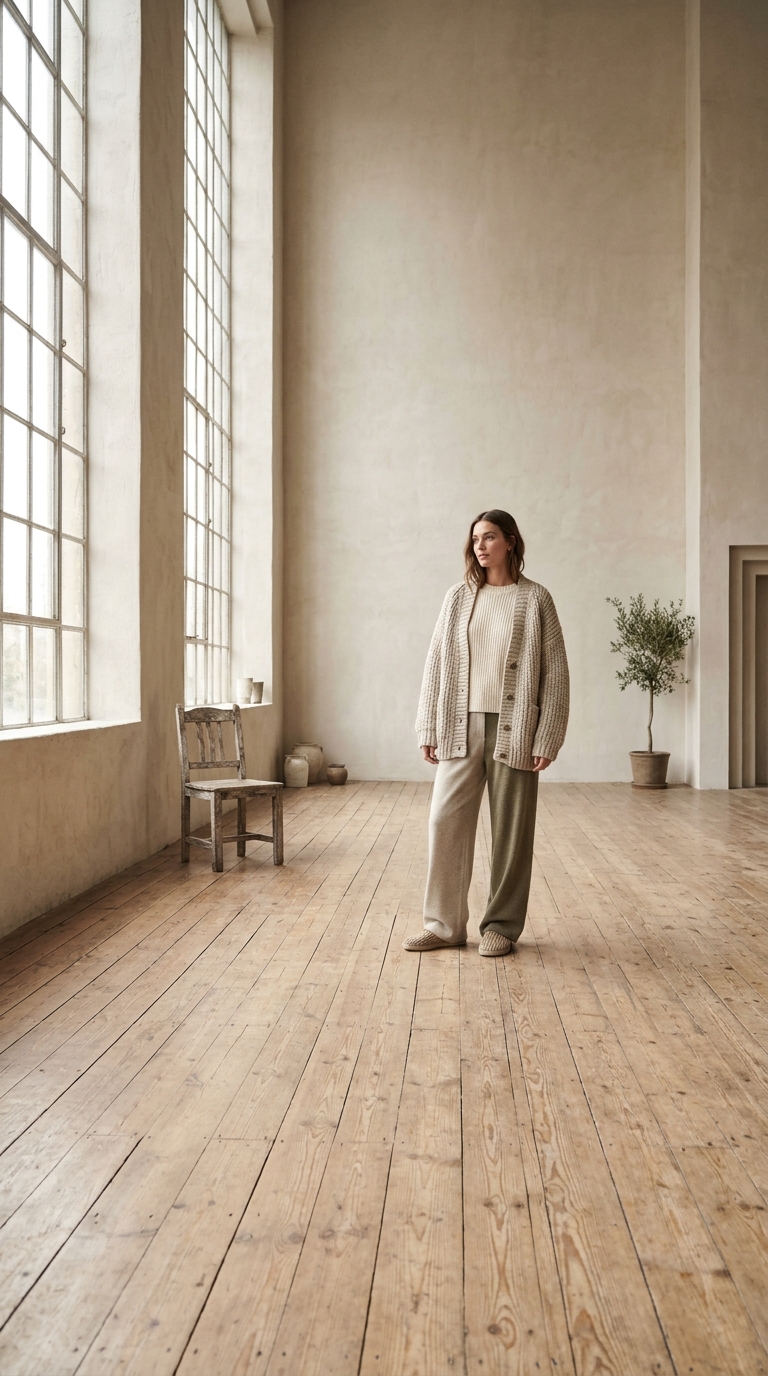
Pro for new, Kontext for edits
FLUX 2 Pro builds an image from words; Kontext Pro and Max edit one you already have. Mixing the two up is the most common wasted render in this family.
1 free try-on, 1 free video and 1 free image every day — no sign-up neededSee what's free
Black Forest Labs’ FLUX is the model designers reach for when the image has to look photographed rather than painted. FLUX 2 Pro renders at 1K or 2K; Kontext Pro and Max take one reference photo and change only what you ask for.
Log in to generate and keep your images.
Your generated images appear here.
Describe an idea, pick a model and press Create. Four renders of one prompt usually land one image worth keeping.
Every image model lives on one page too, with reference uploads, batches and the full resolution list. AI Image Generator
FLUX 2 Pro generates from a prompt at 1K or 2K. Kontext Pro and Max take one reference photo and change only what you ask, which is a different job with a different prompt style.
Lens, light, surface, angle. FLUX was trained on photographs and answers "85mm, soft window light, matte ceramic" better than "beautiful product photo", which is a sentence it has seen too often.
If the photo already exists, Kontext keeps the rest of the frame intact. If it does not, Pro builds it, and a second Pro render is cheaper than fixing a wrong edit by hand in an editor.
Black Forest Labs’ model renders photographs rather than illustrations, and it answers the vocabulary of a camera.
 One reference. One change.
Kontext takes a single reference, so give it the frame you want to keep. A straight-on product photo on a plain surface with controlled light is the easiest thing to edit accurately.
 Change plus material.
Say what to change and what the result should be made of: "swap the background to pale plaster, keep the bottle and its shadow". Material words are how FLUX stays photoreal instead of drifting into illustration.
Photographic detail and precise edits: catalogue fixes, background swaps, and textures that have to hold up at 100%.

Kontext changes the surface under a product without redrawing the product. That is the difference between a five minute fix and booking another shoot for one photo.
Notes from sellers, designers and writers who needed one picture, not a photoshoot.
“I keep one reference photo of each product and describe a new background. Ten listing images in an afternoon, and the free image is what made me try it at all.”
“Four renders of one prompt is the useful part. I post the one that still reads on a phone, and the other three cost nothing to look at.”
“The reference photo is what makes product shots usable. I upload the real item, describe a new surface, and the render keeps the shape, the label and the proportions.”
“I sketch a direction with prompts, then draw the real thing. Twelve cheap thumbnails beat staring at a blank page.”
“The button told me the price before I clicked, and the one render that failed came back as credits. That is all I ask from a paid tool.”
“Image to image keeps a character on model. I upload the sheet I drew, describe a new pose, and the style survives.”
“I keep one reference photo of each product and describe a new background. Ten listing images in an afternoon, and the free image is what made me try it at all.”
“Four renders of one prompt is the useful part. I post the one that still reads on a phone, and the other three cost nothing to look at.”
“The reference photo is what makes product shots usable. I upload the real item, describe a new surface, and the render keeps the shape, the label and the proportions.”
“I sketch a direction with prompts, then draw the real thing. Twelve cheap thumbnails beat staring at a blank page.”
“The button told me the price before I clicked, and the one render that failed came back as credits. That is all I ask from a paid tool.”
“Image to image keeps a character on model. I upload the sheet I drew, describe a new pose, and the style survives.”
A photographic model rewards photographic decisions: four of them.
FLUX 2 Pro builds an image from words; Kontext Pro and Max edit one you already have. Mixing the two up is the most common wasted render in this family.

Kontext clamps to a single image, so a composite of three products comes back as one flattened object. Edit one product per render and assemble afterwards.
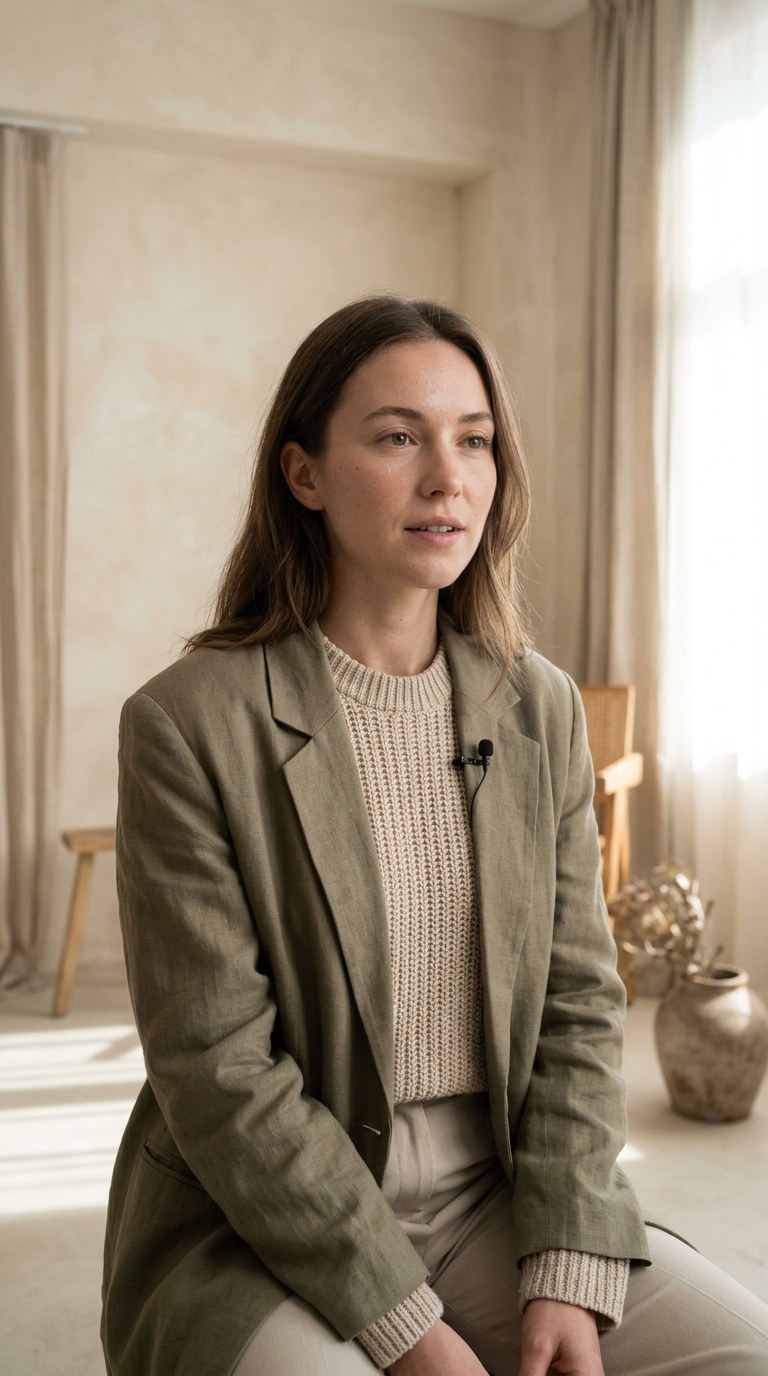
Short words land, long headlines drift. If the image needs copy, set the type after the render rather than asking for it inside the prompt.
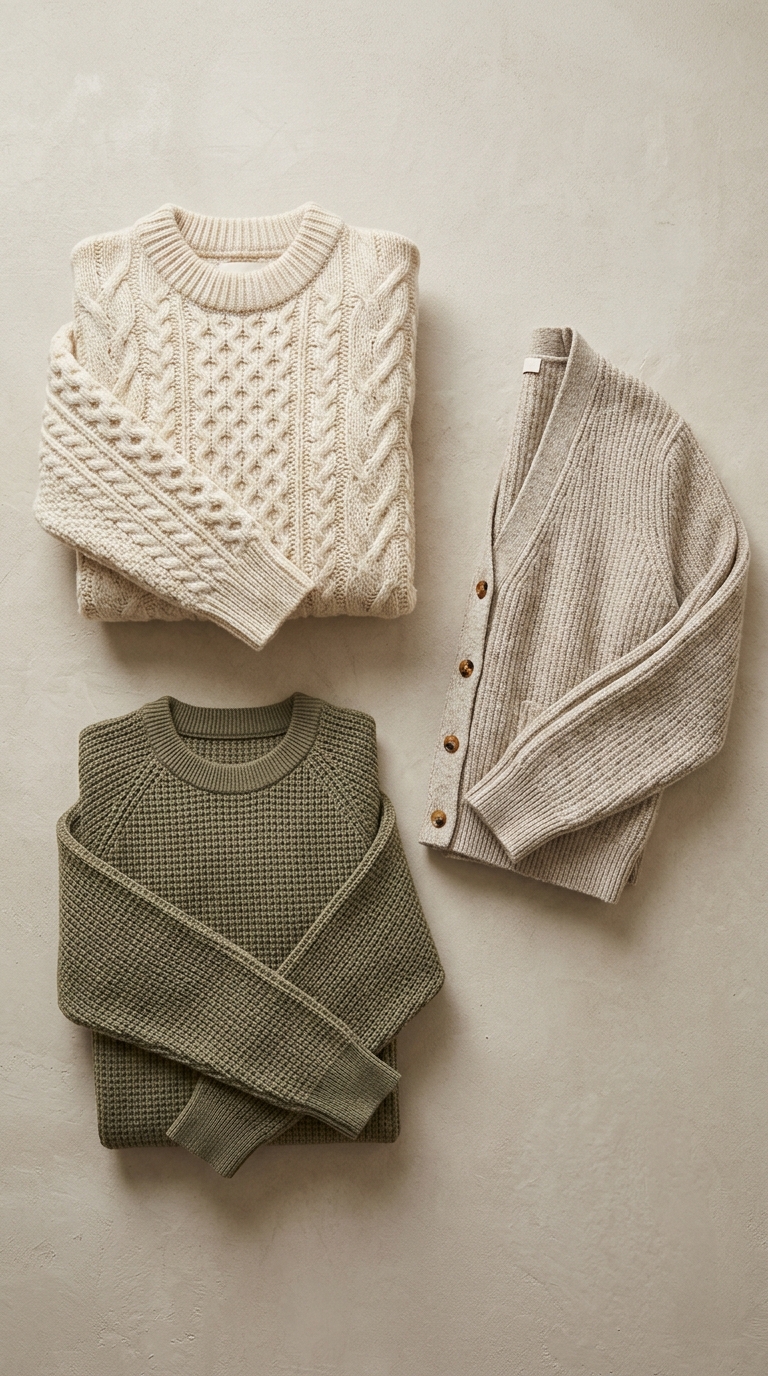
Compose at 1K, then re-render the winner at 2K. The detail gain is real on fabric and skin, and invisible on a flat background.
Pro against Kontext, the single reference limit, and why this family renders photographs.
FLUX 2 Pro at 1K and 2K, and FLUX Kontext Pro and Kontext Max for edits. Kontext takes one reference photo — not fourteen — and a written instruction, which makes it the cheapest way to change a background, a colourway or a single object in a photo you already like.
The free daily image covers the cheapest Nano Banana tier, so FLUX renders are paid from credits, with the price shown before you generate. Account creation is free, and a single image is a small number of credits.
FLUX 2 Pro when you need a new image from a prompt: product shots, textures, clean light. Kontext when the photo already exists and one thing has to change — swap the background, re-colour the product, remove an object — because it keeps the rest of the frame intact. The FLUX routes here render square, portrait and 4:3 frames, so a widescreen banner is not on the menu.