 TryOn
Stand head to shoes
Include your shoes in the frame. Hem length is where most of the impression of a pair of jeans comes from, and a photo cropped at the ankle forces the model to guess it.
1 бесплатная примерка, 1 бесплатное видео и 1 изображение каждый день — без регистрацииЧто доступно бесплатно
Skinny, straight, wide-leg, high-rise — the cut changes the whole silhouette, and shop photos are shot on one body type. Preview the pair on yours and decide from the leg line, not the label.
Две фотографии. Один новый ракурс.
По умолчанию приватно · Удалите любой результат в любое время
Первый взгляд на возможное
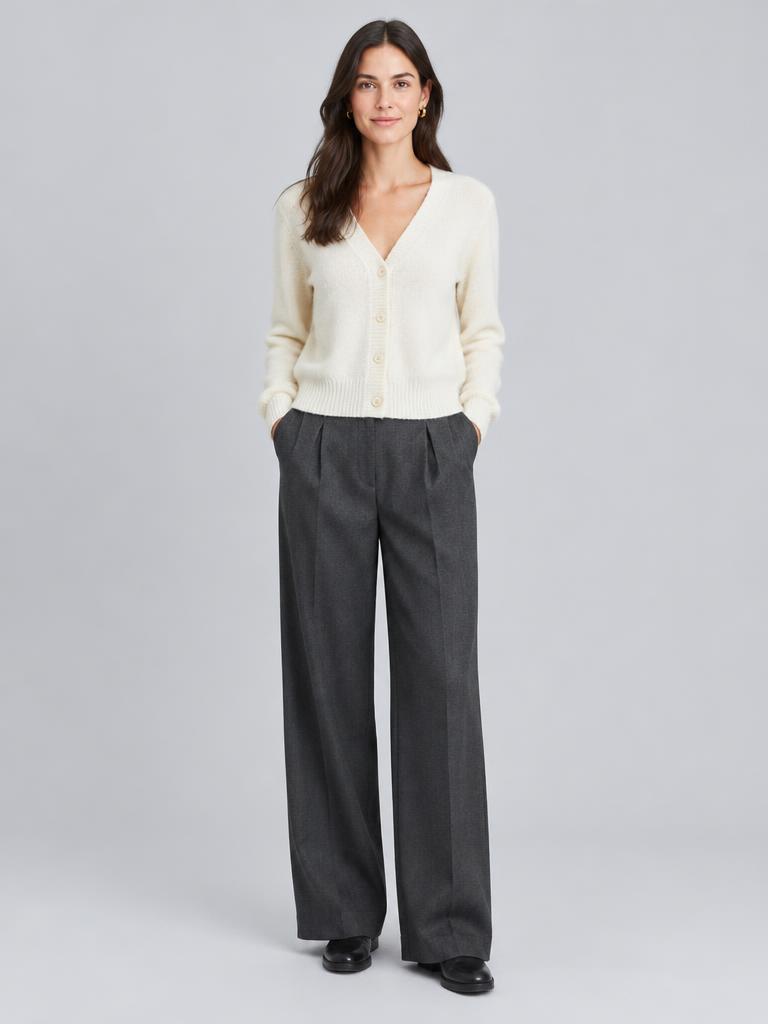
One free preview every day, no account needed.
Include your shoes in the frame. Hem length is where most of the impression of a pair of jeans comes from, and a photo cropped at the ankle forces the model to guess it.
Denim is often photographed on a model mid-stride. Use the flat front image instead, so the rise, the leg opening and the wash stay readable.
Preview the same pair in two colours back to back. Colour mismatch is the second most common reason jeans go back, right after the waist.
The honest answers, including what a preview cannot tell you.
You can judge the shape, not the size. A preview shows whether a straight leg reads slim on you and where a high rise sits; it cannot tell you whether a 30 waist closes comfortably. Measure your waist and hip, then read the brand chart before ordering.
Only if your photo includes your shoes. With the ankle in frame the model can place the hem relative to your leg; with a crop above the ankle it is guessing, and the hem is exactly what people judge a pair of jeans by.
The preview reproduces the colour of the product photo you upload, and shop photography is usually graded brighter than the real fabric. Treat the result as relative — useful for comparing two washes, not as a colour reference.